

Why Indoor DOOH Outperforms Static Posters in Malls?
Indoor DOOH surpasses static posters by transforming advertising spaces into dynamic content channels, replacing fixed printouts that last for weeks. In shopping malls, a single atrium LED display can showcase a product launch video in the morning, dining promotions at noon, weekend event schedules, and leasing announcements as needed. With posters, any change requires printing, staffing, installation time, and the risk of displaying the wrong version.
!Large LED screen in a shopping mall atrium displaying sharp retail advertising content
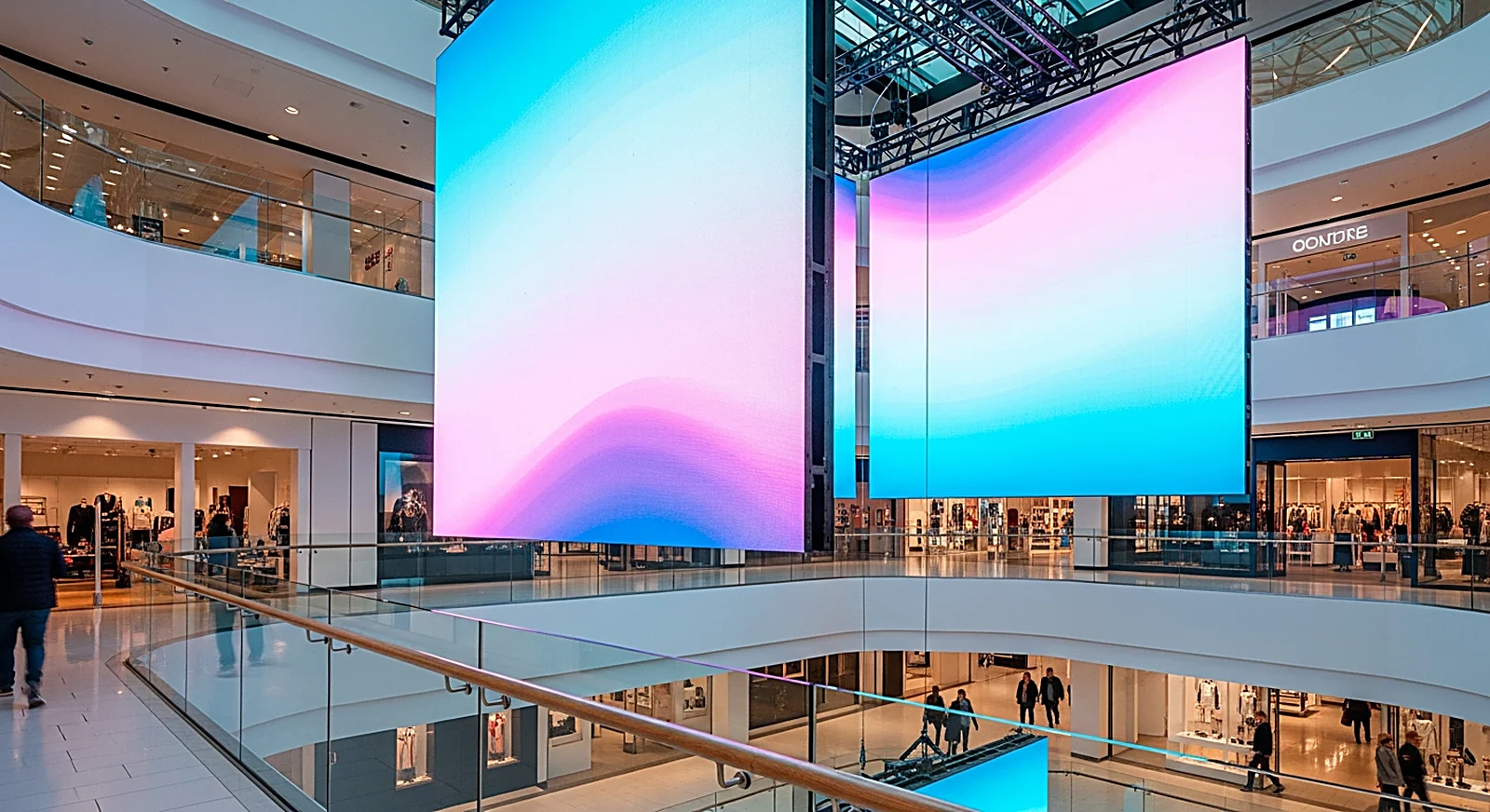
The primary advantage isn't just motion. LED displays enable shorter operational loops: marketing teams can test multiple messages, change visuals based on customer demographics, update promotions according to inventory, and turn off content when a campaign concludes. Industry organizations like the World Out of Home Organization and OAAA recognize DOOH as a key growth area for OOH due to its ability to digitize scheduling, content, and measurement. For retail, this reduces reliance on print materials for in-store communication.
In the context of retail chains, DOOH also addresses a practical challenge: individual stores no longer independently decide what to display, when to change it, or which files to use. A unified brand identity, promotional campaign, or pricing policy can be simultaneously pushed to multiple screens across numerous locations. Thus, LED displays become more than just visual equipment; they are retail communication infrastructure with scheduling, approval workflows, and post-campaign verification data.
How to Select Pixel Pitch (P2-P4) Based on Location?
Pixel pitch for mall LED displays typically ranges from P2 to P4, but a single setting isn't suitable for all locations. Smaller pitches result in finer detail at close viewing distances and higher costs per square meter. Larger pitches are optimized for distant viewing, large areas, or high installations. Since mall visitors may stand very close to counters but also view atrium screens from multiple floors, the first step is always to measure the closest viewing distance.
!Retail chain using multiple indoor LED screens with centralized content management via cloud
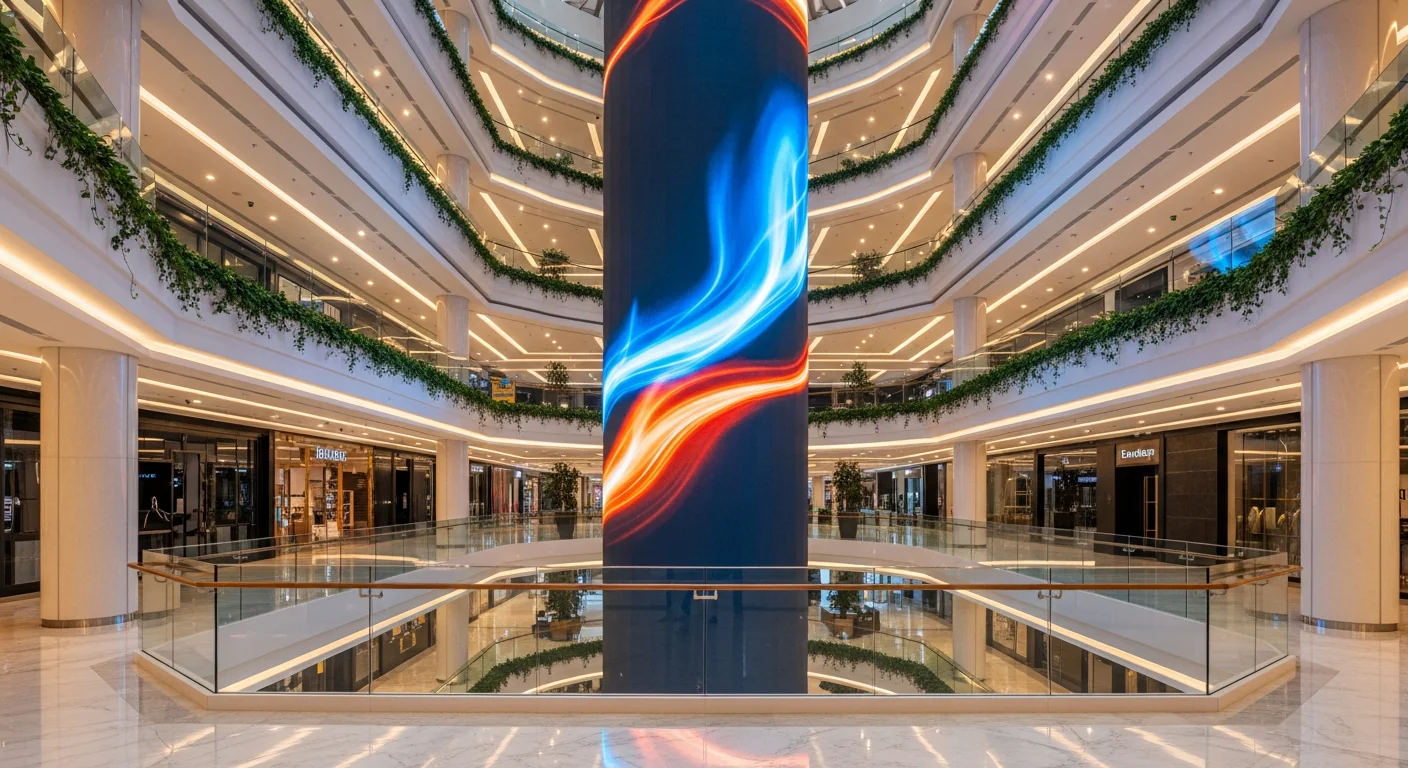
For atriums, high lobbies, multi-story displays, or large event backdrops, P3-P4 is often appropriate as viewers are several meters to tens of meters away. At this distance, content primarily consists of videos, large product images, logos, and short messages; extreme fineness doesn't justify the added cost. If the budget allows and small text needs to be displayed from a nearby balcony, P2.5 can be considered, but the decision should be based on floor plans and actual sightlines.
For stores, checkout counters, experience zones, menu boards, boutique entrances, or window displays, P2-P2.5 is safer as customers may stand 2-4 meters away. Retail content often includes prices, product names, QR codes, promotion terms, and detailed images; if the pitch is too large, small text will appear pixelated, diminishing the premium feel. When comparing with outdoor screens, the article on outdoor advertising LED screens highlights the key difference: outdoor screens are viewed from further away, thus typically using a wider range of pixel pitches.
Is 800-1,500 Nits Brightness Sufficient for Retail?
A brightness of approximately 800-1,500 nits is generally sufficient for LED displays in bright shopping malls and retail chains, provided the location is not exposed to direct sunlight like outdoor billboards. Retail environments feature ceiling lights, glass, reflective floors, and surrounding LCD screens, requiring LED displays to be more prominent than the background without causing glare at close distances. Excessive brightness can be uncomfortable for viewers, especially at checkout counters or product experience areas.
Atrium screens or indoor facades might require higher brightness within the indoor range due to strong ambient light and competition from lightboxes, glass storefronts, and decorative lighting. Conversely, screens in fashion, cosmetics, or electronics stores can operate at lower brightness levels if customers spend extended periods nearby. An optimal configuration involves setting brightness profiles by time of day: higher during peak hours, reduced during evenings or after closing to save power and provide a softer viewing experience.
This differs significantly from outdoor DOOH billboards: outdoor billboards must withstand sun, rain, and urban glare, thus requiring much higher nits and appropriate IP protection. Indoor retail displays prioritize fine pixel pitch, stable color reproduction, adequate brightness, and flexible content operation. Therefore, applying the "brighter is better" mindset from outdoor advertising to malls is incorrect; assuming any indoor screen functions like an LCD is also a mistake, as large-format LEDs have unique thermal, electrical, and calibration behaviors.
How to Manage Multiple Retail Locations with Cloud?
Cloud management for retail LED displays centralizes all content, scheduling, permissions, and operational logs into a single system. Instead of sending files to each store via chat and hoping staff upload the USB at the right time, marketing teams can create playlists segmented by region, store group, time slot, and campaign. For multi-location chains, this is the difference between a controlled communication network and a collection of disparate screens.
A common model involves assigning roles to screens: storefront displays attract customers, in-store screens introduce products, counter displays promote offers, and internal screens support operations. Cloud CMS allows each group to receive a unique schedule while sharing approved assets. When a campaign expires, content can automatically stop; when prices change, new files are pushed simultaneously. The article on remote LED screen management via cloud delves deeper into permissions, scheduling, and device status monitoring.
The control system remains a crucial layer beneath the CMS. Controllers like the NovaStar VX1000 handle signal processing, content scaling, input management, and ensure stable image display; the cloud platform manages scheduling and multi-location operations. For complex configurations, the content pathway must be designed from the outset: who approves files, how files are uploaded to the cloud, where players are located, what signals the controller receives, and whether the screen continues playing cached schedules during network outages.
What Metrics Measure Retail LED Display Effectiveness?
Measuring the effectiveness of retail LED displays should start with business objectives, not just video playback counts. If the goal is to drive foot traffic, metrics should include pre-store traffic, entry counts, QR code scans, or on-screen promotional codes. If the objective is to increase product sales, link playback schedules with POS data, sales revenue by time slot, or the sales ratio of displayed SKUs. LED displays provide an impact channel; measurement must connect this channel to actual behavior.
At the operational level, minimum metrics include playback schedules, play counts, online status, player errors, time-based brightness settings, and proof of content delivery. At the marketing level, include unique promo codes for each screen or store group, dynamic QR codes, campaign landing pages, and before-and-after comparisons by shift. If the mall provides people-counting data or area heatmaps, correlate peak content times with traffic fluctuations to assess location engagement.
It's crucial to avoid expecting LED displays to prove ROI without a well-designed experiment. A successful indoor DOOH campaign should have a clear hypothesis: increase store entries between 6 PM and 9 PM, promote weekend combos, redirect ground-floor traffic to upper floors, or remind members to redeem rewards. When content, schedules, and metrics are aligned from the start, LED displays become an optimizable touchpoint, not an inscrutable decorative investment.
How Does Luxwave Implement Retail Solutions?
Luxwave approaches mall and retail chain LED displays as integrated indoor DOOH systems, encompassing screens, structures, control systems, content management, and measurement. As a premium LED display brand under Ho Gia JSC, an authorized distributor for BOE, NovaStar, and Muxwave, Luxwave excels in matching the right panels, controllers, and deployment processes for each specific location: large atriums, event lobbies, indoor facades, chain stores, or display counters.
For display performance, Luxwave prioritizes selecting pixel pitch based on viewing distance rather than arbitrary choices. A multi-story display might require large size, stable brightness, and smooth motion graphics; a screen near a counter needs higher resolution for sharp text, accurate skin tones, and product colors. For control systems, the Novastar ecosystem ensures stable signal processing and operation, while solutions from BOE are suitable for projects requiring clear panel branding and genuine manufacturer supply capabilities.
For retail chains, the primary challenge lies not in individual screens but in achieving consistency across multiple locations. Luxwave can advise on content zoning by screen role, player/controller configurations, store grouping, time-based scheduling, and data collection for reporting. This approach enables businesses to view LED displays as a long-term communication channel, rather than a one-time installation managed independently by each store.
Conclusion: When to Invest in Mall LED Displays?
Invest in LED displays for shopping malls and retail chains when locations require frequently changing content, need to attract attention from a distance, demand synchronization across multiple points, or necessitate better campaign performance measurement than static posters. Atriums, event lobbies, indoor facades, and flagship stores are high-impact locations due to high visibility, the inherent value of dynamic content, and the brand benefits derived from a premium visual experience.
Avoid investing simply to replace all posters with LEDs without a content schedule, operational personnel, and defined measurement metrics. For very small spaces, content that rarely changes, or locations lacking stable power/connectivity, posters or lightboxes might remain more economical. The deciding factor is the frequency of content updates and the value of flexibility: the more campaigns, the more sales points, the greater the need for rapid, time-sensitive responses, the more advantageous indoor DOOH becomes.
A correct configuration typically begins with four questions: Where is the audience viewing from? How bright is the environment? How often does the content change? What metrics does the business want to measure? Answering these will lead to an appropriate P2-P4 pitch, brightness around 800-1,500 nits, a correctly sized control system, and a robust cloud process for chains. From there, Luxwave can survey, propose configurations, and design operations for specific retail layouts.
Pitfalls
Common mistakes
- Selecting pixel pitch based on screen area instead of the closest viewing distance, resulting in pixelation at nearby counters or unnecessary costs for excessive detail in high atriums.
- Setting brightness too high in enclosed spaces, causing glare, eye strain, and requiring mall management to manually reduce brightness.
- Operating individual locations via separate USB drives, leading to incorrect promotional versions, difficulty in recalling expired content, and unreliable playback logs.
- Measuring effectiveness subjectively instead of linking campaigns to playback schedules, promo codes, counter traffic, or time-based sales data.
FAQ
Frequently asked questions
What pixel pitch should be chosen for mall LED displays?
Mall LED displays typically use P2-P4. Atriums, high lobbies, or screens viewed from a distance can opt for P3-P4 to optimize budget. Areas near counters, stores, and walkways should prioritize P2-P2.5 to ensure small text, prices, and product images are not pixelated at viewing distances of 2-4 meters.
What is sufficient brightness for indoor retail LED displays?
Bright retail environments typically require around 800-1,500 nits, depending on the presence of glass, ceiling lights, or sunlight. The goal is for content to stand out against the surroundings without causing glare at close range. The control system should allow for scheduled brightness reduction during operating hours.
How does indoor DOOH differ from static posters?
Indoor DOOH allows for content changes based on time, location, campaigns, and inventory, whereas static posters require manual printing, installation, and removal. With LED screens, the same location can display brand identity in the morning, lunch combos, afternoon flash sales, and weekend event announcements without changing materials.
Do retail chains with multiple locations need cloud management?
Cloud management is highly recommended for chains with numerous stores or multiple screens within a mall. Marketing teams can manage permissions, schedule content, update promotions, and recall expired content from a central platform. This method reduces operational errors, maintains brand consistency, and generates data for campaign analysis.
Can the effectiveness of retail LED displays be measured?
Yes, measurement can occur at multiple levels: content playback counts, operating hours, area traffic, QR code scans, unique promo codes, shift-based sales revenue, or POS data if the system allows for reconciliation. LED displays do not inherently prove ROI; effectiveness stems from linking playback schedules to specific business metrics.
Can indoor LED displays be used as a substitute for outdoor billboards?
Indoor LED displays are not suitable for outdoor use due to different requirements for weatherproofing, heat dissipation, and brightness. Indoor displays prioritize fine pixel pitch, moderate brightness, and close viewing angles. Outdoor billboards require significantly higher nits, appropriate IP ratings, and cabinets designed to withstand sun and rain, similar to the outdoor DOOH billboard category.
References