

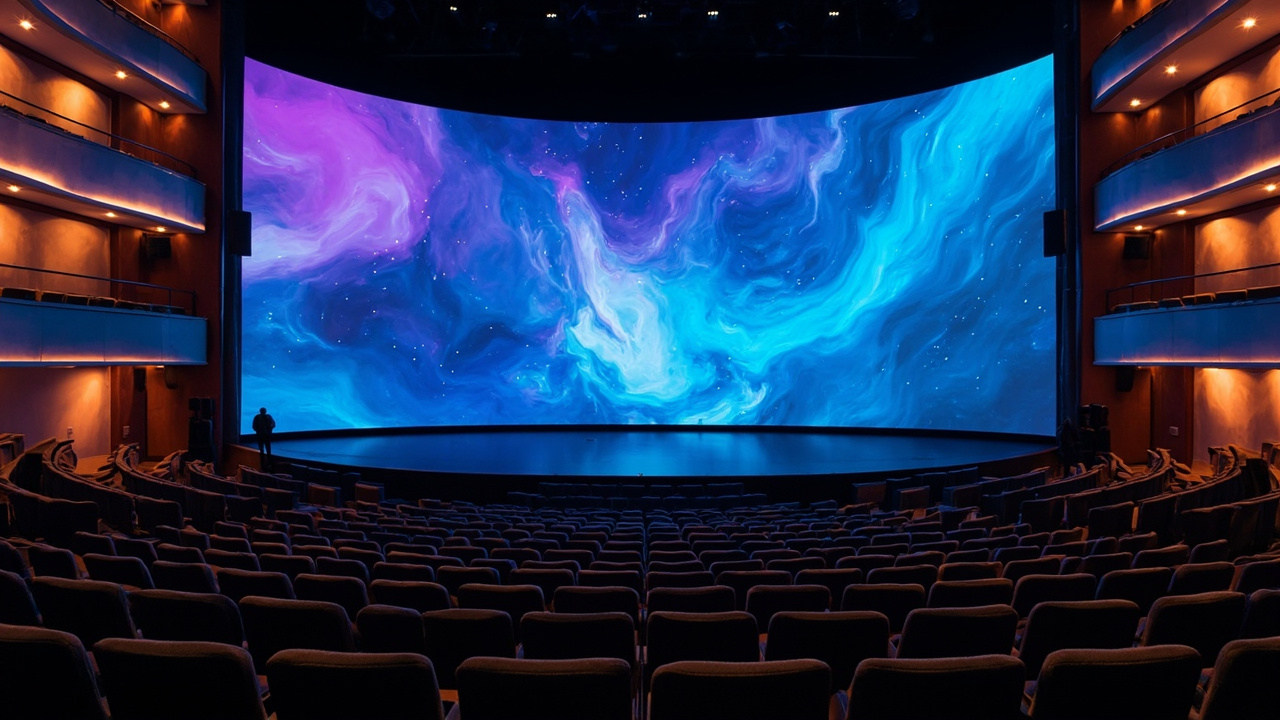
LED displays have replaced projectors in most modern auditoriums, halls, and cultural centers due to their bright, clear images even with lights on, and their ability to create seamless stage backdrops. However, an auditorium is not just an enlarged meeting room: viewing distances vary greatly from the front rows to the back, stage lighting can be intense, screen sizes are large, and installation structures are complex. This article guides you on selecting pixel pitch based on actual viewing distances, appropriate brightness, video processing systems, and key installation considerations, based on manufacturer specifications and industry standards. See an overview at Auditorium Solutions.
!Large auditorium with a seamless LED display on stage and audience seating below
What are the specific requirements for LED displays in auditoriums compared to meeting rooms?
Auditoriums differ from meeting rooms in scale and viewing distance range. Meeting rooms have audiences seated nearby, typically 2–5m away, prioritizing very small pixel pitches and moderate brightness. Auditoriums have audiences spread from the front rows to the back, potentially tens of meters away, and often feature stages with strong lighting. Therefore, the challenge shifts from "maximum possible sharpness" to balancing pitch for the furthest seats, brightness for stage lighting, large screen area, and installation structure.
Viewing distance range dictates all choices
In an auditorium, viewers closest to the screen and those furthest away see the same display. If the pitch is chosen for the front rows, the cost increases unnecessarily because the back rows cannot discern the detail. Conversely, if the pitch is too large, the front rows will perceive a pixelated image. The correct approach is to use the furthest viewing distance as the benchmark, consult distance guidelines, and then consider the displayed content to adjust the pixel pitch up or down by one level as appropriate.
What pixel pitch should be chosen for auditorium LED displays based on viewing distance?
A common industry guideline is that the minimum viewing distance in meters approximately equals the P value in millimeters. For example, P3 is best viewed from about 3m, and P5 from about 5m. Closer than this threshold, the human eye may perceive pixelation; much further, and choosing a small P is a wasteful expense. For internal meeting auditoriums with close viewing distances, the recommended range is P0.9–P1.5. Large auditoriums where audiences are seated 5–10m away can use P2.5–P4 while maintaining a smooth image. Refer to How to Choose LED Pixel Pitch 2026 for a general reference system.
Displayed content also shifts choices by one level
For the same viewing distance, the type of content influences the choice. Content with a lot of small text and numbers, such as reports, charts, or subtitles, benefits from a smaller pixel pitch for better readability. Conversely, auditoriums primarily showing videos, large images, and stage backdrops can use a slightly larger pitch to save costs. Therefore, before finalizing the pitch, determine whether the screen will be used for data presentation or primarily for images and events.

What brightness (nits) is suitable for auditoriums?
For indoor auditoriums, the recommended range is typically 400–800 nits, providing sufficient clarity in controlled room lighting without causing glare. This figure is lower than the general range for indoor screens (often 1,500–2,000 nits) because auditoriums usually have better-controlled lighting. However, if the stage features intense lighting directed at the screen or if there is significant natural light, the brightness should be increased to maintain contrast. Outdoor or semi-outdoor rental stages present a different scenario, potentially requiring 3,000–8,000 nits.
Contrast is as important as brightness
High brightness alone does not guarantee a good image if contrast is poor. COB technology offers very high ambient contrast: BOE's BYH Ultra P0.9 series boasts an ambient contrast ratio of 20,000:1 at under 10 lux, a peak brightness of 2,000 nits, and 99% DCI-P3 coverage. In auditoriums with dark areas interspersed with stage lighting, the flat, low-reflection COB surface provides deeper blacks and more stable images. This is why many high-end auditoriums opt for COB despite the higher cost.
!Close-up of an auditorium LED stage screen surface being installed cabinet by cabinet
What are the installation considerations for auditorium LED displays regarding structure, power, and maintenance?
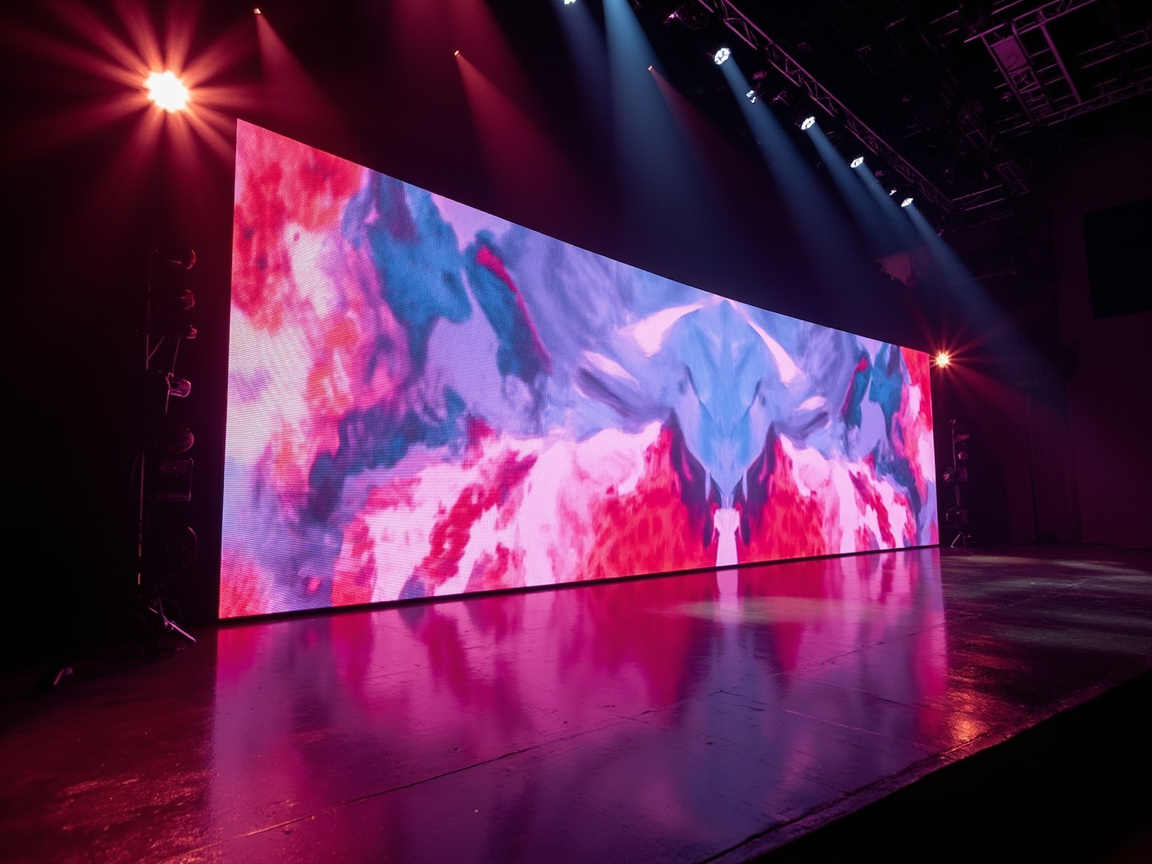
Installation is the phase that determines long-term durability and operational costs. Auditorium screens are large and heavy, requiring significant power; therefore, the mounting structure or support frame must be capable of bearing the load, the power supply must be adequately rated, and a heat dissipation plan is necessary. Equally important is providing access for maintenance from the rear or front of the screen for module replacement. Overlooking these factors initially and addressing them after the ceiling and stage are completed can be very costly. Refer to stage setup at Event Stage Solutions.
Lessons from real-world projects
Luxwave, part of Ho Gia JSC, is an authorized distributor for BOE and NovaStar, having directly delivered projects with P0.9 COB screens. Experience shows that most risks lie in the site survey phase: structural load, electrical pathways, and maintenance access must be finalized before ordering. See an example at Delivery Project: 2 BOE COB P0.9 Screens. Our approach is to recommend configurations based on actual viewing distances rather than overselling pixel pitch.
What control and video processing systems are needed for auditoriums with live broadcasting?
A large auditorium screen can have millions of pixels, requiring a controller with sufficient capacity. NovaStar handles control and video processing but does not manufacture LED panels or modules; the signal chain goes from a sending card or controller via Ethernet or fiber optic cable to a receiving card within the cabinet, and then to the LED modules. The VX Pro all-in-one series integrates video processing and sending card functions, with models ranging from the VX400 Pro (2.6 million pixels) to the VX2000 Pro (13 million pixels) offering up to 20 Ethernet ports (as announced by NovaStar). Pixel-level calibration is performed using NovaLCT or NovaCLB software.
High refresh rate for cameras and live streaming
When an auditorium is used for live broadcasting or streaming, the screen's refresh rate determines the image quality captured by cameras. A low refresh rate can cause flickering and moiré patterns on camera, even if imperceptible to the naked eye. BOE's BYH Ultra P0.9 COB technology is announced to achieve a 7680Hz refresh rate, making it highly suitable for program production. Therefore, for auditoriums frequently used for live streaming or recording, a high refresh rate should be a mandatory criterion alongside pixel pitch and brightness.
Should COB or SMD technology be chosen for auditorium LED displays?
The choice depends on viewing distance and budget. SMD at P2.5–P4 is adequate and cost-effective for large auditoriums with distant audiences. COB P0.9, such as BOE's BYH series with COB pitches ranging from 0.9–4.4mm, is a worthwhile investment for high-end auditoriums, stages with close audiences, or for live broadcasting, due to its seamless flat surface, impact resistance, and high refresh rate. BOE also offers the BYH COB PRO P0.9 variant, achieving 1,200 nits. A detailed analysis of the differences between the two technologies can be found at COB vs SMD Comparison 2026.
Consider the total cost of ownership
Do not just compare the initial purchase price. COB's flat surface offers better impact resistance and fewer individual LED failures, making it suitable for stage areas with movement and props. For continuously operated auditoriums, durability and reduced maintenance lower long-term costs, potentially offsetting some of the initial investment difference. Conversely, for auditoriums with infrequent use, limited budgets, and distant audiences, SMD remains a cost-effective choice for the total lifecycle.
How much do LED displays for auditoriums cost?
The investment cost depends on the screen area, pixel pitch, technology, brightness, control system, and installation requirements, making it impossible to provide a fixed price without a defined configuration. The most significant factors influencing cost are pixel pitch and technology: large-pitch SMD offers a more accessible investment, while small-pitch COB is in the premium segment—the price gap between these two groups is substantial. Therefore, selecting the correct pitch based on viewing distance directly impacts the total cost. Specific screen dimensions based on auditorium area and precise quotations require an on-site survey; contact us via /quote for a project-based quote.
Why contact us instead of estimating yourself?
The screen size for an auditorium is not simply proportional to the number of seats; it depends on the aspect ratio, stage height, and sightlines from various positions. Adding the costs of mounting structures, video processing systems, and installation, the final figure requires a site survey. Therefore, the price ranges provided are for reference only; the optimal configuration for each auditorium should be specifically consulted through Luxwave's Auditorium Solutions page.
Conclusion: What LED configuration should be chosen for an auditorium?
LED displays are suitable for auditoriums, cultural centers, conference halls, and stages requiring bright, seamless visuals, replacing projectors. If the audience is seated closely or you frequently broadcast live, prioritize high-brightness, high-refresh-rate COB P0.9 like the BOE BYH series. For large auditoriums with distant audiences and limited budgets, SMD P2.5–P4 is a cost-effective choice. Avoid LED displays if only a small screen for close viewing is needed—in such cases, Meeting Room LED Displays offer a more economical solution. Regardless of the chosen configuration, select the pixel pitch based on the furthest seating row and address structural, electrical, and maintenance requirements from the initial installation phase.
| Criteria | SMD (P2.5–P4) | P0.9 COB (BOE BYH) |
|---|---|---|
| Typical Pixel Pitch | 2.5 – 4 mm | 0.9 mm |
| Suitable Viewing Distance | From ~2.5–4m onwards | From close (~1m) to far |
| Surface / Impact Resistance | SMD has raised components | COB is flat, impact-resistant |
| Live Broadcasting | Fair — requires high refresh rate | Good — 7680Hz refresh rate (BOE announced) |
| Relative Cost | Lower | Higher |
| Suitable For | Large auditoriums, distant viewing | High-end auditoriums, close viewing, live broadcasting |
Pitfalls
Common mistakes
- Choosing pixel pitch based on front rows instead of rear rows — the furthest audience members determine the minimum pitch; selecting a smaller pitch unnecessarily increases costs.
- Using brightness ratings for 'indoor' without considering stage lighting — when spotlights shine directly, 400–600 nits screens can be washed out and lose contrast.
- Forgetting the video processor — large screens with millions of pixels require a sufficiently capable controller; insufficient capacity prevents scaling 4K sources or displaying multiple windows on stage.
- Not allocating space for maintenance and heat dissipation — screens mounted flush against walls without access space make module replacement and heat exhaust difficult later.
- Overlooking mounting structure and power supply from the start — auditorium screens are heavy and have high power demands; addressing these after ceiling and stage completion is costly.
FAQ
Frequently asked questions
What pixel pitch should be chosen for an auditorium LED display?
Select based on the distance to the furthest seating row. For small auditoriums or internal meetings with close viewing, use P0.9–P1.5 (recommended for meeting rooms/auditoriums). For large auditoriums with audiences 5–10m away, P2.5–P4 can be used, as the human eye cannot distinguish smaller pitches at this distance, resulting in significant cost savings.
What brightness (nits) is required for an auditorium LED display?
For indoor auditoriums, the recommended range is typically 400–800 nits, providing sufficient clarity in room lighting. If the stage has strong lighting directed at the screen or if there is significant ambient light, higher brightness is needed to maintain contrast. Compared to general indoor screens (often 1,500–2,000 nits), auditoriums prioritize moderate brightness to avoid glare.
How does an auditorium LED display differ from a meeting room display?
Meeting rooms have audiences seated closely (2–5m), prioritizing very small pixel pitches and moderate brightness. Auditoriums have a wide range of viewing distances, from front rows to back rows tens of meters away, requiring a balance between pitch for the furthest seats, brightness for stage lighting, large screen size, and a much more complex installation structure compared to a single meeting room display.
How long does it take to install an auditorium LED display, and what preparations are needed?
The duration depends on the screen size and structural complexity; an on-site survey is required for a specific estimate. Preparations include determining the load-bearing mounting structure or frame, ensuring adequate power supply capacity, planning for heat dissipation, providing access for maintenance behind the screen, and identifying locations for the video processor and signal pathways to the display.
What video processing system is needed for an auditorium with live broadcasting?
A controller with sufficient capacity for the total pixel count of the screen is required. NovaStar's VX Pro all-in-one series (video processing with sending card) offers models from the VX400 Pro (2.6 million pixels) to the VX2000 Pro (13 million pixels) with up to 20 Ethernet ports (as announced by NovaStar). For live streaming, prioritize displays with high refresh rates to avoid camera flicker and scan lines.
What is the approximate cost per square meter for an auditorium LED display?
The investment cost depends on pixel pitch, technology (SMD or COB), screen area, brightness, control system, and installation requirements. The cost difference between large-pitch SMD and small-pitch COB is substantial, so selecting the correct pitch based on viewing distance directly impacts the total cost. Due to the wide variation for each auditorium, please contact us via [/quote](/quote) for an accurate quote for your specific space.
Should I choose COB or SMD for an auditorium LED display?
SMD P2.5–P4 is adequate and cost-effective for large auditoriums with distant viewers. COB P0.9 (like BOE BYH) is a worthwhile investment for high-end auditoriums, stages with close audiences, or for live broadcasting, due to its seamless flat surface, impact resistance, and high refresh rate (BOE announced 7680Hz). The cost difference is significant, so consider the actual viewing distance. The total cost of ownership should also be factored in, as COB's durability may reduce long-term maintenance expenses.
References