

What is an LED Screen Video Processor and How Does it Differ from a Controller?
An LED screen video processor, often called a video scaler, is a device positioned between the content source and the display system. Its primary function is to process input video signals: scaling them to the screen's native resolution, maintaining aspect ratios, enabling seamless source switching, supporting multi-window layouts, managing layers, locking EDID, and standardizing frame rates. This is an image processing layer, not the pixel mapping layer of the LED screen.
!LED screen video processor in a professional control rack
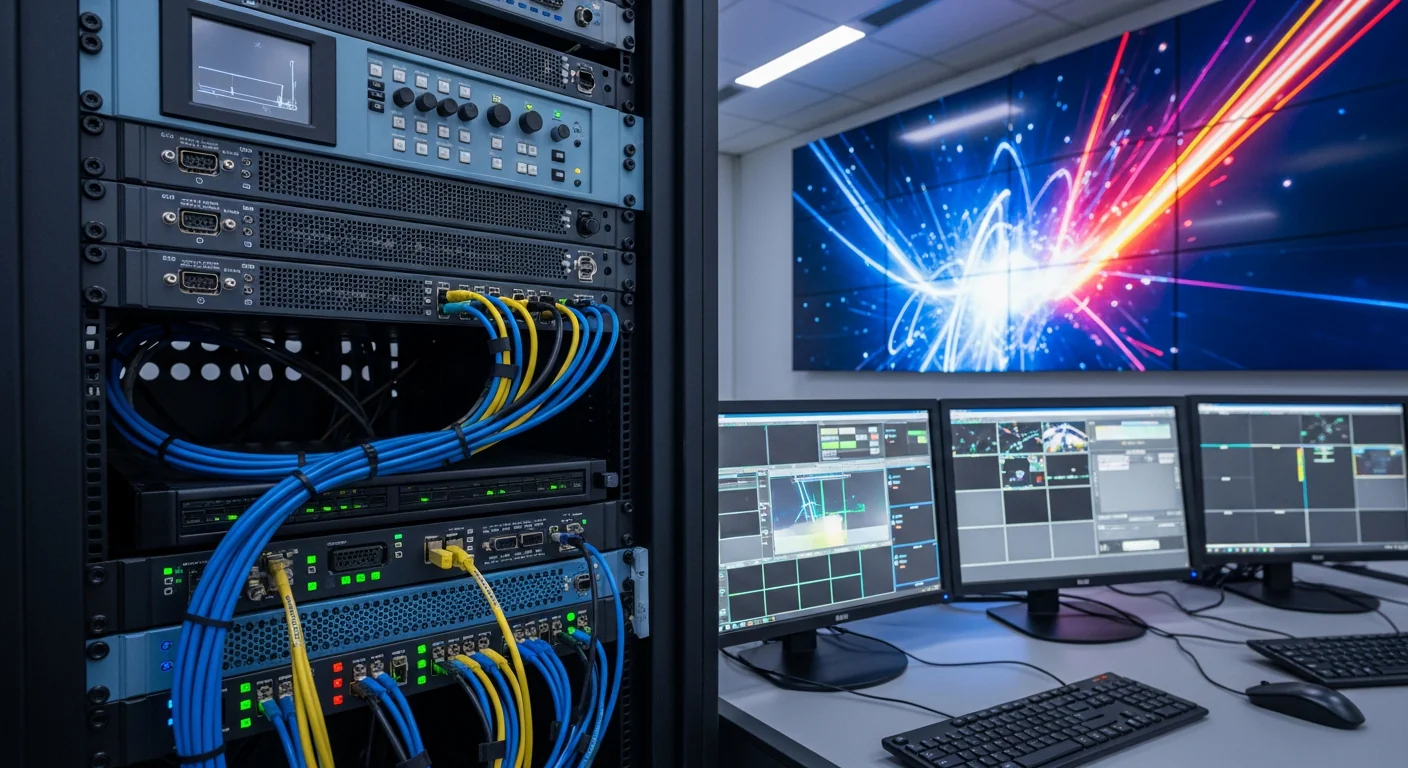
Crucial Distinction: Controllers, comprising sending and receiving cards, handle pixel mapping and signal transmission to the LED cabinets. Video processors manage input image processing, including scaling, switching, cropping, windowing, and layer management. These two layers are complementary. For information on loading capacity, port count, maximum width, and a 20% buffer, refer to our article on Choosing an LED Screen Controller by Pixel Count; this article focuses solely on processors.
In real-world projects, this distinction can blur as some all-in-one devices like the NovaStar VX1000 combine image processing with LED signal output. However, when designing a system, it's best to address two separate questions: Can the device handle the required sources, layers, and layouts? And does the controller have sufficient pixel capacity, output ports, and bandwidth for the screen? Making these distinctions prevents purchasing devices with adequate video ports but insufficient LED capacity, or vice versa.
When is a Separate Video Processor Necessary?
A simple LED screen displaying a single full-screen source from a laptop might operate using a basic integrated controller. A dedicated processor becomes necessary when the system involves multiple sources such as PCs, cameras, media servers, receivers, or switchers; or when operators need glitch-free source switching, Picture-in-Picture (PIP)/Picture-by-Picture (PBP) layouts, zone-based screen division, and scenario-based preset saving. In contexts like auditorium LED screens, a processor enhances operational stability compared to directly plugging and unplugging sources.
!Technician monitoring preview and program feeds for an LED screen in a control room
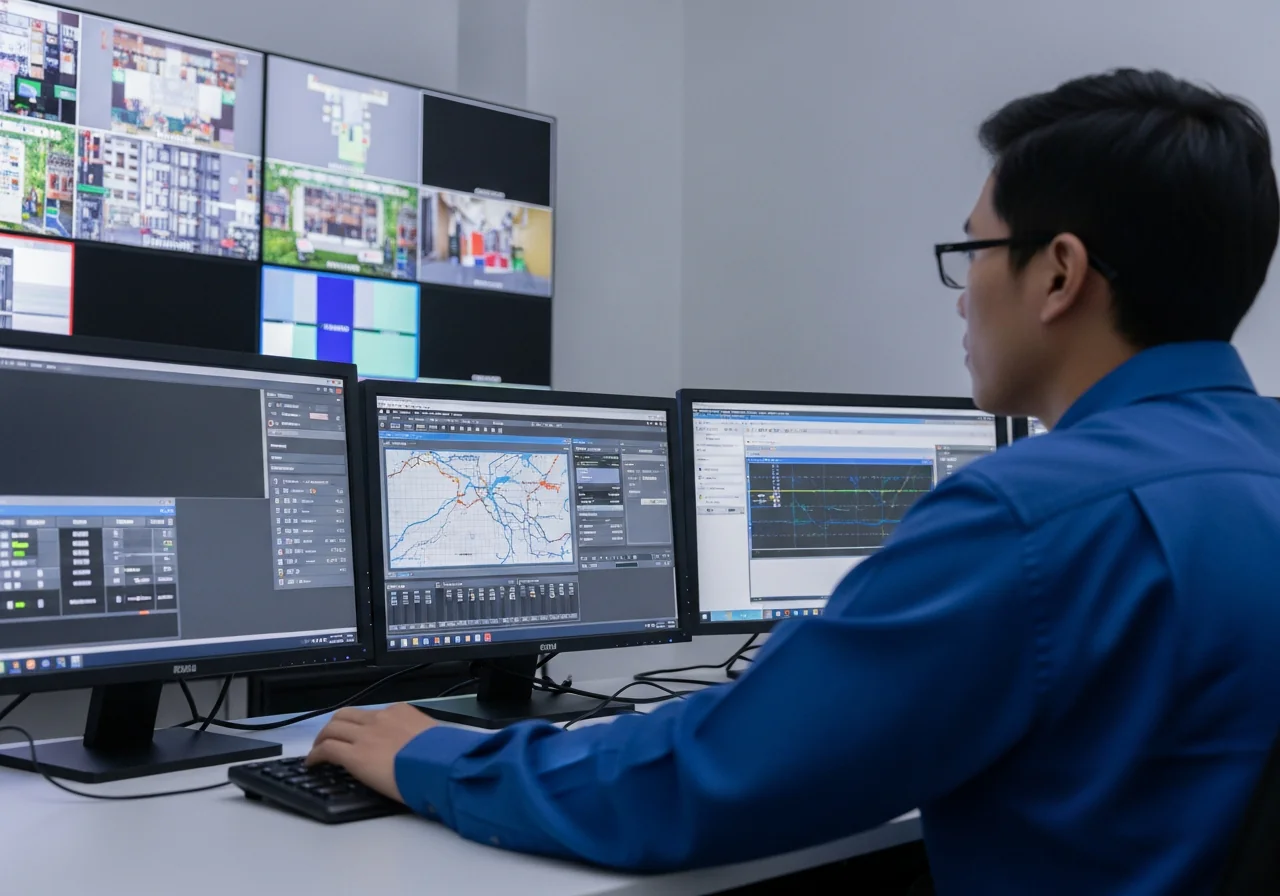
Control rooms are a prime example. A video wall might need to display maps, dashboards, security cameras, video conferencing feeds, and alert screens simultaneously. Relying solely on a single source would require complex layout management on the computer, hindering quick changes and creating software dependency. A dedicated processor allows for multiple inputs, independent window creation, emergency source enlargement, and on-screen layout recall via presets.
Stage and auditorium applications have different needs: seamless transitions between presentation sources, cameras, media servers, and standby logos without black screens. For video production, processors must also align with camera requirements, as discussed in the article on 3840Hz LED Refresh Rate for Camera Shooting. While refresh rate is managed by the screen and its control system, the processor ensures a stable input signal flow at the correct frame rate and format.
How Do Scaling and Seamless Switching Work?
Scaling is the process of adjusting input signals to match the native resolution of the LED screen's canvas. LED screens rarely have standard 1920x1080 or 3840x2160 resolutions due to variations in pixel pitch, cabinet size, and installation layout. A processor receives standard signals (HDMI, DP, DVI, or SDI) and scales the image to the actual display area, cropping excess if necessary, while maintaining the aspect ratio to prevent distortion.
Without proper scaling, LED screens can exhibit stretched images, cut-off edges, black borders, or incorrect logo aspect ratios. These are common issues when connecting a laptop directly to a controller without locking the resolution. A good processor allows setting the output canvas to the screen's exact pixel dimensions (e.g., 3456x1296) and provides a stable EDID. This eliminates the need for operators to adjust resolution every time a computer or cable is changed.
Seamless switching addresses another critical issue: when changing inputs, the screen remains black-free because the device doesn't need to re-negotiate the entire output signal path. The processor maintains a stable output to the screen and only changes the content within the canvas. For conferences, product launches, performances, or meetings with guests, even a few seconds of black screen can be disruptive. Therefore, seamless switching is not a decorative feature but an operational necessity.
What Are Multi-Window, Layers, and PIP/PBP For?
Multi-window functionality allows an LED screen to display multiple sources simultaneously: a presentation in the center, a speaker's camera feed on the side, an information ticker at the bottom, or a technical dashboard in a dedicated zone. PIP involves overlaying a small window onto the main display; PBP arranges windows side-by-side; layers are processing levels used by the processor to manage stacking order, resizing, cropping, and source prioritization.
!Video processor rack connected to multiple HDMI, SDI sources and a stage LED screen
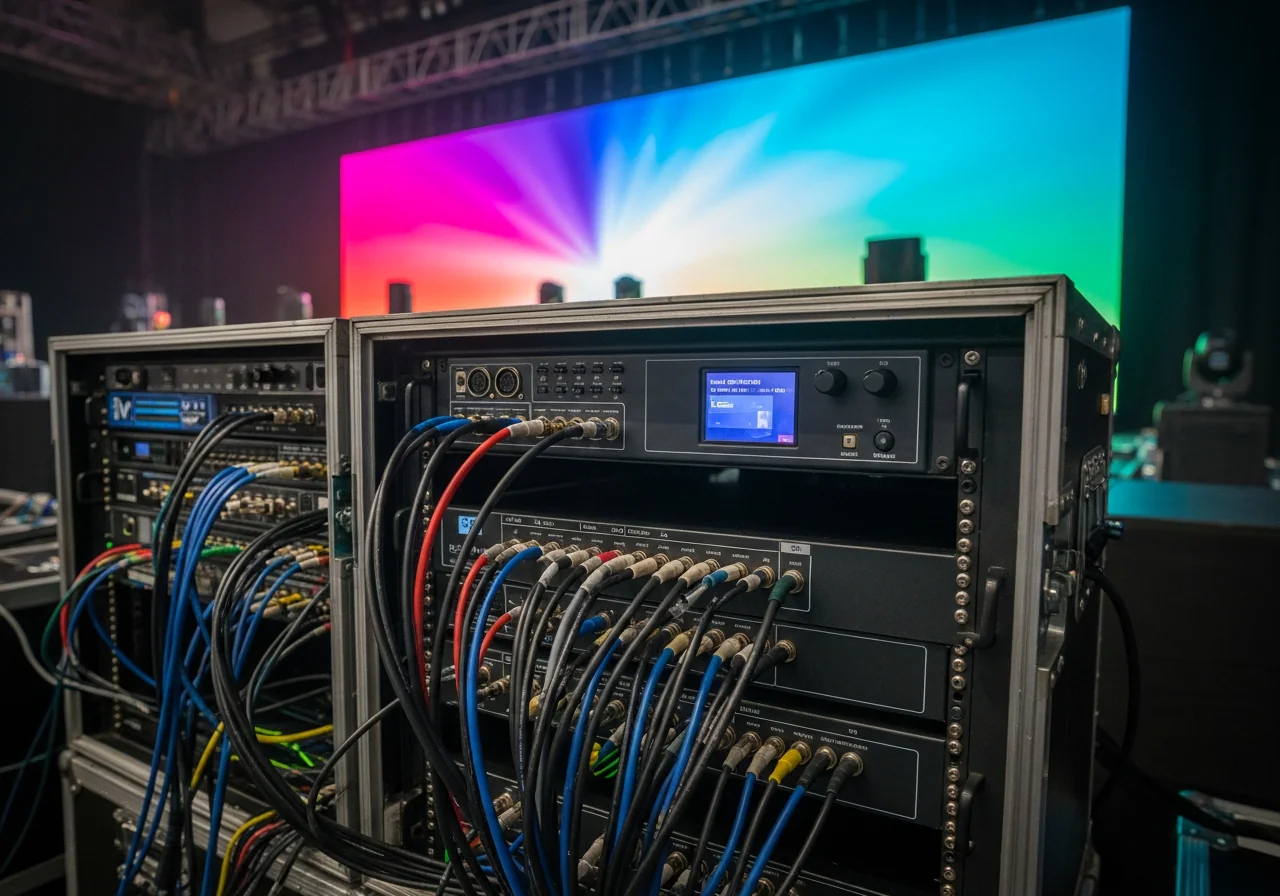
In control rooms, layers enable operators to enlarge an alert source without obscuring background feeds. On stage, layers allow overlaying a live camera feed onto dynamic graphics or placing a speaker's slide within a pre-defined area. In showrooms, layers can divide the screen into product zones, video areas, and technical information sections. The PixelHue P20 and similar live-focused processors are often favored for their layout creation and rapid preset switching capabilities.
The key consideration is not just the number of inputs, but the number of layers that can run concurrently at a specific resolution. A processor with eight inputs but only capable of handling two full HD layers would be unsuitable if you require four independent 4K cropped windows. Conversely, an auditorium needing only to switch between two computers and one camera might utilize a less powerful configuration, provided scaling, EDID, and seamless switching are stable.
Choosing a Video Processor Based on Inputs/Outputs and Application
The selection of an LED screen video processor should begin with the operational workflow, not the model name. List all input sources (HDMI, DP, DVI, SDI, IP stream, media server), their respective resolutions, the number of simultaneous windows required, and the outputs needed for controllers, switchers, preview monitors, or recording devices. Then, compare these requirements against the processor's layer count, canvas resolution, cropping capabilities, EDID support, frame rate handling, HDR capabilities, and backup options.
For smaller systems, all-in-one units like the NovaStar VX1000 offer advantages in rack space, reduced cabling, and simplified configuration. These devices are suitable for auditoriums, fixed stage setups, corporate screens, or mid-sized events with moderate processing demands. For larger systems, the NovaStar H-Series provides a modular platform expandable with input/output cards, ideal for multi-screen setups, numerous sources, or control room applications.
For professionals focused on image processing, the PixelHue P20 and PixelHue Q8 are often considered for live environments requiring extensive layers, presets, preview/program outputs, and flexible layout manipulation. Regardless of the chosen series, the final step involves configuring the LED control system using appropriate software. For NovaStar systems, the guide NovaLCT: Configuring LED Screens is helpful for mapping cabinets, setting up receiving cards, and saving configurations.
| Criteria | PixelHue P20/Q8 | NovaStar H-Series | NovaStar VX1000 |
|---|---|---|---|
| Suitable Role | Dedicated processor for multi-window, layer, PIP/PBP | Modular platform for multiple sources, screens, expandable via cards | All-in-one processor + controller for small to medium LED screens |
| Operational Strengths | Flexible layouts, preview/program, ideal for stages and control rooms | Scalable screen configuration, I/O expansion for large systems | Compact system, quick setup, suitable for auditoriums and fixed event screens |
| When to Choose | Requires multiple layers, PIP/PBP, smooth switching, and live operation | Control centers, broadcast, projects with extensive I/O | Need a single device for both image processing and LED signal output |
Differences in Control Rooms, Stages, and Broadcast Applications
Control rooms prioritize continuous display, multiple data sources, stable layouts, and remote monitoring capabilities. Processors must offer clear preset saving, multi-window support, preview functionality for pre-broadcast checks, and source redundancy options. For projects considering LED versus LCD video walls, the article COB vs. LCD Video Walls for Control Rooms helps contextualize the processor's role within the overall display system.
Stage and auditorium applications emphasize smooth transitions, rapid operation, and the ability to handle multiple performance sources. Operators need preview/program feeds, performance-specific presets, flexible camera cropping, and sometimes KVM for controlling source computers from the technical area. The processor must be simple enough for high-pressure live operation but powerful enough not to limit layout changes requested by the director.
Broadcast applications have stricter synchronization requirements. Genlock, frame sync, SDI, timecode workflows, latency, and frame rate conversion are critical, as LED screens may appear within camera shots. Without synchronized signal chains, images can suffer from tearing, frame misalignment, or difficulty matching switchers. In this environment, a processor is not just a scaler but a vital link in the television system. Remote device management should also be considered; see Remote LED Screen Management via Cloud.
Common Pitfalls in Processor Configuration
The first mistake is selecting a processor based on impressive specifications without mapping out the actual signal flow. A device supporting 4K does not guarantee all inputs, layers, and outputs can operate at 4K simultaneously. Request a simulation that accurately reflects the number of sources, resolutions, window counts, and switching types. This is more crucial than comparing lengthy feature lists detached from operational scenarios.
The second mistake is overlooking EDID and frame rate management. When a laptop detects a different EDID after a reboot, it might default to 1080p, 4K, or a different frequency than designed. Processors should have their EDID locked to the required resolution, and source devices should be configured with fixed settings. If frame rate conversion is necessary, verify the smoothness of motion content and latency, especially for live cameras or presentations with video.
The third mistake is enabling HDR without controlling the entire signal chain. HDR is only effective when the source, processor, controller, screen configuration, and content are all managed correctly. Otherwise, images may appear washed out, lose highlight detail, or exhibit incorrect gamma. For most auditorium and control room LED screens, well-calibrated SDR often provides more stable results than poorly implemented HDR.
The final mistake is operating directly on the program output without using preview. Preview allows verification of source visibility, aspect ratio accuracy, cropping effectiveness, and layer occlusion of critical content. In live events or control room operations, image errors often stem from operational mistakes during source switching rather than equipment failure. A processor realizes its full value when integrated into a well-defined operational workflow.
Conclusion: Selecting a Processor Based on the Image Workflow
An LED screen video processor should be chosen based on the image workflow: What sources are input, how many windows are needed, must switching be glitch-free, and are preview/program, genlock, HDR, KVM, or remote management required? Subsequently, compare these needs with the controller's capabilities to ensure sufficient pixel capacity and signal transmission. Luxwave, an authorized LED screen distributor under Ho Gia JSC, provides consultation based on these distinct layers to ensure both accurate display and stable operation.
| Criteria | PixelHue P20/Q8 | NovaStar H-Series | NovaStar VX1000 |
|---|---|---|---|
| Suitable Role | Dedicated processor for multi-window, layer, PIP/PBP | Modular platform for multiple sources, screens, expandable via cards | All-in-one processor + controller for small to medium LED screens |
| Operational Strengths | Flexible layouts, preview/program, ideal for stages and control rooms | Scalable screen configuration, I/O expansion for large systems | Compact system, quick setup, suitable for auditoriums and fixed event screens |
| When to Choose | Requires multiple layers, PIP/PBP, smooth switching, and live operation | Control centers, broadcast, projects with extensive I/O | Need a single device for both image processing and LED signal output |
Pitfalls
Common mistakes
- Selecting a processor based on the number of input ports without verifying canvas resolution and simultaneous layer count, leading to sufficient ports but inability to create the desired layout.
- Confusing a processor with a controller, thereby neglecting the challenges of loading capacity, Ethernet or fiber port count, and signal transmission layers.
- Failing to lock EDID and frame rates, causing computers to change resolution after rebooting or cable changes.
- Switching sources directly to program output without using preview, resulting in incorrect aspect ratios, lost images, or black screens during events.
- Using HDR without full signal chain control, leading to overly bright images, washed-out colors, or gamma shifts.
FAQ
Frequently asked questions
Does an LED screen video processor replace a controller?
No. A video processor handles input video signals, including scaling, source switching, and windowing. A controller or sending card is still required for pixel mapping, distributing data via Ethernet or fiber ports, and transmitting to the receiving card within the cabinet. Some all-in-one devices integrate both functions, but separate checks for image processing and pixel mapping capabilities are essential during system design.
When does an LED screen need a separate processor instead of just a laptop?
A separate processor is necessary when the screen receives multiple sources, requires glitch-free switching, needs to display multiple windows simultaneously, or operates in a live environment. While a laptop can output a single source, it struggles with EDID management, display scaling, preview functionality, and stability during frequent source changes. Control rooms, large auditoriums, and stages typically benefit from a dedicated processor.
How does seamless switching differ from standard input switching?
Standard input switching can cause the screen to go black for several seconds as the device re-negotiates resolution, HDCP, or frame rate. Seamless switching maintains a stable output canvas and switches sources internally within the processor, making the transition virtually imperceptible to viewers. This feature is crucial for conferences, performances, and broadcasts where interruptions are highly noticeable.
Are PIP, PBP, and layers the same concept?
These three concepts are related but not identical. PIP displays a small window overlaid on the main image; PBP arranges multiple windows side-by-side; layers are image planes that the processor uses for stacking, resizing, and prioritizing display order. A powerful processor typically supports multiple independent layers, flexible cropping, and the ability to save layout presets.
What is the impact of EDID on LED screens?
EDID (Extended Display Identification Data) informs the source device about the resolution, refresh rate, and color format supported by the screen or processor. Without proper EDID management, a laptop or media server might default to an incompatible resolution after a cable reconnection. Locking the correct EDID ensures stable signal reception, accurate aspect ratios, and reduces signal loss issues during operation.
How do broadcast requirements for processors differ from standard events?
Broadcast applications typically demand stricter synchronization, including genlock, frame sync, SDI inputs, clear preview/program outputs, and precise frame rate handling compared to standard events. The goal is to synchronize the LED screen with cameras, switchers, and recording systems to prevent tearing, unacceptable delays, or flicker. Auditorium events might only require HDMI, good scaling, and smooth switching if not being broadcast.
References
- 1.ManufacturerNovaStar — H Series Video Splicing Processor
- 2.ManufacturerNovaStar — VX1000 All-in-One Controller
- 3.ManufacturerPixelHue — P20 LED Video Processor
- 4.StandardSociety of Motion Picture and Television Engineers