
On this page
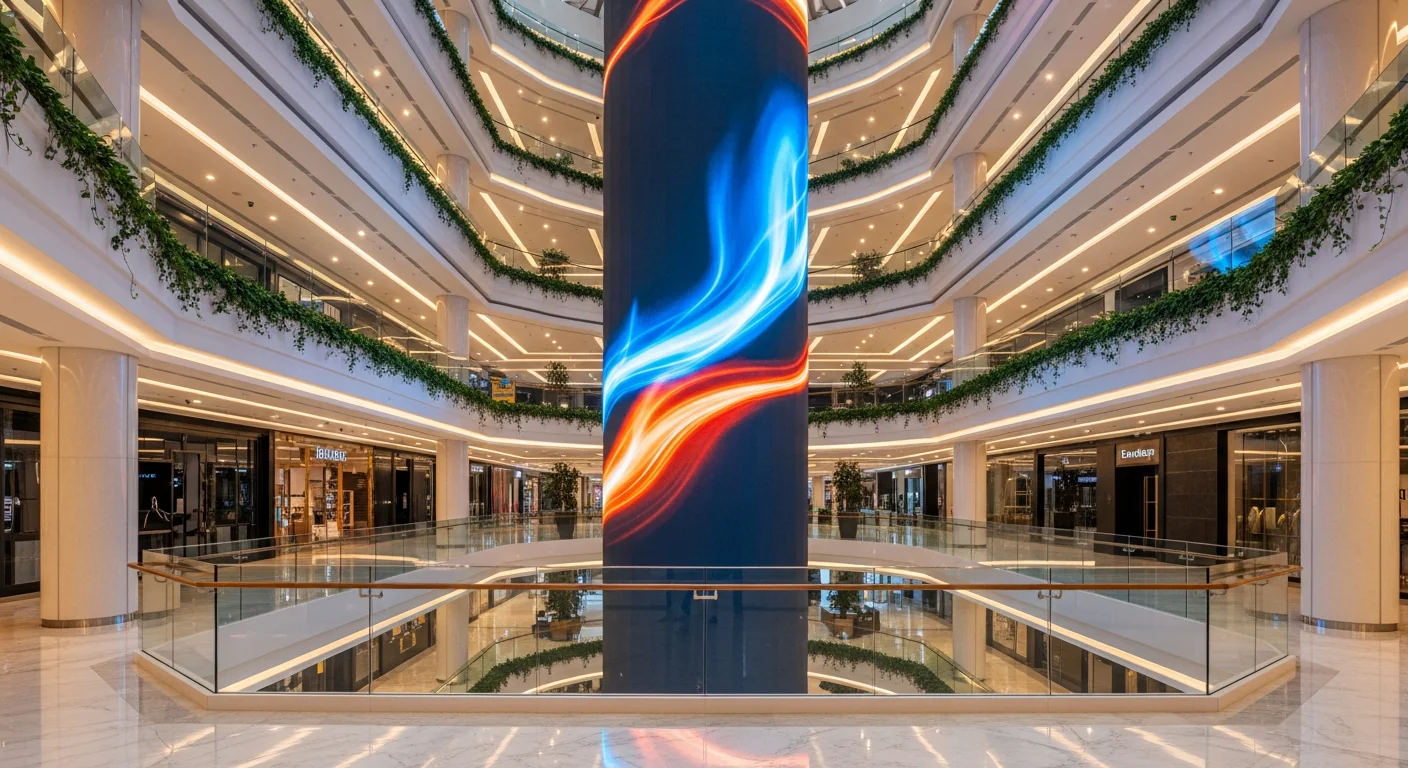
Where to Start When Calculating a Store LED Screen?
The first step in calculating an LED screen for a store is always to measure the storefront area or the intended wall space, not to choose the technology first. Measure the available width and height in meters, leaving a safe margin, before deciding on the pixel pitch based on the distance of passersby or customers within the shop. A common rule of thumb used by technicians is: minimum pixel pitch (mm) is approximately equal to the viewing distance (meters) divided by 3. Incorrect measurement at this stage will lead to errors in all subsequent calculations for modules, power consumption, and costs.
Customers standing close — at a checkout counter, indoor showroom, or fashion boutique, viewed from 2–3 meters — require a small pitch like P1.5–P2.5 so that text and product prices are not pixelated. Storefronts on pedestrian streets viewed from 4–6 meters are suitable for P2.5–P4. Large street-facing billboards viewed from 6 meters or more can use P4–P6 outdoor modules adequately. Quickly look up terms in the LED Dictionary or delve deeper into the article on how to choose pixel pitch by distance.
Measuring and Margining the Facade
The actual installable area is always smaller than the facade because space must be reserved for the frame, borders, and technical clearances. A 4-meter wide facade typically accommodates a screen of 3.2–3.84 meters in width. Accurate measurements in meters help you convert to a whole number of cabinets, which is crucial for subsequent steps. Also, note the distance from where customers typically stand to the screen to finalize the pitch, as this is the most critical input data, preceding all choices of brands or LED panel types.
How to Determine Actual Resolution from Pixel Pitch?
The actual resolution of a store's LED screen is directly derived from its dimensions and pixel pitch, not marketing figures. Divide the width in millimeters by the pixel pitch to get the number of horizontal pixels, and do the same for the height. For example, a 3,840mm wide screen with a P4 pitch yields 960 horizontal pixels; if it's 1,920mm high, it has 480 vertical pixels, resulting in an actual resolution of 960×480. This is the true pixel count that displays content and determines the sharpness of text and images.
This figure also reveals the physical constraints when aiming for standard resolutions. To achieve 1920 horizontal pixels at a P4 pitch, the screen width must be 7.68 meters — too large for most shop facades. Therefore, stores wanting to display sharp Full-HD content in a small area must opt for a smaller pitch, such as P2.5 or P1.5. This is why the article advises choosing the pitch based on both viewing distance and target resolution, not just price.
Pixel Density Per Square Meter
Pixel pitch also determines pixel density, calculated by dividing one million by the square of the pitch in millimeters. P1.5 yields approximately 444,000 pixels per square meter, P2.5 only 160,000, and P4 around 62,500. This figure explains why, for the same facade area, a small-pitch screen displays significantly more detail. When a store needs to show price lists, product codes, or brand videos with high clarity, pixel density is the metric to consider before finalizing the configuration.
How to Calculate the Number of Cabinets and Modules for a Facade?
The number of cabinets or modules required is calculated by dividing the screen dimensions by the dimensions of a single cabinet, as LED screens are assembled from standard modules and cannot be cut. Divide the screen width by the cabinet width to get the number of horizontal cabinets, and divide the screen height by the cabinet height to get the number of vertical rows. Then, multiply these two numbers. For example, a 960×960mm cabinet for a 3,840×1,920mm screen requires (3,840÷960) × (1,920÷960) = 4×2 = 8 cabinets. Always round up, as the screen must be an integer multiple of the cabinet size.
Common cabinet sizes include 960×960mm, 640×480mm for small indoor pitches, and 960×960mm or 1,000×1,000mm for outdoor use. Choosing the cabinet size first and then finalizing the overall screen dimensions helps avoid shortages of half-panels. A 3.84m wide facade can be perfectly fitted with 4 cabinets of 960mm horizontally — this is why many practical configurations result in neat numbers like 4×2 or 6×3. View completed projects to visualize cabinet configurations for different scales.
Why Must Screens Be Multiples of Cabinet Size?
Each cabinet is an independent hardware unit with its own power supply, receiving card, and mounting points, so it cannot be split. If the facade dimensions are not an integer multiple of the cabinet size, you must either slightly reduce the screen dimensions or switch to a smaller cabinet model to achieve a perfect fit. This is the core difference between modular LED screens and monolithic LCD panels: LED screens offer flexibility in total size but are constrained by cabinet increments. Correct calculation from the start prevents excess or insufficient mounting frames and power supplies.
How Much Power Consumption and What Power Supply is Needed?
The power consumption of a store's LED screen is estimated by multiplying the area by the average consumption per square meter, and this is often overlooked in cost estimations. Indoor screens typically consume about 150–300W per square meter at peak brightness, while average operating power is usually one-third of the peak, as the content rarely fills the entire screen with white. High-brightness outdoor screens consume more, around 300–500W per square meter at peak, to achieve 5,000–6,000 nits for sun glare resistance.
From this figure, you can calculate the appropriate circuit breaker, wire gauge, and backup power. A 6m² P6 outdoor billboard might draw 600–800W at maximum brightness during the day, translating to hundreds of thousands in electricity costs per month if operated for many hours — consider an auto-brightness sensor to reduce brightness at night. For stores requiring continuous operation, choose power supplies and controllers with sufficient capacity and redundancy. Refer to NovaStar processors for stable control.
Don't Forget the Signal Processor
Sufficient pixels are useless if the processor is weak, limiting input resolution and the ability to scale 4K sources or split screens for advertising content. The sending card and processor from NovaStar or PixelHue determine the capability to integrate multiple sources — laptops, cameras, advertising players — simultaneously. For facades displaying only repetitive advertisements, a basic controller is sufficient; however, showrooms requiring multi-source projection should invest in a more powerful processor to avoid signal bottlenecks.
How to Estimate the Cost of a Store LED Screen?
The cost of a store's LED screen is estimated across four categories. The most transparent approach is to itemize each part rather than providing a lump-sum quote, which can be difficult to verify. The first category is the LED panels, priced per square meter and pixel pitch — smaller pitches are exponentially more expensive due to higher chip density. The second category includes the processor and sending card. The third covers the mounting frame, power supplies, and electrical materials. The fourth is the installation labor and color calibration upon handover. Larger areas may have a lower per-square-meter unit price, but the total cost still increases.
As prices vary based on specific configurations, the most accurate method is an on-site survey followed by a detailed quote. You can use the request a quote per m² tool for an initial estimate, compare it with pre-configured pricing per m², and then contact our technical team for a site survey. For stores requiring high clarity for close viewing, consider COB models like the BOE BYH-COB P0.9; for facades viewed from further away, SMD outdoor panels are more economical and sufficient.
How Much More Does a Small Pitch Cost?
The price difference based on pitch is substantial: a COB P0.9 can be three to four times more expensive than an SMD P2.5 of the same area due to the much higher number of chips per square meter. Therefore, choosing a pitch appropriate for the store's actual viewing distance is not just a technical decision but also a direct budget saver. A facade viewed from 5 meters that uses a P1.5 pitch is overpaying for clarity that the eye cannot perceive at that distance. Revisit the divide-by-3 rule at the beginning of this article to determine the optimal pitch before comparing prices among suppliers.
Conclusion: What is the Correct Calculation Order?
In summary, calculate in the correct order: first, measure the storefront area and viewing distance, divide by 3 to get the minimum pitch, determine the actual resolution from the pitch, divide screen dimensions by cabinet size to get the number of modules, estimate power consumption based on area, and finally, estimate costs across the four categories. Shops with close viewing distances should choose P1.5–P2.5, pedestrian streets P2.5–P4, and large road-facing billboards P4–P6 outdoor. Always round up the cabinet count, include backup power, and ensure a sufficiently powerful processor. For specific configuration advice for your storefront, contact the Luxwave technical team for a detailed site survey and quote.
| Storefront Type | Suggested Pitch | Typical Area | Notes |
|---|---|---|---|
| Small indoor shop / counter | P1.5 – P2.5 | 2 – 4 m² | Close viewing distance, requires high clarity |
| Pedestrian street facade | P2.5 – P4 | 4 – 8 m² | Balance between clarity and cost |
| Large road-facing billboard | P4 – P6 outdoor | 6 – 12 m² | Long viewing distance, prioritize brightness |
| Showroom / exhibition | P1.5 – P2.5 | 6 – 15 m² | Detailed product display |
Field insight
Evidence from a Luxwave-delivered project
See the full case study at /du-an/bidv-quang-minh-p25.
Pitfalls
Common mistakes
- Choosing a pitch too small for the viewing distance of passersby — paying 30–50% more for clarity imperceptible at that distance.
- Calculating area based on desire rather than actual cabinet dimensions — screens must be multiples of cabinet size; half-panels cannot be cut.
- Overlooking power consumption and backup power — a 6m² P6 outdoor screen can consume 600–800W peak, requiring appropriately rated circuit breakers and wiring.
- Forgetting the signal processor — a screen with sufficient pixels but a weak controller will limit input resolution and multi-window capabilities.
- Using rated brightness instead of environmental conditions — sunny facades require 5,000–6,000 nits outdoor brightness, not the 800 nits of indoor displays.
FAQ
Frequently asked questions
What pixel pitch is suitable for a store LED screen?
Depends on the viewing distance. Customers viewing closely within 2–3m inside a shop or at a counter should use P1.5–P2.5 for sharp text and product prices. Storefronts on pedestrian streets viewed from 4–6m are suitable for P2.5–P4. Large street-facing billboards viewed from 6m or more can adequately use P4–P6 outdoor modules and are more economical.
How to calculate the actual resolution of a store LED screen?
Divide the width (mm) by the pixel pitch to get the horizontal pixel count, and do the same for the height. For example, a 3,840mm wide screen with P4 pitch yields 960 horizontal pixels; a height of 1,920mm yields 480 vertical pixels, resulting in an actual resolution of 960×480. To achieve Full-HD horizontal resolution of 1920 pixels at P4 requires a width of 7.68m.
How to calculate the number of modules or cabinets for a shop facade?
Divide the screen width by the cabinet width, and the screen height by the cabinet height, then multiply the two results. For example, a 960×960mm cabinet for a 3,840×1,920mm screen requires (3,840÷960)×(1,920÷960) = 4×2 = 8 cabinets. Always round up, as the screen must be an integer multiple of the cabinet size.
How much electricity does a store LED screen consume?
Estimate by multiplying the area by the consumption per square meter. Indoor screens average about 150–300W/m² at peak, with average consumption typically one-third of the peak. High-brightness outdoor screens consume more, 300–500W/m² peak. A 6m² P6 outdoor billboard can consume 600–800W at maximum brightness during the day.
What are the costs involved in a store LED screen?
The estimated costs include four categories: LED panels priced by m² and pitch, processors or sending cards, mounting frames and power supplies, and finally, installation labor and calibration. Smaller pitches are exponentially more expensive. Larger areas have a lower per-m² unit price, but the total cost increases. Refer to the pricing table for configuration comparisons.
For a 4m wide shop facade, how large should the LED screen be?
A 4m facade typically accommodates a screen width of 3.2–3.84m, leaving space for borders, and a height of 1.5–2m depending on the sign's height. With P4 cabinets of 960×960mm, a common configuration is 4×2 = 8 cabinets, covering approximately 7.4m². For viewing distances of 4–6m from the sidewalk, P4 offers sufficient clarity without the unnecessary expense of a smaller pitch.
References
- 1.ManufacturerBOE MLED — Genuine COB & SMD LED display series
- 2.ManufacturerNovaStar — LED processors & receiving cards (resolution, power)
- 3.ManufacturerSKV Lighting — Actual LED screen installation projects
- 4.ManufacturerLuxwave — Vietnam LED screen pricing & configurations