
On this page
- Why Does Periodic Maintenance Determine LED Display Lifespan?
- What Does the Weekly Checklist Include and How Long Does It Take?
- What Does the Quarterly Checklist Entail for Color and Heat Dissipation?
- How Often Are Major and Minor Overhauls Needed for LED Displays?
- When Should You Sign a Maintenance Contract Instead of Doing It Yourself?
Why Does Periodic Maintenance Determine LED Display Lifespan?
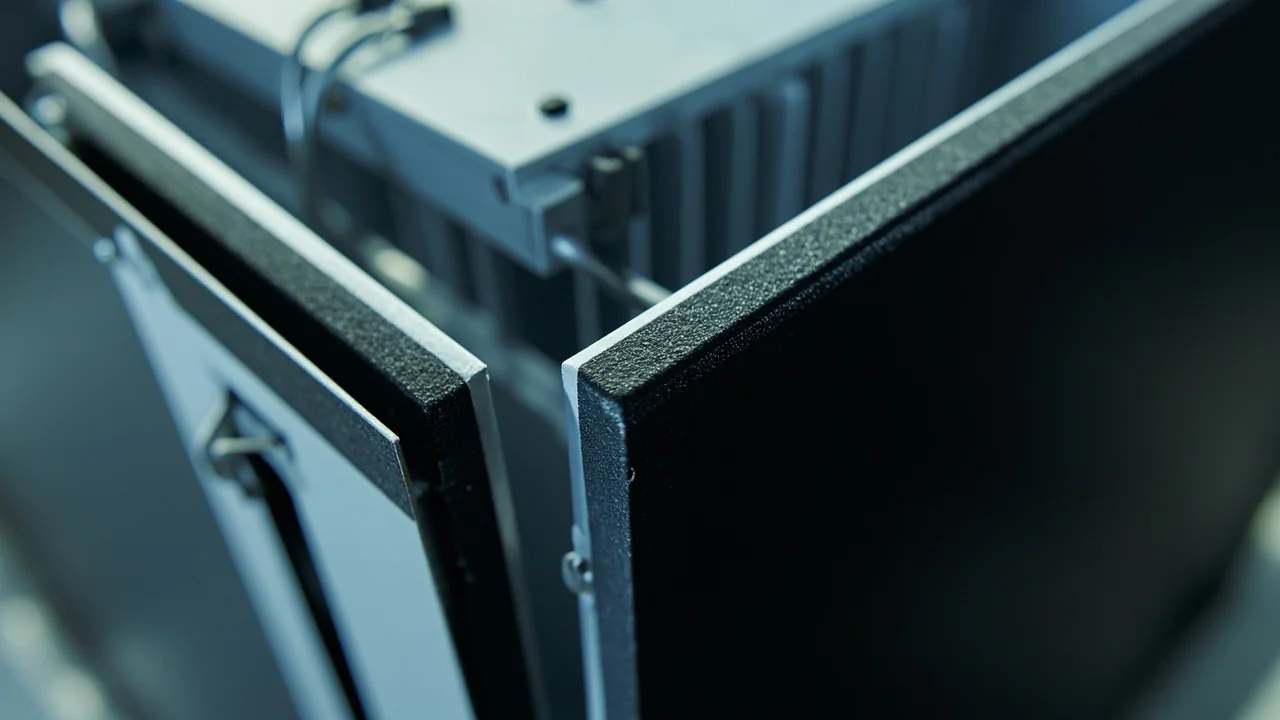
Datasheets from BOE and Novastar promise an MTBF of 100,000 hours, equivalent to about 11 years if operated 8 hours daily. However, this figure is only achievable with proper operation and maintenance. Neglecting maintenance accelerates dead pixel accumulation, causes brightness to drop by approximately 30% within 3 years, and leads to chip overheating due to poor heat dissipation. According to luminous flux degradation data (IES LM-80/TM-21 standards), an unmaintained LED display will only achieve an actual lifespan of 40,000–60,000 hours, half of the datasheet specification. The 3-tier checklist in this article is the process Luxwave uses for Enterprise clients to ensure displays meet the manufacturer's stated specifications.
Maintenance is not an additional cost but an investment to protect assets. An indoor 10m² video wall costs hundreds of millions of VND to install, while the annual maintenance cost is only a fraction of that. The logic is clear: replacing a fan costing a few hundred thousand VND is far cheaper than replacing an entire module when a chip burns out due to overheating, and detecting a faulty module batch early is less expensive than letting it damage adjacent modules. This article divides the process into four levels based on frequency, along with signs of failure to watch for, to help you identify tasks you can perform yourself and those that should be entrusted to technicians. Refer to Luxwave's implemented projects for a visualization of actual maintenance scale for each display type.
What Does the Weekly Checklist Include and How Long Does It Take?
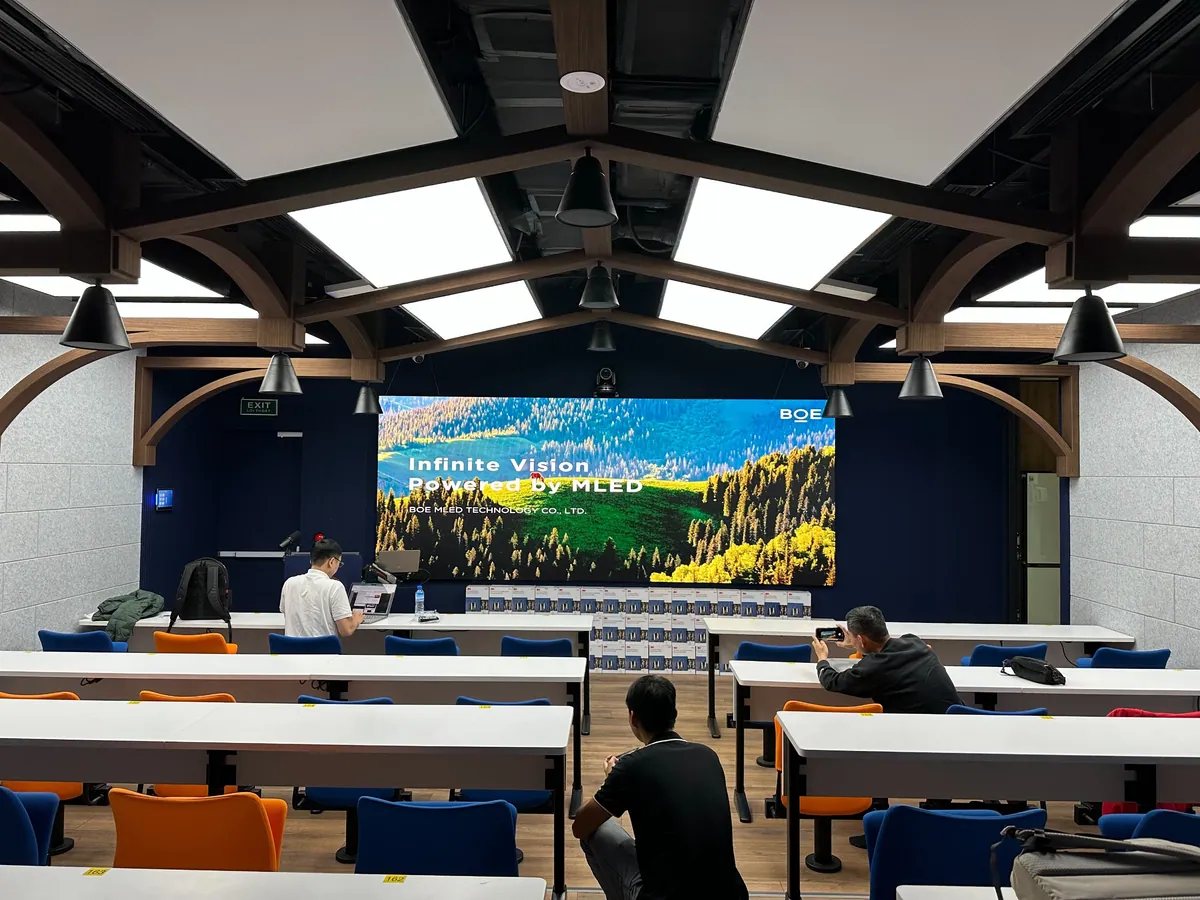
Level 1 is a quick inspection taking about 15 minutes per week, performable by operational staff without technical certification. The goal is to detect minor anomalies early before they escalate into major failures. The five core tasks include: checking for dead pixels, checking for abnormal bright spots, cleaning the surface with a dry microfiber cloth, inspecting the rear ventilation fans, and reading system logs. Regular weekly execution helps you understand the display's "health status" and catch cooling issues or faulty module batches in their initial stages.
To check for dead pixels, display a full white test pattern available in NovaLCT and count visible dead pixels from a 1m distance. The acceptable level according to BOE datasheets is below 0.02% after one year and below 0.05% after five years; if dead pixels increase faster than this threshold, the display has a thermal issue or a faulty module batch. Next, switch to a full black screen to identify abnormal bright spots: a few "hot pixels" are acceptable, but 5 or more require immediate inspection as they could indicate a short circuit damaging surrounding modules. Cleaning should only be done with a dry microfiber cloth; absolutely no water or alcohol. Finally, listen to the fan noise and read NovaLCT logs to detect temperature spikes above 60°C or communication errors.
What Does the Quarterly Checklist Entail for Color and Heat Dissipation?
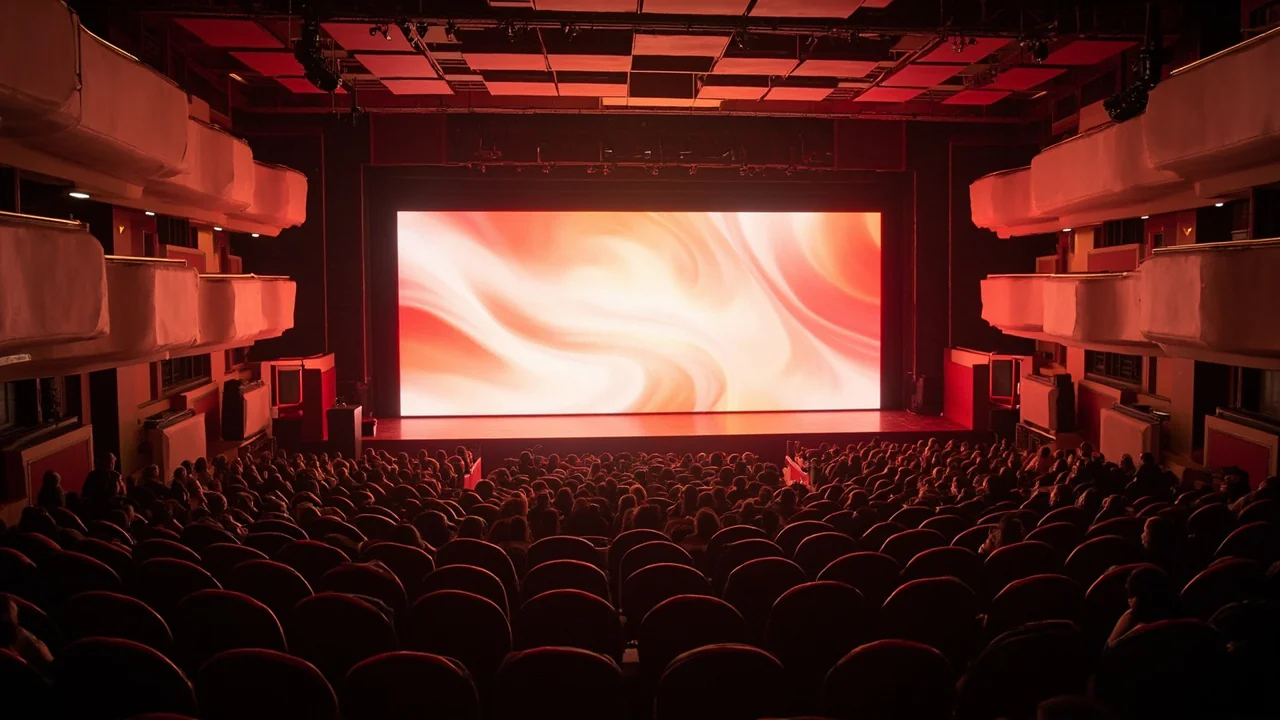
Level 2 is performed quarterly, taking 1–2 hours, and requires an intermediate-level technician due to color measurement and firmware intervention. This is a deep maintenance cycle that restores color uniformity and cleans the thermal system, which weekly dry cleaning cannot reach. Skipping this quarterly check allows dust to accumulate in the heatsink slots, reducing thermal dissipation efficiency by 30–50% within 2–3 years, leading to chip overheating and rapid degradation. The eight tasks of Level 2 cover calibration, deep cleaning, cable inspection, redundancy testing, and configuration backup.
Calibrate brightness using a professional color probe to bring color deviation ΔE below 2.5 across the entire screen — drift over time is natural and calibration restores it. Clean the rear heatsink slots of the cabinet using specialized compressed air; do not use regular air as it contains oil that further contaminates the circuit boards. Inspect Cat6/HDMI signal cables for connector corrosion and tighten them with an anti-static screwdriver, as corroded cables cause packet loss and visible frame drops. For N+1 systems, test redundancy by unplugging a sending card or power supply to check failover functionality — detecting backup failures before a real incident occurs is far more important than detecting it during operation. Update firmware if the OEM releases a new version, back up the processor configuration to a USB drive beforehand, check the auto-brightness sensor for outdoor displays by comparing sensor readings with actual ambient light at 9 AM and 7 PM, and measure operating temperature to keep chips ≤60°C in a 30°C environment. A sensor deviation exceeding 20% indicates the sensor needs replacement. View actual configurations at showrooms and exhibitions to understand how maintenance requirements differ by environment.
How Often Are Major and Minor Overhauls Needed for LED Displays?
Level 3, minor overhaul, is performed annually, taking 4–8 hours depending on the area. Level 4, major overhaul, is a comprehensive review every 3–5 years. The annual overhaul involves opening each cabinet to inspect module solder joints and internal cables, as environmental vibrations can loosen solder joints after 1–2 years. This is also the time to replace weak or noisy fans — the cost of replacing fans is very small compared to replacing an entire module when a chip burns out due to overheating, so prevention is always cheaper than cure. Finally, a full video wall calibration is performed to restore color and brightness uniformity after a year of drift.
During the annual overhaul, assess the cumulative dead pixel ratio for each individual cabinet; if a cabinet exceeds 0.05%, replace the modules for that cabinet. For Level 4 major overhaul after 3–5 years, the work is more intensive: comprehensively evaluate the video wall's condition by comparing the current peak brightness with its initial state after installation, replace accumulated faulty modules and degraded cabinets, and plan for a full replacement if dead pixels exceed 0.5% or brightness drops below 60% of the original spec. For outdoor displays, the overhaul must check if the IP rating is still intact, as the cabinet coating wears down over time, directly affecting water resistance. Compare requirements between two environments in the article How to Choose Between Indoor and Outdoor LED.
When Should You Sign a Maintenance Contract Instead of Doing It Yourself?
The decision between self-maintenance and signing a contract depends on your scale, criticality, and internal technical capabilities. Self-maintenance is reasonable for simple displays under 5m², if the IT team has at least 2 days of NovaLCT training, the room is used infrequently (approx. 4 times per week), and the budget is limited — but even then, an annual Level 3 service from a professional provider is recommended. Conversely, a contract should be signed for critical video walls of 10m² or larger, if there is no certified IT personnel, if installed in remote provinces where technicians are hard to find, or if the display runs 24/7 mission-critical operations without permissible downtime.
Luxwave's periodic maintenance package is designed for Enterprise clients with video walls of 10m² or critical projects, performed quarterly and including the full Level 1–2 checklist with detailed PDF reports on dead pixels, operating temperatures, and color uniformity after each service. This report helps you track the display's degradation trend over time, rather than just its status at a single point. Our technical team has spare parts depots in Hanoi and Ho Chi Minh City, ensuring issues within the service area are resolved within 24–48 hours, without waiting for modules to be sent back to the factory. A maintenance contract also helps businesses forecast stable operating costs instead of facing unpredictable, sudden repair expenses. You can refer to the price list for estimates, view SKV Lighting's actual installation and maintenance project records, or contact the Luxwave technical team for a site survey and consultation to find the most suitable package for your project.
| Level | Frequency | Duration | Key Tasks |
|---|---|---|---|
| Level 1 — Inspection | Weekly | 15 minutes | Dead pixels + dry cleaning + log review |
| Level 2 — Servicing | Quarterly | 1–2 hours | Calibration + deep cleaning + firmware |
| Level 3 — Overhaul | Annually | 4–8 hours | Cabinet opening + fan replacement + full calibration |
| Level 4 — Major Overhaul | 3–5 years | 1–2 days | Overall assessment + faulty module replacement |
Field insight
Evidence from a Luxwave-delivered project
See the full case study at /du-an/trung-tam-van-hoa-viet-yen-p25.
Pitfalls
Common mistakes
- Using alcohol or water to clean the LED surface — damages the protective coating, causing yellowing and a permanent 10–20% brightness reduction. Use only a dry microfiber cloth, gently.
- Neglecting fan inspection — weak fans over 6 months cause chip overheating, reducing lifespan by 40–50%. Listen for unusual noises and maintain operating temperature ≤60°C.
- Not updating firmware — missing patches that improve color uniformity and power efficiency. Update quarterly per OEM schedule (BOE/Novastar).
- Not backing up processor configuration — controller failure requires reconfiguration from scratch, taking 4–8 hours. Back up to USB after each calibration.
- Counting dead pixels subjectively — using non-white/black test patterns misses accumulated errors. Measure periodically against the datasheet threshold of 0.05%.
FAQ
Frequently asked questions
Can I perform LED display maintenance myself, or do I need to hire an expert?
Level 1 weekly checks can be done by yourself: simple dead pixel checks with test patterns, dry cleaning, and log reading. Level 2–3 quarterly and annual services require certified technicians, as calibration with color probes and firmware updates are not routine operations. Luxwave offers periodic maintenance packages for Enterprise projects, covering full Level 2–3 services.
What is the correct way to clean the LED display surface?
Use only a clean, dry microfiber cloth. Do not use water, alcohol, soap, or cleaning solutions. The LED surface has a thin protective coating — water or alcohol will damage this layer, causing yellowing and a permanent 10–20% brightness reduction. For heavy dust, use a soft brush with specialized compressed air, wiping gently to avoid damaging COB chips.
How soon should a faulty LED module be replaced?
When dead pixels accumulate beyond 0.05% of the total area according to BOE/Novastar datasheets. For example, a 10m² video wall with approximately 16 million pixels has a threshold of 8,000 dead pixels. Count manually using a white test pattern or use NovaLCT software for auto-detection. Replace individual modules or entire cabinets depending on the severity; within the 24–36 month warranty period, Luxwave replaces them free of charge.
Why do outdoor LED displays need auto-brightness sensors?
Without a sensor, outdoor displays operate at 100% maximum brightness continuously, day and night. Running LED chips at maximum capacity continuously reduces their lifespan by 40–50% over 5 years, according to BOE test data. The sensor measures ambient light and automatically reduces brightness to 30–40% power at night, allowing chips to operate under less stress for most of the time and achieve datasheet lifespan.
Are there any risks associated with updating LED display firmware?
There are minor risks if performed incorrectly. Three mandatory rules: back up the processor configuration to a USB drive before updating; only update during non-operational hours like at night or on weekends; follow the OEM's instructions precisely, without skipping steps. A mid-update firmware failure can brick the controller, requiring 1–3 days to load recovery firmware. Luxwave provides remote update support for Enterprise clients.
How long does Luxwave take to resolve issues within its service area?
Hanoi and Ho Chi Minh City areas are serviced within 24 hours of reporting. Other provinces typically take 48–72 hours. Critical issues like complete image loss have a dedicated emergency line and on-site response within 12 hours in Hanoi/HCMC. The technical team has spare parts depots in both major cities, eliminating the need to send modules back to the factory.
References
- 1.ManufacturerBOE MLED — Genuine LED Display Maintenance & Support
- 2.ManufacturerNovaStar — NovaLCT Software & Receiving Cards (Calibration, Firmware)
- 3.StandardIES LM-80 / TM-21 — Standards for Luminous Flux Degradation Measurement and LED Lifespan Estimation
- 4.ManufacturerSKV Lighting — Actual LED Display Installation & Maintenance Projects