
On this page
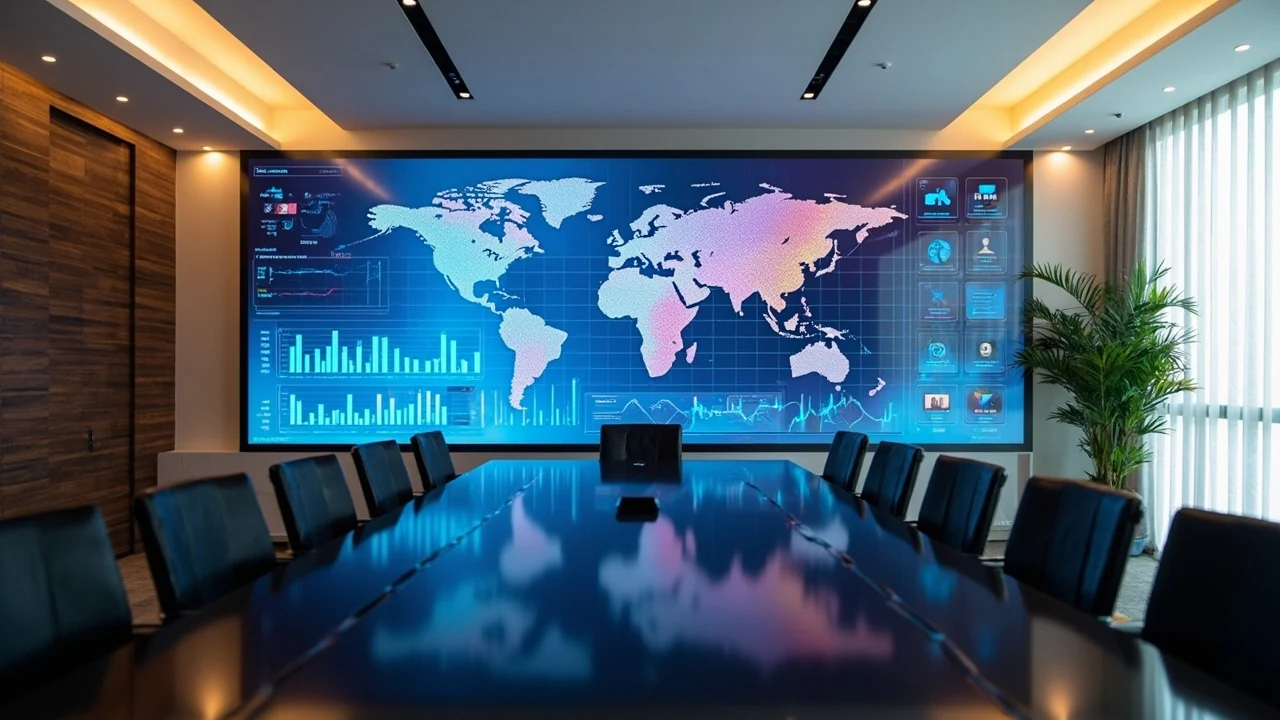
What is LED Screen Refresh Rate and How is it Measured?
Refresh rate, or scan frequency, of an LED screen is the number of times per second the LED chip is turned on and off using PWM (Pulse Width Modulation), measured in Hertz (Hz). Unlike LCD or OLED screens which typically operate at 60 to 240Hz, LED screens commonly feature refresh rates from 1,920Hz to 7,680Hz, significantly higher. This difference stems from their intended use: LED screens not only serve the human eye, which perceives continuous brightness above approximately 60Hz, but must also eliminate flicker when captured by cameras operating at 30 to 120 frames per second. This is the core distinction that dictates configuration choices.
The PWM mechanism works by rapidly switching the LED chips on and off. The human eye integrates these light pulses into a perception of continuous, stable brightness. Issues only arise when a camera is involved. To better understand the impact on real-world meeting room experiences, you can read more in the article on choosing LED screen pixel pitch for meeting rooms, where refresh rate is discussed alongside pixel pitch and brightness.
Why Do LED Screens Have Much Higher Refresh Rates Than LCDs?
LCD and OLED displays change frames by maintaining pixels in a continuously lit or dark state for approximately 16.6 milliseconds per frame at 60Hz, thus a low refresh rate still provides a stable image. LED screens use PWM for rapid on/off cycles with extremely short durations; the human eye integrates these into a uniform brightness perception. Cameras, however, sample each frame with an exposure time of only a few milliseconds, making it possible to capture the exact moment an LED chip is off, resulting in dark bands across the image. A higher refresh rate means shorter PWM cycles, making it less likely for the dark period to fall within the camera's exposure window, thus reducing the risk of flicker. This is a physical principle, not a marketing figure.
Why is 3,840Hz a Critical Threshold for Camera Recording?
A refresh rate of 3,840Hz corresponds to an on/off cycle of approximately 0.26 milliseconds. This is short enough that a 60fps camera with an exposure time of several milliseconds will almost never capture the LED chip's off-period. This is why 3,840Hz has become the standard safe threshold used by technicians for all screens intended for camera recording. HD video conference rooms, event livestreams, showroom vlogs, and podcast streaming are all well-covered by 3,840Hz, provided the accompanying grayscale is sufficient to prevent color banding.
Below this threshold, at 1,920Hz, the on/off cycle is twice as long, significantly increasing the probability of the camera capturing the off-period, especially when recording dynamic content or slight slow-motion. For executive meeting rooms requiring a professional image, or exhibition showrooms where visitors frequently record content for social media, the marginal cost savings of accepting flicker risk are usually not worthwhile. High-refresh-rate COB models like the BOE BYH COB P0.9 are popular choices for this segment.
What Are the Benefits of Refresh Rates Above 3,840Hz?
Exceeding the 3,840Hz threshold offers benefits primarily in niche but critical situations. Cinema cameras recording deep slow-motion at 120 to 240 frames per second require a 7,680Hz refresh rate to ensure each frame receives sufficient light and remains flicker-free, due to the much higher sampling rate. Cameras using global shutters, which capture the entire frame simultaneously, are extremely sensitive to flicker and thus also demand higher refresh rates than usual. Finally, multi-exposure photography with very short exposure times also benefits. For most B2B applications, 3,840Hz represents the optimal balance between quality and cost.
How Do Refresh Rate, Grayscale, and Scan Rate Differ?
This is the most common point of confusion when reading datasheets, as these three metrics are often grouped under "image quality." Refresh rate determines the on/off frequency per second, measured in Hz, and is the metric directly related to flicker during camera recording. Grayscale, or color depth, is measured in bits and determines the number of color steps: 8-bit offers 256 steps, prone to banding; 14-bit offers 16,384 steps, the standard for tier-1 products; 16-bit offers 65,536 steps, the standard for cinema. Scan rate is the row scanning ratio, such as 1/8 or 1/16, affecting brightness and uniformity but not flicker. Understanding these three metrics separately helps avoid purchasing decisions based on a single attractive number.
A well-configured system requires a balance of all three: refresh rate sufficient for camera needs, grayscale high enough for smooth gradients, and an appropriate scan rate for brightness. A product that only advertises "high refresh rate" while omitting grayscale information is a red flag, as high refresh combined with low grayscale can still result in banding when captured on camera. When evaluating meeting rooms with camera recording, request that suppliers clearly state all three metrics in the technical quotation, along with oscilloscope test reports if available.
Why Can Low Grayscale Ruin Footage Even with High Refresh Rate?
A high refresh rate addresses temporal flicker issues but not spatial color transition problems. When the screen displays a gradient, such as a transitioning sky or soft shadow, low grayscale divides the color spectrum into too few steps, creating visible color bands known as banding. Cameras, especially professional cameras recording in high dynamic range, make this banding more apparent than the human eye. Therefore, a 7,680Hz screen with only 8-bit grayscale will produce worse footage than a 3,840Hz screen with 14-bit grayscale. This is precisely why you should never choose a screen based solely on the Hz figure.
Which is Better for Camera: COB or SMD Refresh Rate?
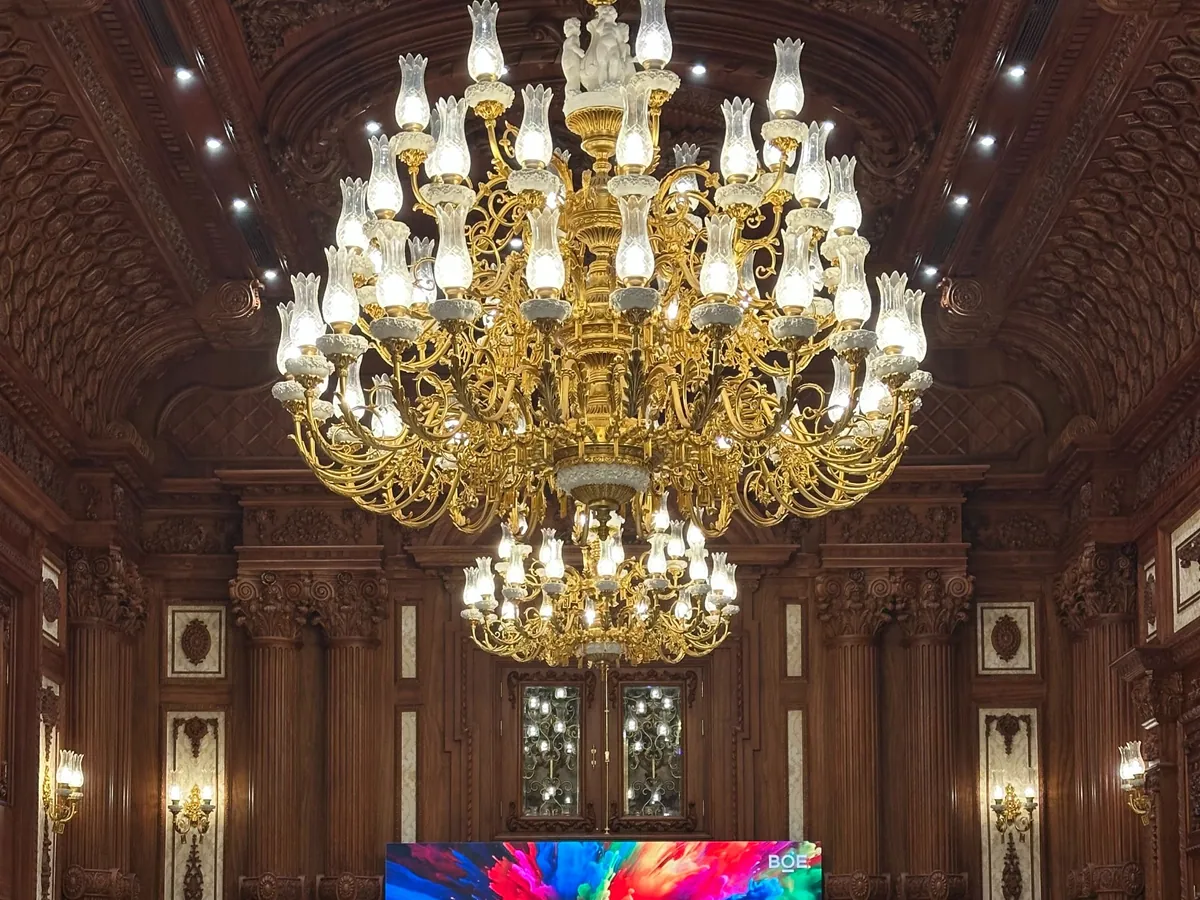
COB (Chip on Board) and SMD (Surface Mount Device) are two different methods of packaging LED chips, not distinct refresh rate tiers, but they indirectly affect image quality when recorded by a camera. SMD mounts individual chips onto a board surface; it's a mature, cost-effective technology suitable for pixel pitches from P1.86 upwards. COB bonds chips directly and then coats them with a protective resin layer, creating a seamless, flat surface that is impact-resistant and glare-free at close viewing distances. Regarding refresh rates, high-end COB models often achieve higher rates than comparable SMD products, but the true deciding factor for camera performance lies in the surface finish.
The SMD surface has raised LED modules, which can create point reflections and moiré patterns when the camera scans across the pixel grid. The COB surface, being flat and coated with resin, significantly reduces glare and moiré, producing cleaner footage at the same refresh rate. This is why studios, video conference rooms, and virtual film sets often prioritize COB, despite its 30% to 50% higher cost. For a deeper comparison of durability, maintenance, and cost, refer to the article comparing COB and SMD. Some real-world projects within the ecosystem, such as those by SKV Lighting, utilize fine-pitch COB for control rooms with cameras.
When is SMD Still the Right Choice?
SMD remains a suitable choice for most meeting rooms where camera recording is not frequent or only direct viewing is required, and viewers are seated more than 3 meters away, with no livestreaming demands. In these scenarios, an SMD series like the BOE BSL P1.9 with a refresh rate of 1,920 to 3,840Hz provides good image quality at a significantly more cost-effective price than COB. The principle is to select based on actual camera needs: if camera recording is frequent, invest in high-refresh-rate COB; for internal presentations only, SMD is sufficient and more economical. Overspending on COB for a non-camera room is as wasteful as economizing on SMD for a livestreaming studio.
How to Verify Refresh Rate Before Purchase?
There are three practical methods to verify a product's actual refresh rate instead of just trusting the brochure numbers. The quickest way is to record the screen itself with a smartphone in slow-motion mode (120 or 240fps) and examine the footage closely: if you see scan lines or flicker in slow-motion, the refresh rate is insufficient for camera purposes. The second method is to request test reports measuring refresh rate and grayscale using a specialized oscilloscope from tier-1 suppliers like BOE or NovaStar. The third method is direct testing at a showroom, placing two cabinets with different refresh rates side-by-side and recording them simultaneously to observe the difference immediately.
When testing, remember to do so under conditions as close as possible to actual usage: the same camera frame rate you will use, the same viewing distance, and the same brightness level. A screen might appear acceptable when recorded at 30fps but reveal flicker when recorded in slow-motion. Therefore, if the room involves livestreaming or high-speed recording, testing must be done at those specific speeds. To estimate the appropriate configuration and cost for a specific room, you can use the request a quote per m² service before scheduling an on-site survey. In summary, refresh rate is an often-overlooked but critical indicator of professional camera footage quality: choose 1,920Hz for non-camera use, 3,840Hz for camera recording or video conferencing, and 7,680Hz for broadcast and virtual production.
Refresh Rate by Camera Recording Needs
| Use case | Minimum Refresh Rate | Reason | Reference Series |
|---|---|---|---|
| Direct Viewing Only Room | 1,920 Hz | Human eye perceives continuous brightness above 60Hz | BOE BSL SMD |
| Video Conference / HD Zoom Room | 3,840 Hz | Conference cameras 30–60fps | BOE BSL Pro, Novastar |
| Livestream / Showroom Vlog | 3,840 Hz | Social media recording, light slow-motion | BOE BYH COB |
| Broadcast TV Studio | 7,680 Hz | Cinema cameras + deep slow-motion | BOE BYH COB Pro |
| Virtual Production / XR | 7,680 Hz | Real-time tracked cameras, post-production fixes not possible | BOE COB flagship |
Field insight
Evidence from a Luxwave-delivered project
See the full case study at /du-an/thu-vien-quoc-te-optupus.
Pitfalls
Common mistakes
- Focusing solely on the Hz number without inquiring about PWM/grayscale bit depth — high refresh rate with low grayscale can still result in color gradients banding when recorded. Request datasheets specifying both metrics.
- Purchasing 7,680Hz refresh rate for a meeting room without camera recording — this increases cost by 30–40% with no practical benefit if there's no camera or livestreaming.
- Neglecting to test with your own smartphone before purchase — smartphone cameras (60–240fps) can reveal flicker at 1,920Hz; slow-motion recording at the showroom is the fastest verification method.
- Confusing refresh rate with scan rate — a 1/8 or 1/16 scan rate affects brightness and uniformity, a completely different metric from refresh rate measured in Hz.
- Overlooking refresh rate for outdoor billboards with drone recording — billboards typically suffice with 1,920Hz for ground viewers, but 3,840Hz is needed if drones are used for advertisements.
FAQ
Frequently asked questions
How does LED screen refresh rate differ from LCD/OLED refresh rate?
The concept is similar, but the scale is vastly different. LCD/OLED refresh is the number of times a frame changes per second, typically 60–240Hz. LED screen refresh is the number of times the LED chip turns on/off via PWM, typically 1,920–7,680Hz, which is many times higher. The reason is that LED screens need to eliminate flicker when recorded by a camera, whereas the human eye only needs about 60Hz to perceive continuous brightness.
Why do smartphone cameras see LED flicker, but the human eye doesn't?
The human eye has a flicker fusion threshold of about 60Hz; above this rate, it perceives continuous brightness. Cameras sample at frame rates with very short exposure times, potentially capturing the exact moment an LED chip is off, creating black bars or flicker within the frame. Higher refresh rates mean shorter on/off cycles, making it harder for the camera to capture the dark period, resulting in smoother video.
What is the minimum refresh rate required for Zoom or Teams video conference rooms?
3,840Hz is the safe threshold for HD 30–60fps video conferencing via Zoom or Teams. 1,920Hz is acceptable but carries a risk of slight flicker that participants might notice, especially during dynamic content sharing. Executive boardrooms requiring a professional image should opt for 3,840Hz; for meeting rooms without camera recording, 1,920Hz is sufficient and more economical.
What is the difference between refresh rate, grayscale, and scan rate?
These are three distinct metrics. Refresh rate is the on/off frequency per second, measured in Hz, determining flicker during camera recording. Grayscale is the color depth in bits, determining gradient smoothness and banding. Scan rate is the row scanning ratio, like 1/8 or 1/16, affecting brightness and uniformity. A good screen requires a balance of all three, not just high refresh rate.
Is 7,680Hz truly necessary for Virtual Production or XR stages?
Often, yes. Virtual production uses LED walls as backdrops instead of green screens, with cinema cameras recording and compositing in real-time. Any flicker or banding will be permanently embedded in the final footage and cannot be fixed in post-production. A 7,680Hz refresh rate combined with high grayscale is the standard configuration for virtual film sets and high-end broadcast studios to ensure clean footage at all camera speeds.
How do COB and SMD differ in terms of refresh rate for camera performance?
COB and SMD are chip packaging methods, not refresh rate tiers. However, high-end COB models typically achieve higher refresh rates and feature a seamless flat surface, resulting in smoother camera footage with less glare and moiré compared to SMD at the same pixel pitch. Even at the same refresh rate, COB offers an advantage due to its flat resin-coated surface. Consequently, video conference rooms and studios often prefer COB.
References
- 1.ManufacturerBOE MLED — Official COB & SMD LED screen series
- 2.ManufacturerNovaStar — Receiving cards & processors (refresh, PWM)
- 3.ManufacturerSKV Lighting — Fine-pitch LED screen project implementations
- 4.StandardIEC 62341 — Standard for OLED display quality