
On this page
- What is Pixel Pitch and Why is it Crucial for Conference Rooms?
- Which Pixel Pitch Should Your Conference Room Use?
- COB vs. SMD for Conference Rooms — What's the Difference?
- What to Consider Regarding Refresh Rate, Brightness, and Signal Processing?
- How Much Does a Conference Room LED Display Cost?
- Conclusion: Which Configuration is Right for Your Conference Room?
What is Pixel Pitch and Why is it Crucial for Conference Rooms?
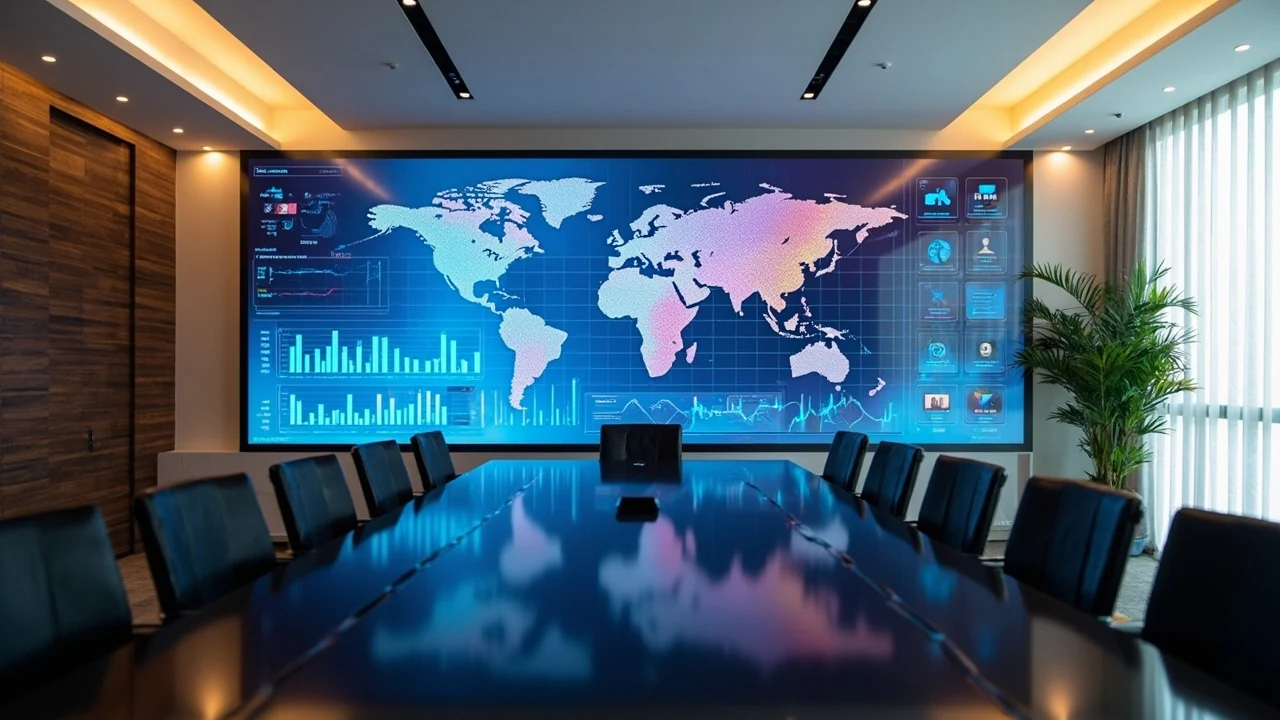
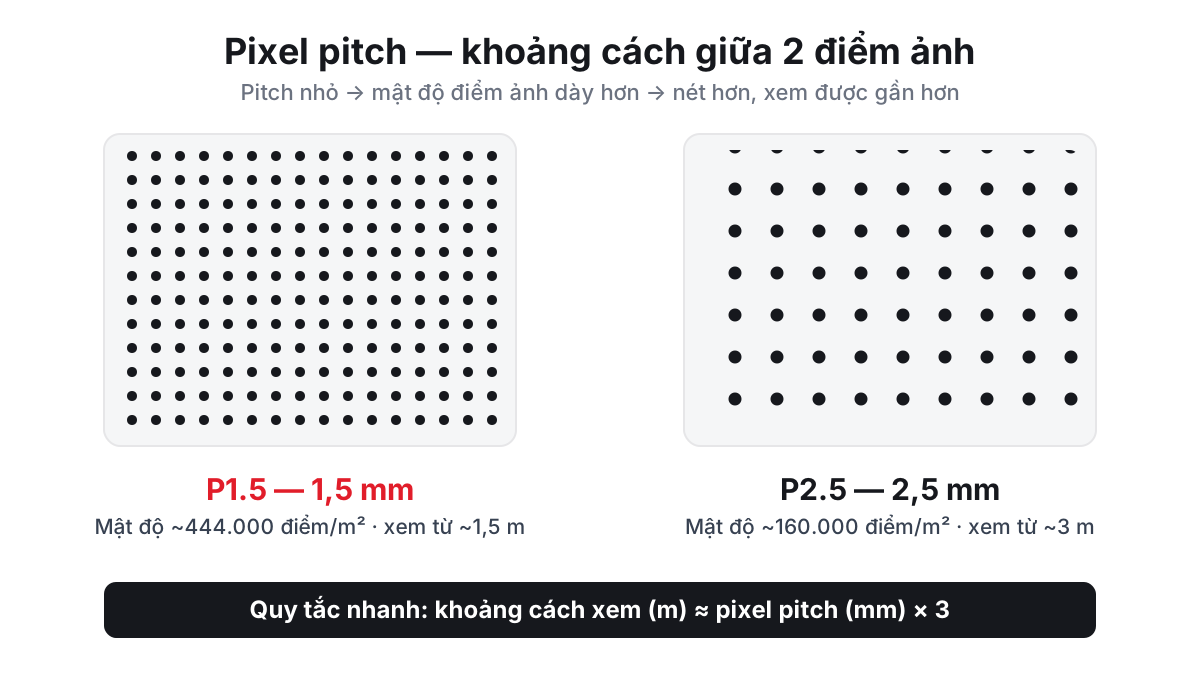
Pixel pitch is the distance in millimeters between the centers of adjacent LED pixels — for example, P1.5 means 1.5mm. This is the most critical parameter when selecting an LED display for a conference room, as it determines the image clarity and the minimum viewing distance. A common rule of thumb used by technicians is: minimum viewing distance (meters) is approximately equal to the pixel pitch value (mm). The smaller the pitch, the finer the image, but the price increases exponentially.
In conference rooms, viewers are typically seated close — usually 2 to 5 meters away — so the display needs a sufficiently small pitch to avoid visible pixels when projecting spreadsheets, small text slides, or charts. Quickly look up terms used in this article in the LED Glossary, or find more details in the article on how to choose pixel pitch based on viewing distance.
Pixel Density and Actual Resolution
Pixel pitch also determines the pixel density, calculated as one million divided by the square of the pitch. P1.5 yields approximately 444,000 pixels per square meter, while P2.5 offers only 160,000. This figure is important when you need to achieve Full-HD resolution (1920×1080): a P1.5 display requires about 5m² to have enough pixels, whereas a P2.5 display needs up to 12m². In other words, a conference room aiming for sharp content display in a small area must opt for a small pitch — this is a physical constraint, not a marketing option.
Quick Tip from Luxwave Technicians: Measure the distance from the closest row of seats to the screen (in meters) — this is approximately the minimum acceptable pixel pitch (mm); rooms used for reading text/slides should opt for one grade finer. This is the first step, preceding all other decisions regarding technology or brand.
Which Pixel Pitch Should Your Conference Room Use?
Start by considering the distance from the closest row of seats to the screen, use this as a benchmark (minimum viewing distance ≈ pixel pitch value), and then choose one grade finer for rooms where text is frequently displayed. Conference rooms for 15–30 people with a viewing distance of 3–5m are suitable for P1.5–P2.5; executive boardrooms with 8–15 people seated 2–3m away should use a smaller pitch, ideally COB P0.9–P1.5; large auditoriums viewing from 5m onwards can use P2.5–P3 to optimize costs. Selecting the right category helps avoid overpaying for clarity imperceptible to the eye.
Executive Boardroom (8–15 people, 2–3m viewing distance)
This is a premium space where viewers are seated very close and cameras are often used for video conferencing. The recommended pitch is COB P0.9 to P1.5. The BOE BYH-COB P0.9 series offers a flat surface, impact resistance, and no glare when viewed up close — ideal for boardrooms and VIP lounges. This is an investment in visual representation of the corporate brand, where every meeting with partners is an opportunity to showcase sophistication.
Standard Conference Room (15–40 people, 3–5m viewing distance)
Most corporate conference rooms fall into this category, and P1.86–P2.5 SMD is the most balanced choice. The BOE BRY-E P1.86 series is lightweight, quick to install, and sharp enough for slides and data tables at 3–5m distances with a more reasonable cost than COB. This is the "best-selling" configuration for office spaces and medium-sized convention centers. If the budget is limited, P2.5 still provides good image quality when the first row of seats is 3.5m or further from the screen.
Auditorium and Multipurpose Room (viewing from 5m)
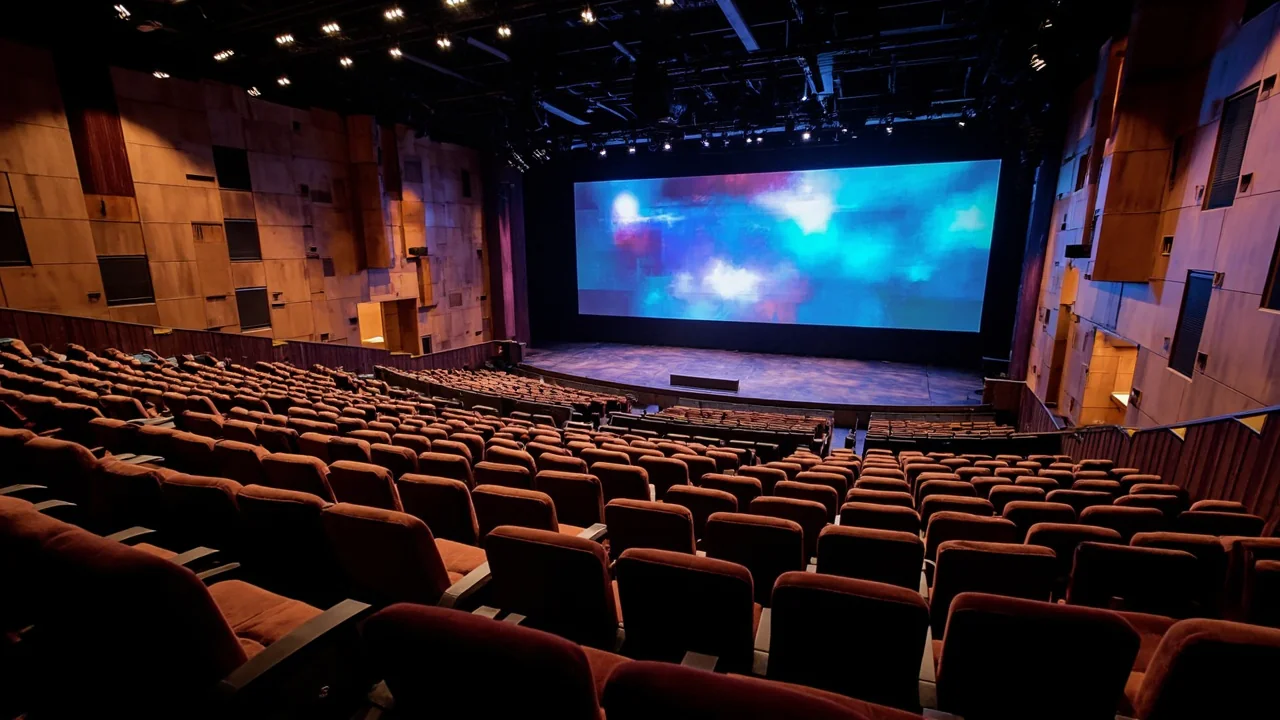
When the viewing distance exceeds 5m, the human eye can no longer distinguish the difference between P2.5 and smaller pitches, making P2.5–P3 a sensible choice for both image quality and cost. Auditoriums typically prioritize high brightness and larger areas over ultra-small pitches. This is also why using the same small-pitch model for both auditoriums and boardrooms is wasteful — each space should have a configuration tailored to its actual viewing distance.
COB vs. SMD for Conference Rooms — What's the Difference?
SMD and COB are two different LED chip packaging methods, directly impacting the conference room experience. SMD mounts chips onto the surface of the board, offering lower costs and mature technology, suitable for pitches from P1.86 upwards. COB bonds chips directly and then applies a protective coating, creating a seamless flat surface that is impact and moisture resistant, and glare-free up close — ideal for small pitches and environments where viewers are very close to the screen. The comparison table below summarizes the differences for two typical Luxwave-distributed series.
For video conferencing rooms or studios, COB also has an advantage when captured by camera: the flat surface and high refresh rate help avoid moiré patterns and scan lines that cameras can easily pick up. See the detailed COB vs. SMD comparison article for a deeper understanding of durability and maintenance.
Durability and Long-Term Maintenance
In a conference room environment, the display may be subject to bumps from furniture placement, cleaning, or presenters touching it. The COB surface, coated with resin, can withstand light impacts and be wiped with a damp cloth, whereas SMD's exposed LED modules are prone to detachment from strong impacts. In terms of lifespan, both achieve around 100,000 hours at 50% brightness — equivalent to over 10 years of standard business operation. Actual periodic replacements are typically power supplies, not LED chips.
What to Consider Regarding Refresh Rate, Brightness, and Signal Processing?
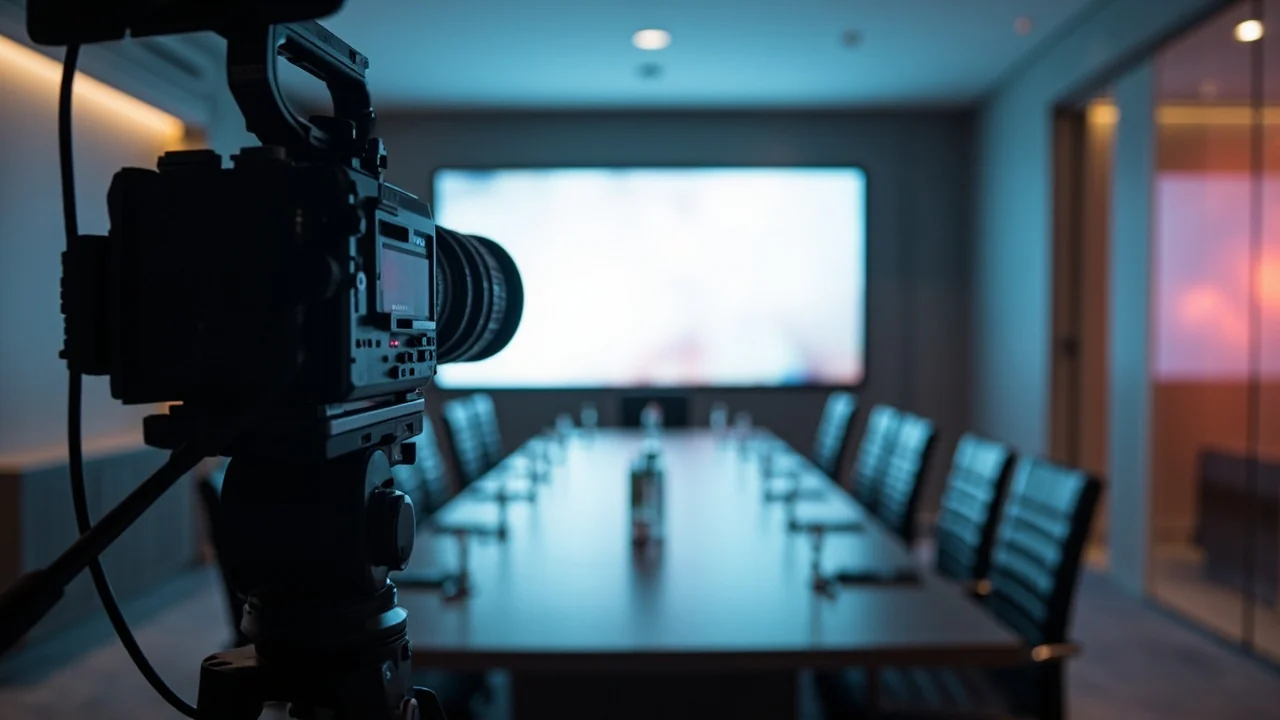
Pixel pitch determines clarity, but the following three factors determine whether a display is "usable" in a conference room. The refresh rate should be at least 3.840Hz if the room is being recorded or livestreamed, to prevent flickering on camera. Brightness of 600–1.200 nits is sufficient indoors; higher levels are preferred for rooms with abundant natural light, ideally with an auto-brightness sensor. Finally, the signal processor (sending card) must be powerful enough to scale 4K sources, handle multi-window displays, and synchronize colors.
Processors from brands like NovaStar or PixelHue determine the multi-source display capability — crucial for conference rooms needing to integrate laptops, cameras, and conferencing systems simultaneously. To quickly estimate the area and configuration for your room, use the get a quote by m² tool or refer to the conference room LED display solutions page.
Note for Video Conference Rooms: If the room is being recorded or livestreamed, do not choose a refresh rate below 3.840Hz — cameras can capture flickering and scan lines (moiré) that the naked eye cannot perceive. This is a common configuration error that results in "shaky" footage on livestreams.
You can view Luxwave's LED display projects to visualize actual configurations for different room sizes before making a decision.
Color and Content Synchronization
Premium conference rooms should pay attention to color gamut and color depth: 14-bit greyscale ensures smooth gradients when displaying product images, brand videos, or HDR content. If the room uses multiple sources simultaneously — computers, conference cameras, media players — choose a processor that supports multiple layers and seamless source switching. For systems operating continuously, an N+1 redundant configuration for the processor prevents interruptions during critical meetings.
How Much Does a Conference Room LED Display Cost?
The cost of a conference room LED display depends on three main variables: pixel pitch, area, and processor configuration. Smaller pitches are exponentially more expensive — COB P0.9 can be three to four times the cost of SMD P2.5 for the same area, due to the much denser chip arrangement. Larger areas reduce the unit price per square meter, but the total cost still increases. In addition to the display panels, the estimate includes the processor, mounting frame, power supply, installation, and color calibration upon delivery.
As prices vary based on specific configurations, the most accurate method is an on-site survey followed by a detailed quote listing each item. A transparent quote always separates the display panels, processor, structure, and installation labor — avoiding opaque all-inclusive packages. You can use the area and cost calculator to get an estimate before contacting us, or explore our pre-configured combo packages per m².
Conclusion: Which Configuration is Right for Your Conference Room?
In summary, measure the viewing distance first (minimum distance ≈ pixel pitch value), then select a finer pitch based on the room category. Standard conference rooms viewing from 3–5m: choose SMD P1.86–P2.5 for a cost-effective balance. Premium boardrooms with close seating or video conferencing: invest in COB P0.9–P1.5 for a flat surface and superior camera performance. Auditoriums viewing from over 5m: P2.5–P3 is sufficient. Always check for a refresh rate ≥3.840Hz when camera recording is involved, adjust brightness to actual lighting conditions, and ensure the processor is powerful enough for the number of sources required. For specific configuration advice, contact the Luxwave technical team for an on-site survey and detailed quotation.
| Criteria | BOE BRY-E (SMD P1.86) | BOE BYH-COB (P0.9) |
|---|---|---|
| Pixel pitch | 1.86 – 2.5 mm | 0.9 mm |
| Optimal viewing distance | ≥ 3 m | ≥ 1.5 m |
| Surface / Impact resistance | SMD with raised modules | COB flat, impact-resistant |
| Camera Recording (Video Conferencing) | Fair | Good — no glare, no moiré |
| Relative Cost | Lower | Higher by 30–50% |
| Suitable for | 15–40 person conference rooms | Premium boardrooms, studios, video conferencing |
Pitfalls
Common mistakes
- Choosing a pitch too small for the viewing distance — paying 30–50% more for clarity imperceptible at that distance.
- Ignoring refresh rate — a 1.920Hz display exhibits flickering (moiré) when recorded by a camera in video conference/livestreaming rooms.
- Calculating brightness based on specs rather than actual measurement — rooms with large windows require ≥1.000 nits, not the "sufficient indoors" 600 nits.
- Forgetting the signal processor — a beautiful display with an underpowered processor will limit resolution, fail to scale 4K sources, or support multi-window displays.
FAQ
Frequently asked questions
What pixel pitch is suitable for a 30m² conference room?
A 30m² conference room typically has a viewing distance of 3–5m, suitable for pixel pitches from P1.5 to P2.5. If the room is used for video conferencing, detailed data projection, or camera recording, it's advisable to choose P1.5 or COB P0.9 with a minimum refresh rate of 3.840Hz for sharp images without flickering on camera.
How many nits of brightness does a conference room LED display need?
Indoors, 600–1.200 nits is sufficient for most conference rooms. Enclosed rooms with blackout curtains only need 600–800 nits. Rooms with large windows or strong ambient light should opt for 1.000–1.200 nits, preferably with an auto-brightness sensor to ensure visibility during the day without being glaring when lights are dimmed.
Should I choose COB or SMD for a conference room?
SMD P1.86–P2.5 is adequate and cost-effective for standard conference rooms with viewing distances from 3m. COB P0.9–P1.5 is a worthwhile investment for premium boardrooms, video conference rooms, or venues where viewers are closer than 3m, due to its flat, glare-free surface, impact resistance, and superior camera performance. The cost difference is approximately 30–50%.
Can an LED display replace a projector in a conference room?
Yes, and it's better in most cases. LED displays offer 600–1.200 nits brightness, ensuring clear visibility even with lights on, unlike projectors that require a dark room. LEDs have no bulbs to replace, a lifespan of up to 100,000 hours, and higher contrast ratios. The drawback is a higher initial investment cost compared to projectors.
How important is the refresh rate for conference rooms?
The human eye cannot distinguish refresh rates above 60Hz, but cameras can. Conference rooms used solely for direct presentation are fine with 1.920–3.840Hz. Video conference rooms, livestreaming setups, or rooms with camera recording require a minimum of 3.840Hz to prevent flickering and scan lines (moiré) from appearing on camera.
How is the minimum viewing distance for a conference room LED display calculated?
The rule of thumb is: minimum viewing distance (meters) ≈ pixel pitch value (mm). For example, P1.5 is best viewed from approximately 1.5m or further, and P2.5 from about 2.5m. Sitting closer than this threshold will reveal individual pixels. This is why small boardrooms with close seating require small pitches like COB P0.9–P1.5.
References