

What are Event Rental LED Screens and How Do They Differ from Fixed Installations?
Event rental LED screens, commonly known as LED rental screens, are designed for rapid setup, quick dismantling, frequent transportation, and stable operation during a specific event duration. Unlike fixed LED screens used for building facades, showrooms, or conference rooms, rental screens prioritize lightweight cabinets, quick-lock mechanisms, integrated handles, alignment pins, and a structure that withstands repeated handling. For event stage solutions, this mechanical design is as crucial as the visual specifications.
!Rental LED screen set up behind an event stage, with a rigging frame and technicians checking signal
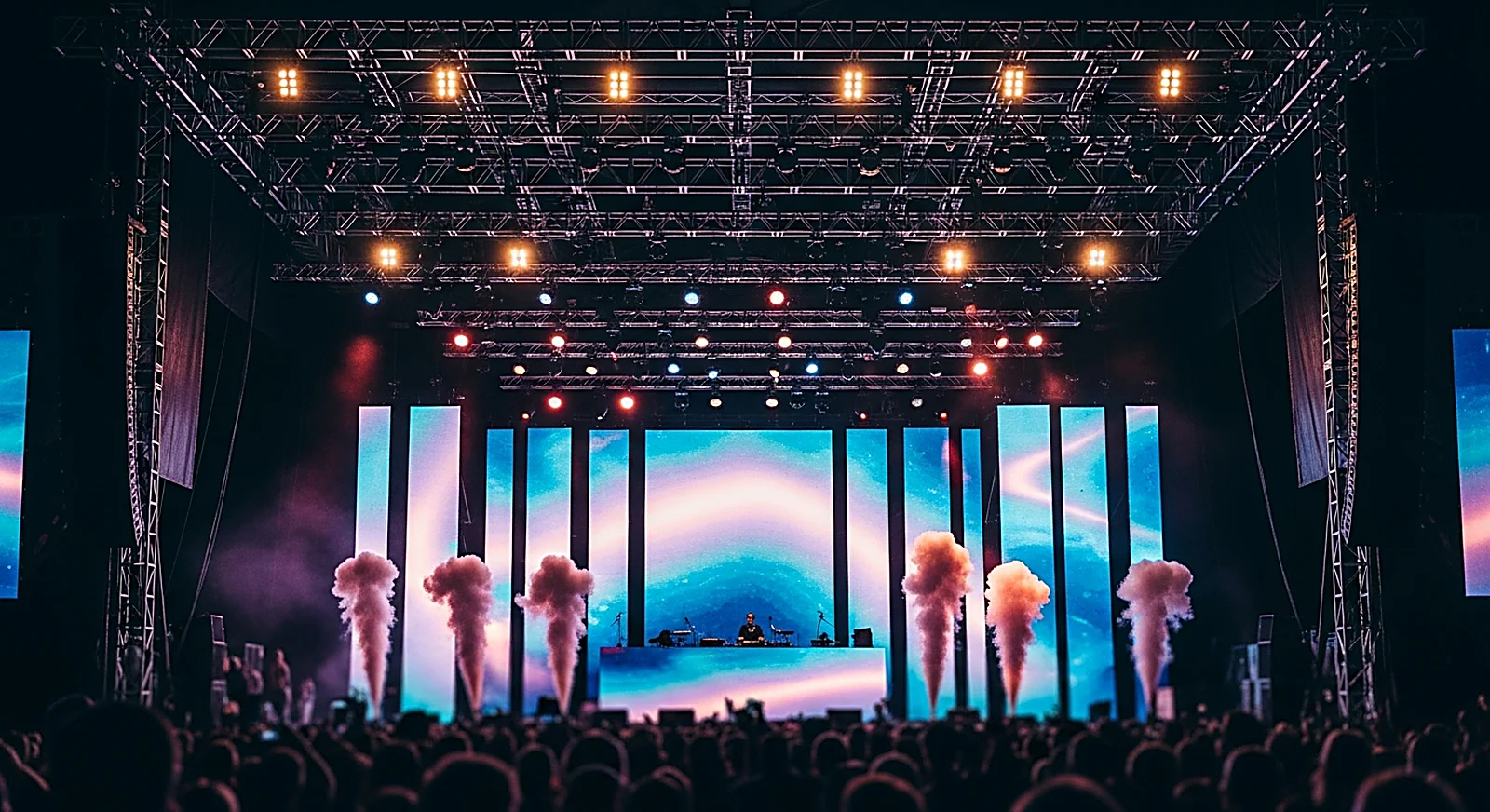
The practical difference lies in their lifecycle. Fixed screens are surveyed, installed, calibrated, and operated long-term in one location; their cabinets can be heavier, wiring more concealed, and maintenance scheduled. Rental screens, however, travel by vehicle, are erected for each specific stage, and can be flown from trusses, stacked on the floor, or configured into various shapes. Consequently, using fixed cabinets for rental purposes often leads to longer setup times, higher risks of damage during handling, and increased labor costs.
A good rental system must also facilitate easy module replacement, power supply swaps, and receiving card exchanges, with clear cabling diagrams for technicians to resolve issues within minutes. For events, minor faults are not just technical glitches; they can appear in front of hundreds of audience members, broadcast cameras, or livestream feeds. This is why selecting a screen rental provider should not solely be based on price per square meter, but also on their surveying capabilities, provision of spare equipment, and on-site operational support.
What Pixel Pitch Should Be Chosen for Indoor and Outdoor Stages?
The pixel pitch for rental LED screens should be selected based on the closest audience distance, stage size, and the level of detail in the displayed content. Indoor stages commonly use pitches from P2.6–P3.9, as viewers, MCs, cameras, and VIP guests are often positioned close to the screen. Large stages or nearby outdoor events typically utilize P3.9–P4.8 to maintain sufficient image smoothness while optimizing cost, weight, and brightness. Choosing a pitch that is too small can increase rental budgets without a significant improvement in the actual viewing experience.
!Mockup of an event stage using BOE LED screens, with stage lighting and audience area in front
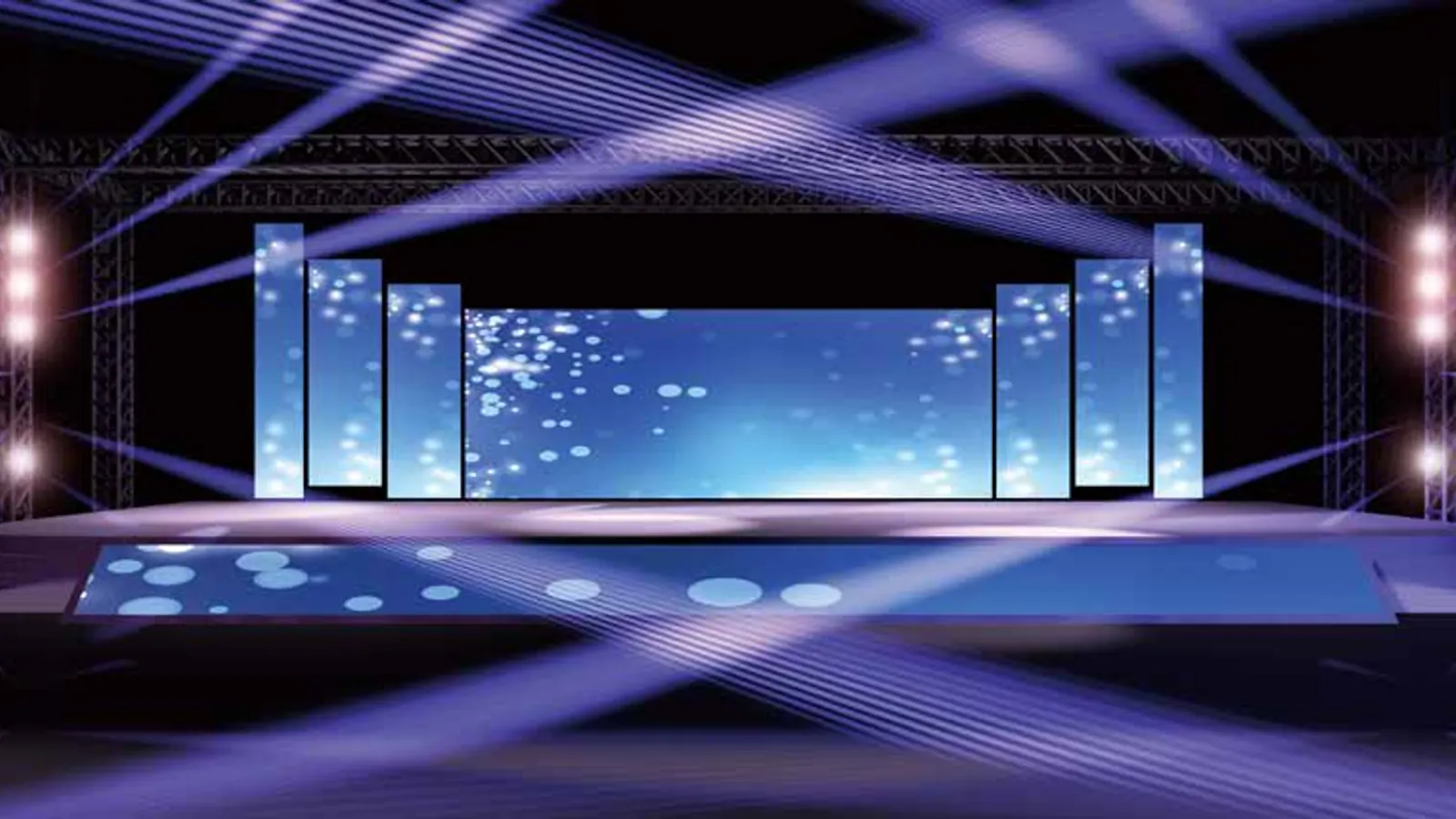
For conferences, launch events, gala dinners, or stages featuring small text slides, P2.6 or P2.9 often provides better readability for front-row attendees. For concerts, outdoor activations, festivals, or large visual backdrops, P3.9 may suffice if the front row is several meters away and the content primarily consists of videos, key visuals, and large logos. P4.8 is more suitable for wide stages with distant audiences where a large screen area is needed rather than extremely high pixel density.
It's important to remember that rental LED screens serve not only direct viewers. Close-up cameras on performers, wide shots of the stage, and confidence monitors for the MC each have their own viewing distances. If the event is being filmed, a mockup should be created based on camera positions, not just audience seating. Luxwave typically starts by considering the stage dimensions, front-row distance, FOH (Front of House) position, camera locations, and content type to recommend an appropriate pitch range, rather than defaulting to a single configuration for all events.
Why is a Refresh Rate of ≥3840Hz Important When Cameras Are Present?
Refresh rate is a critical parameter determining whether an LED screen appears clean on camera, especially for events involving livestreaming, recap filming, multicam setups, or when the screen is positioned behind a speaker. While a low refresh rate might appear acceptable to the human eye, cameras have their own shutter speeds and scanning frequencies, making them susceptible to capturing horizontal lines, flickering, or banding. Therefore, for professional rentals, a refresh rate of 3840Hz or higher is a recommended threshold, particularly when the screen serves as the main stage backdrop.
The article 3840Hz LED Refresh Rate for Camera Recording delves deeper into the mechanism of scan lines, but the implementation principle is straightforward: if cameras are involved, inquire about the refresh rate before discussing price. Video processors like the NovaStar VX1000 also play a vital role by managing signal sources, scaling, mapping, color depth, and output synchronization. Even a high-quality LED panel can produce unstable images on camera if the processor is misconfigured.
Before the event begins, the technical team should conduct tests using the actual cameras that will be used during the event, not just relying on visual inspection. Tests should include scenes with white backgrounds, gradients, fast-moving videos, slides with small text, and frames with constantly changing stage lighting. If the LED screen is behind a speaker, tests should also include skin tones and hair edges to avoid moiré patterns, overexposure, or color casts. For one-time events, testing beforehand is always more cost-effective than making corrections during the live broadcast.
What Level Should Be Set for Brightness, GOB, and Impact Resistance?
The brightness of rental LED screens must be adapted to the ambient lighting conditions. For indoor events, a range of approximately 800–1500 nits is usually sufficient for conferences, galas, exhibitions, and stages with controlled lighting. For outdoor events, especially daytime events or stages exposed to direct sunlight, screens with 5000 nits or higher are recommended to prevent the image from appearing washed out. If an event spans from afternoon into the evening, technicians need to adjust brightness accordingly to avoid dazzling the audience and maintain natural skin tones on camera.
For rental applications, the surface protection is also more critical than for fixed installations. Technologies like GOB/HOB are often mentioned due to their protective coating or structure, which helps reduce the risk of LED damage from light impacts, cleaning, packing, or close-stage operations. Some rental models use impact-resistant masks instead of a full GOB coating; the suitability of each option depends on the pitch, budget, and proximity to performers.
Outdoor installations also require consideration of dust and water resistance based on the installation environment. The IP standard in IEC 60529 describes the level of protection of equipment enclosures against dust and water, but for rentals, the usage conditions must be carefully reviewed: Is the screen covered from rain? Is the ground prone to water accumulation? Are power and signal cables run overhead or underground? Is wind likely to blow moisture into the back of the cabinets? A general IP rating should not be assumed to guarantee protection in all outdoor scenarios; the installation team must implement appropriate measures for power, signal, and shielding based on the actual conditions.
What Should Be on a Checklist When Renting Event LED Screens?
A checklist for renting LED screens should start with the event's objectives, not the price list. The renter needs to know the stage dimensions, whether the screen will be the main backdrop or side wings, the distance to the front row, whether the event is indoors or outdoors, if there's a livestream, the operating hours, and the available setup time. These details determine the pitch, brightness, refresh rate, mounting type, number of spare cabinets, and on-site technical personnel.
When working with a supplier, clarify the following points: Are the cabinets lightweight rental types with quick-locks? What is the specific pixel pitch? What is the refresh rate in Hz? What are the indoor/outdoor brightness levels in nits? Does the surface have GOB or an impact-resistant mask? Which processor and sending card models are used? Will technicians be present throughout the event? Are spare power supplies, cards, modules, and cables available at the venue? These questions help differentiate between a quote that reflects full capability and one that merely lists screen area.
A good checklist should also cover operational aspects: vehicle access times, lifting/lowering routes, floor load capacity, truss hanging points, dedicated power supply, signal cable runs from FOH to the screen, and rain protection plans for outdoor events. For large stages, the layout logic often aligns with that of sports and performance screens, similar to lessons learned from stadium perimeter LED screens: the image must be clear from a distance, but the structural integrity and operational safety are what ensure the event runs smoothly.
What Does Technical Service Entail in a Rental Package?
A comprehensive rental service includes site survey, configuration consultation, transportation, installation/dismantling, image calibration, testing, on-site technical support during the event, and spare equipment. For rental LED screens, the service component is integral to the product, not an afterthought. A conference, concert, or product launch event typically has a single prime time slot; if the screen loses signal or displays incorrect colors after guests are seated, the reputational cost far outweighs any initial savings.
A site survey helps finalize actual dimensions, viewing angles, mounting locations, transport access, and power availability. Transportation determines whether cabinets are subjected to impacts. Installation/dismantling affects screen flatness, module color uniformity, and structural safety. On-site technicians monitor signal, power, temperature, mapping, brightness, and incoming content. Spare equipment such as modules, receiving cards, power supplies, signal cables, and backup processors enable the operational team to resolve issues quickly without waiting for replacements from storage.
Luxwave is a premium LED screen brand under Ho Gia JSC, an authorized distributor for BOE, NovaStar, and Muxwave. For stage and event applications, Luxwave focuses on configuring solutions based on the specific use case: stage size, audience distance, livestreaming, rental duration, and setup conditions. Products like the BOE BYB Plus P4.4 may be suitable for certain outdoor scenarios or large screens, but the final configuration always requires an on-site survey rather than simply selecting a model name.
When Should You Not Rent a Rental LED Screen?
Not all display needs are best met by rental LED screens. If a screen is required for permanent operation over many months or years in a showroom, on a building facade, in a control room, or as an outdoor billboard, a fixed installation is usually more appropriate due to optimized long-term structure, wiring, maintenance, and operational costs. Rentals are most suitable for short-term events, tours, exhibitions, conferences, mobile stages, or programs requiring variable screen sizes for different occurrences.
If the need is for a continuously operating advertising billboard, consider outdoor DOOH billboard solutions instead of daily rentals. If the requirement is for a single-night stage, a two-day conference, or a weekend activation, rentals offer reduced capital investment, include technical support, and provide flexibility in size. The pitfall to avoid is using rental screens for long-term fixed installations solely due to lower initial costs, or conversely, purchasing fixed screens for short-term events and then having to manage storage, personnel, and maintenance independently.
The practical conclusion is to opt for rentals when you need speed of deployment, flexibility, and a technical team responsible during the event hours. Finalize your decision based on the checklist: stage size, audience distance, indoor/outdoor, livestream presence, rental duration, setup time, and contingency plans. Once these factors are clear, the supplier can propose the correct pitch, brightness, refresh rate, structure, and on-site personnel, rather than providing a per-square-meter quote that appears cheap but lacks operational capability.
Pitfalls
Common mistakes
- Choosing a pitch that is too large for close seating — audiences see pixelation, small text becomes illegible, and the stage image appears less premium despite adequate screen size.
- Overlooking refresh rate for camera recording or livestreaming — the camera feed shows scan lines, flickering, or banding, which is difficult to correct in post-production during a live event.
- Renting screens without requesting on-site technicians and spare equipment — a fault with a power supply, receiving card, or signal cable can disrupt a one-time event.
- Using fixed installation cabinets for rental needs — slow setup, heavy weight, prone to damage during transport, and labor-intensive dismantling after the event.
FAQ
Frequently asked questions
What pixel pitch should be chosen for event rental LED screens?
Indoor stages typically use P2.6–P3.9 as audiences and cameras are close to the screen. Large stages or nearby outdoor venues often use P3.9–P4.8 to balance resolution, brightness, and rental budget. Choose based on the front-row distance, not on the assumption that a smaller pitch is always better.
How do rental LED screens differ from fixed LED screens?
Rental LED screens use lightweight cabinets, quick-lock systems, and rigging or stacking solutions optimized for frequent assembly and disassembly. Fixed screens prioritize long-term durability, concealed wiring, and on-site maintenance. Therefore, fixed cabinets are generally unsuitable for continuous transport for tours, conferences, or mobile stages.
What refresh rate is needed for LED screens during livestreaming?
For camera recording, multicam setups, or livestreaming, choose a refresh rate of at least 3840Hz. This level helps minimize scan lines, flickering, and banding as cameras capture the screen at various shutter speeds. For critical events, perform live tests with the actual cameras before the program starts.
How bright should outdoor rental LED screens be?
Outdoor daytime stages should use screens with brightness levels of 5000 nits or higher to prevent images from being washed out by sunlight. Indoor events typically require only about 800–1500 nits due to controlled lighting environments. If the event runs from day to night, technicians must adjust brightness for different times to avoid audience glare and ensure natural skin tones on camera.
What should be included in event rental LED screen services?
A proper rental package should include a site survey, configuration consultation, transportation, installation/dismantling, image calibration, on-site technicians during the event, and spare equipment. The service component is as important as the screen itself, as events often run only once and have limited time for error correction after guests are seated.
Should GOB LED screens be chosen for events?
GOB or impact-resistant masks are beneficial when screens are transported frequently, installed close to the stage, or at risk of collision with props, performers, or lighting equipment. For small-pitch indoor rentals, the protective layer helps reduce damage to corner LEDs, but proper packing, support, and installation techniques are still necessary.
References