

Virtual Production is revolutionizing set design: instead of green screens, film crews shoot directly in front of an LED wall displaying real-time rendered digital environments via Unreal Engine and nDisplay. XR (Extended Reality) expands physical space with digital content. Here, the LED screen acts as both backdrop and light source, reflecting onto actors and props. Unlike advertising displays, production screens must be "clean" under the camera lens: no flicker, no moiré, smooth dark areas, and synchronized with the camera. This article helps you understand the critical parameters for configuring your system appropriately.
!Virtual Production LED Volume
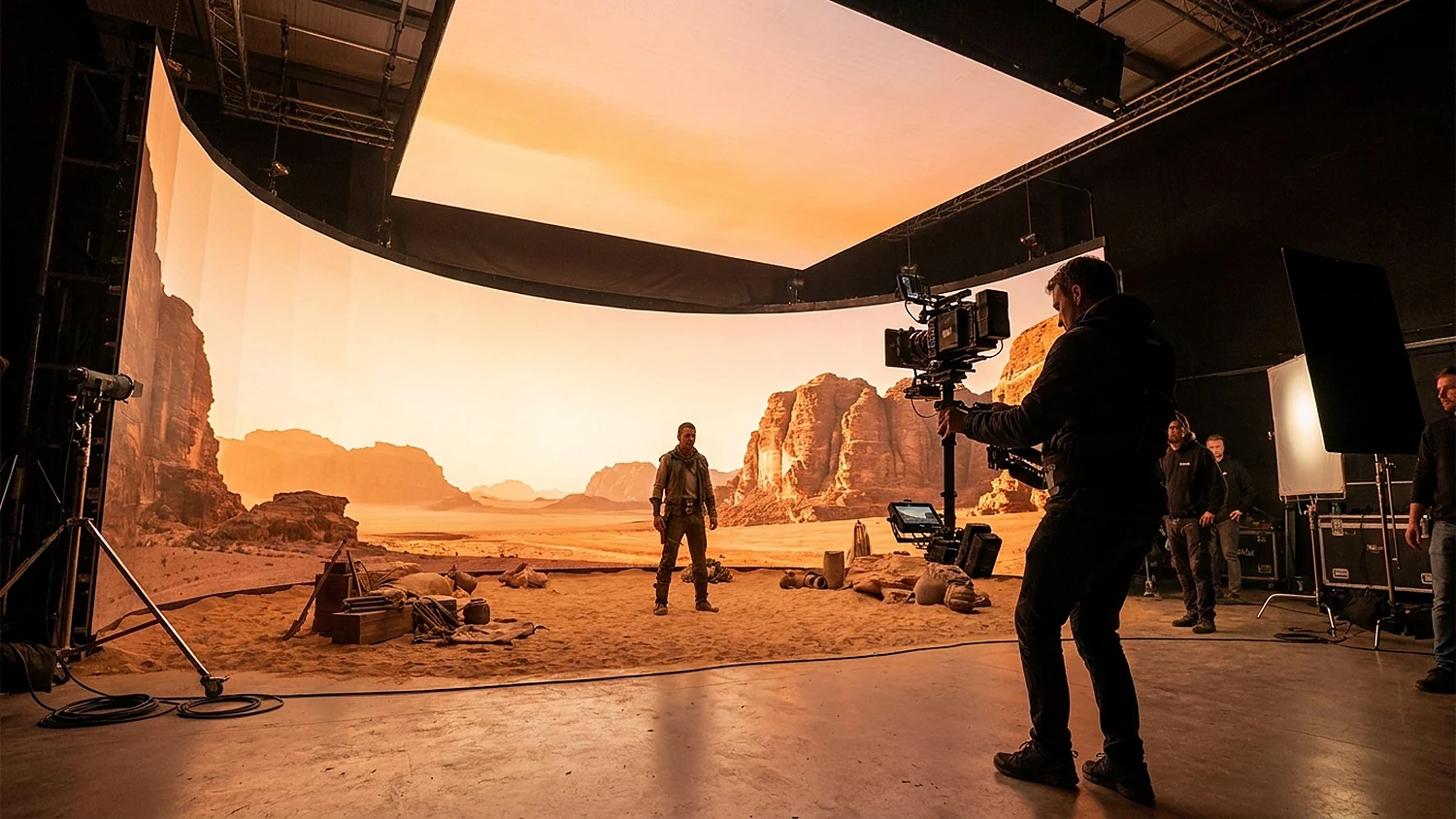
An LED volume in a virtual production studio (illustration).
What are Virtual Production / XR and Why Use LED Screens?
Virtual Production is a filming method combining real-time rendered digital environments displayed on LED screens, typically controlled by Unreal Engine via nDisplay. XR, or Extended Reality, expands physical space with digital content. Instead of post-production green screen compositing, film crews see the environment live on set. LED screens also provide realistic ambient lighting that reflects onto actors, mirrors, and metallic surfaces, something difficult to achieve with green screens. This allows actors to perform more naturally and directors to make decisions on the spot.
What Pixel Pitch and Refresh Rate are Suitable for Virtual Production?
Pixel pitch is selected based on the distance between the camera and the screen. For typical shots, a pitch of around 2.3-2.8mm is usually sufficient. For close-up shots requiring higher detail to avoid visible pixels, a smaller pitch like COB P0.9-P1.25 should be used. Regarding refresh rate, the minimum should be 3840Hz, with high-end systems reaching 7680Hz, coupled with a high scan rate. A high refresh rate prevents camera flicker or scan lines and is the primary factor in combating moiré. A consistent high scan rate across the entire volume is essential.
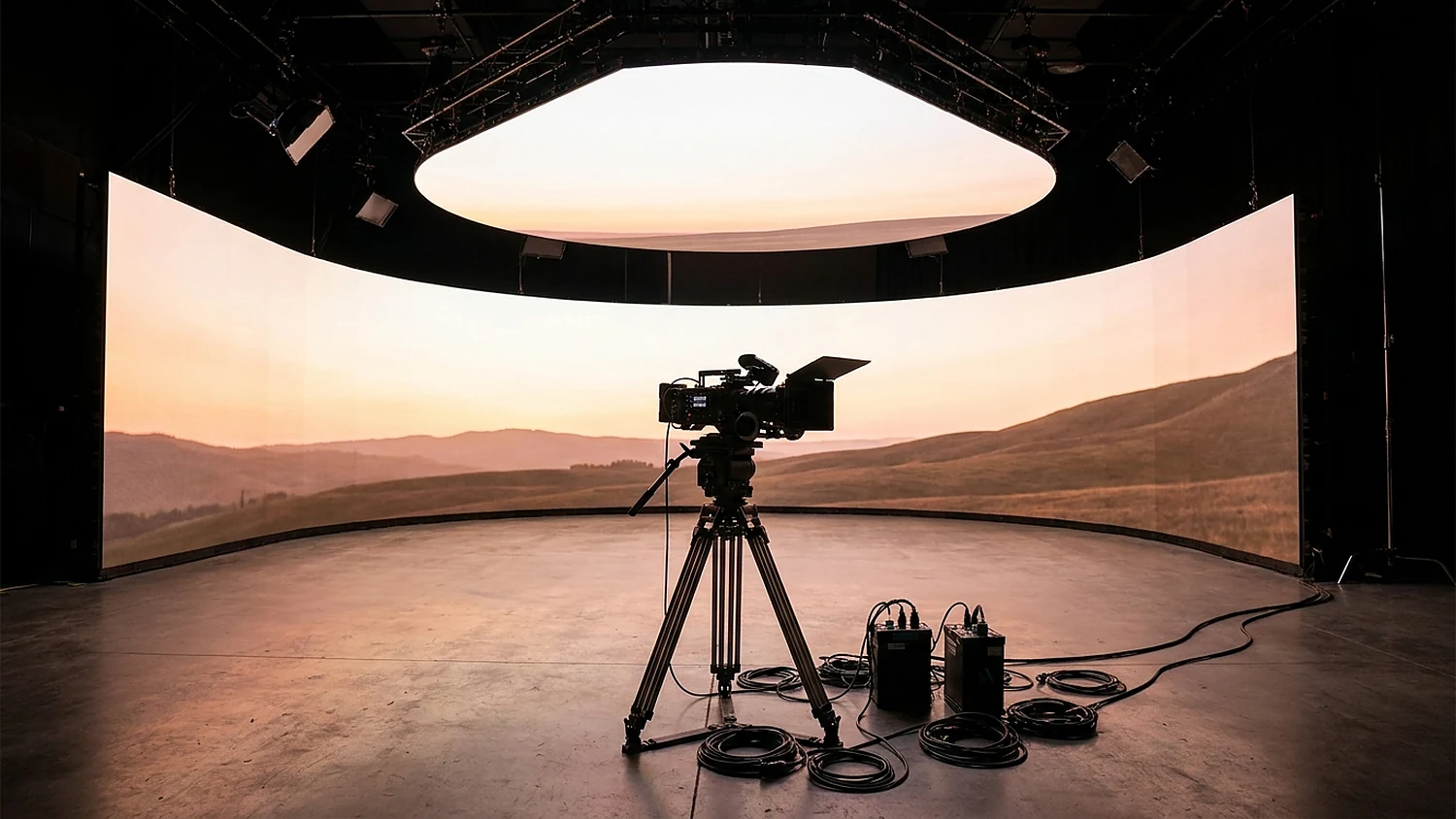
LED cabinets and modules for LED volumes (illustration).
Why is Moiré Primarily Prevented by Refresh Rate and Scan Rate? Moiré is an interference pattern that occurs when the LED screen's pixel grid aligns with the camera sensor's grid, often accompanied by flicker from a low scan rate. The main factors preventing moiré are a high refresh rate and a high scan rate: when the screen refreshes fast enough, each camera frame receives a stable image without scan lines. High bit-depth plays a supplementary role, mainly improving dark areas, but cannot replace refresh rate. Therefore, when budgeting, prioritize screens achieving 3840Hz or higher and ensure scan rate synchronization between cabinets.

How Does Grayscale Affect Dark Area Quality?
A deeper grayscale allows for smoother transitions in dark areas and reduces banding when filmed. Driver ICs typically achieve 16-bit, but many native fine-pitch ICs are only 14-bit. At the receiving card level, technologies like NovaStar Image Booster can enhance effective grayscale to 22-bit+: the A8s datasheet mentions "64x improvement," equivalent to an additional 6 bits (16+6=22). This is achieved through dark area re-mapping with dithering, not physical 22-bit PWM, and its effectiveness depends on the driver IC ("Effects depend on the driver IC"). Additionally, Precise Grayscale calibrates each gray level for smooth dark areas without banding on camera.

How Does Color Binning Affect Camera Images?
Color binning is the process of classifying LEDs by brightness, wavelength, and forward voltage (Vf), then grouping similar LEDs into the same bin. A 1:1.2 ratio means that within the same bin, the brightest point is no more than 1.2 times brighter than the dimmest; high-end levels achieve a 1:1.3 standard, suitable for small-pitch and XR. Color binning is the determining factor for the ceiling of Demura and calibration: if LEDs vary too much, no software can correct it. The practical recommendation is to use LEDs from the same batch for the entire volume.
The practical consequence of good color binning lies in uniform calibration (Demura). When LEDs are tightly binned, the screen achieves very high uniformity after Demura. Conversely, if LEDs vary significantly, no calibration software can compensate, and errors will be evident under a macro lens when the camera moves close. This is why large studios require LEDs from the same batch for the entire volume, even when expanding to thousands of panels. Combining tight binning with per-point calibration and a dedicated processor makes the seams between panels nearly invisible, even in close-up shots. Therefore, when evaluating quotes, inquire about color binning criteria and the Demura process, rather than just looking at pixel pitch or brightness.
What to Consider Regarding Latency and Synchronization?
It's crucial to distinguish between two types of latency. LED chain latency (processor + receiving card) is typically 1-3 frames; at 60fps, this equates to 16.7-50ms, with the processor being the main source of delay. In contrast, the total VP loop latency includes camera tracking and Unreal Engine plus the LED chain, amounting to approximately 7-9 frames. Furthermore, genlock (signal synchronization) is distinct from low-latency mode (reducing delay): virtual production requires both. Note that low-latency modes involve trade-offs, such as limitations on load or cabling areas, which must be considered during system design.
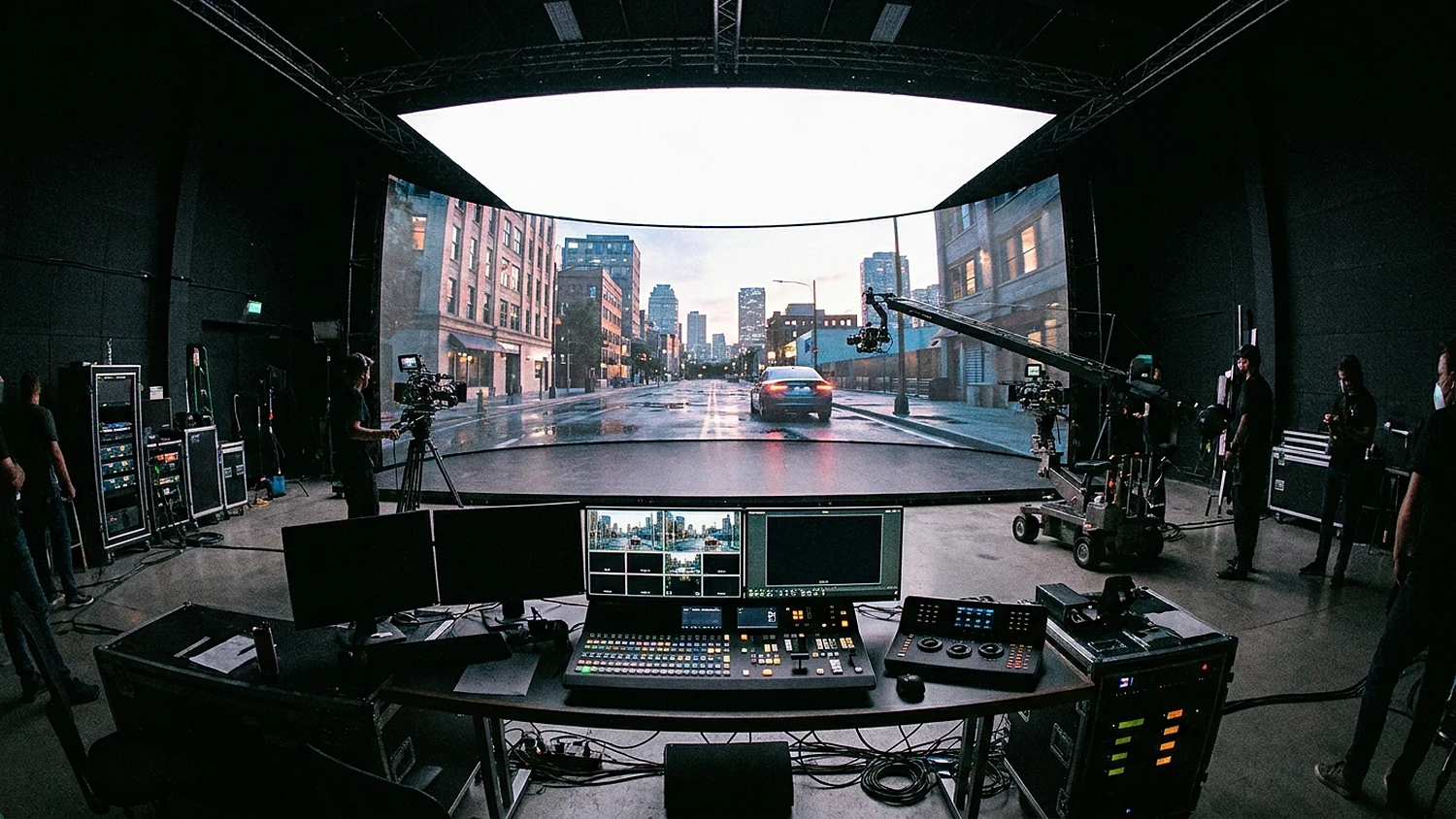
Control room and image processor in a virtual production studio (illustration).
Which Luxwave Products Meet Virtual Production Requirements?
For close-up shots requiring high detail, the BOE BYH009 Ultra is a premium choice: COB technology with P0.9375 pixel pitch, 7680Hz refresh rate, 99% DCI-P3 color gamut, 1500/2000 nits brightness, 1,000,000:1 contrast ratio, and convenient front maintenance for studio spaces. For dedicated xR cabinets, the BOE BTY026B xR features a P2.604 pixel pitch, 7680Hz refresh rate, SMD technology, and CCC/CE/FCC certifications. For control and synchronization, the NovaStar VX2000 Pro processor supports genlock and Low Latency Mode, meeting the synchronization and low-latency demands of VP.
When to Choose COB vs. xR Cabinets?
The choice depends on the shooting distance and desired image quality. For close-ups where the camera is near the screen, a small pitch and COB technology like the BYH009 Ultra (P0.9375) maintain detail, prevent visible pixels, and provide deep dark areas. When the screen serves as a backdrop at a greater distance or as a large environmental wall, dedicated xR cabinets like the BTY026B with a P2.604 pitch offer a balance between detail and installation scale. Many virtual studios combine both types for areas with different requirements. Regardless of the configuration, the advantage of purchasing through Luxwave is that both BOE screens and NovaStar processors are genuine, with synchronized warranties and on-site engineering support for integration, rendering, and tracking. This reduces the risks associated with combining multiple devices from various sources, which are common causes of color mismatch, phase errors, or uncontrollable latency in virtual production projects.
Note on 22-bit+ Grayscale and Processors. The feature to enhance effective grayscale to 22-bit+ via Image Booster resides at the receiving card level (e.g., A8s), not with the VX2000 Pro processor. When budgeting, distinguish these: the processor handles genlock and low latency, while the receiving card manages grayscale and dark area calibration. As the effectiveness of this feature depends on the driver IC, confirm the module's driver IC before expecting specific results. The compatible receiving card list is being updated, so please contact us for a configuration tailored to your specific project.
Summary of Recommended Configuration Estimates
A good LED volume requires balancing multiple factors simultaneously, rather than optimizing a single parameter. Start with the shooting distance to select the pixel pitch, set the refresh rate threshold at 3840Hz or higher (prioritize 7680Hz for close-ups), ensure uniform color binning by using LEDs from the same batch, and design a processing chain with both genlock and low-latency modes. Deep grayscale at the receiving card level will ensure smooth dark areas without banding. By understanding these factors, you can estimate a configuration that closely matches your studio's needs and budget.
Pitfalls
Common mistakes
- Confusing LED chain latency (1-3 frames) with total VP loop latency (camera tracking + Unreal + LED chain, approx. 7-9 frames).
- Mistaking 22-bit+ effective grayscale for physical 22-bit PWM; it's actually dark area re-mapping and dithering at the receiving card level, dependent on the driver IC.
- Mixing different LED batches for the same volume, leading to binning discrepancies that Demura cannot fix.
- Enabling only genlock while forgetting low-latency mode, or vice versa; VP requires both, accepting trade-offs in load/cabling.
FAQ
Frequently asked questions
What's the difference between Virtual Production and XR?
Virtual Production combines real-time rendered digital environments (via Unreal/nDisplay) displayed on LED screens for live camera recording. XR (Extended Reality) is a broader concept that expands physical space with digital content. Both use LED screens as backdrops and light sources.
What pixel pitch is suitable for virtual production?
For typical shots, a pixel pitch of around 2.3-2.8mm is usually sufficient. For close-ups requiring higher detail to avoid visible pixels, a smaller pitch like COB P0.9-P1.25 should be used. The distance between the camera and the screen is the deciding factor.
What refresh rate is sufficient for cameras?
A minimum of 3840Hz is recommended, with high-end systems reaching up to 7680Hz, coupled with a high scan rate. A high refresh rate prevents camera flicker or scan lines and is the primary factor in combating moiré. High bit-depth is supplementary for dark areas.
Why is grayscale important for filming?
Driver ICs typically achieve 16-bit, and receiving cards can enhance effective grayscale to 22-bit+ through dark area re-mapping and dithering. This results in smooth dark areas without banding when filmed, but its effectiveness depends on the driver IC, not physical 22-bit PWM.
What does latency in virtual production involve?
It's important to distinguish between LED chain latency (processor + receiving card, approx. 1-3 frames) and the total VP loop latency, which includes camera tracking and Unreal Engine, around 7-9 frames. The processor is the main source of latency in the LED chain. VP requires both genlock for synchronization and low-latency mode.
What does 1:1.2 color binning mean?
Color binning classifies LEDs by brightness, wavelength, and Vf, grouping similar LEDs. A 1:1.2 ratio means the brightest point in a bin is no more than 1.2 times brighter than the dimmest. High-end standards reach 1:1.3, suitable for small-pitch and XR; using LEDs from the same batch for the entire volume is recommended.
References
- 1.ManufacturerBOE MLED COB Display Solutions
- 2.ManufacturerGenuine NovaStar
- 3.DatasheetMacroblock driver IC datasheet
- 4.ResearchGrayscale/Color Binning/Latency Technical Synthesis (ZH-RAG)