

What Kind of LED Display Does a Control Room/Command Center Need?
Control rooms, IOCs, NOCs, SOCs, and command centers require a display surface designed as operational infrastructure, not just a standard presentation screen. Key criteria include close viewing for operators seated 1-3m away, 24/7/365 operation, N+1 redundancy, and a seamless display to ensure maps, MEP diagrams, GIS, CCTV, BMS, or dashboards are not interrupted by bezels.
!Control room with LED video wall
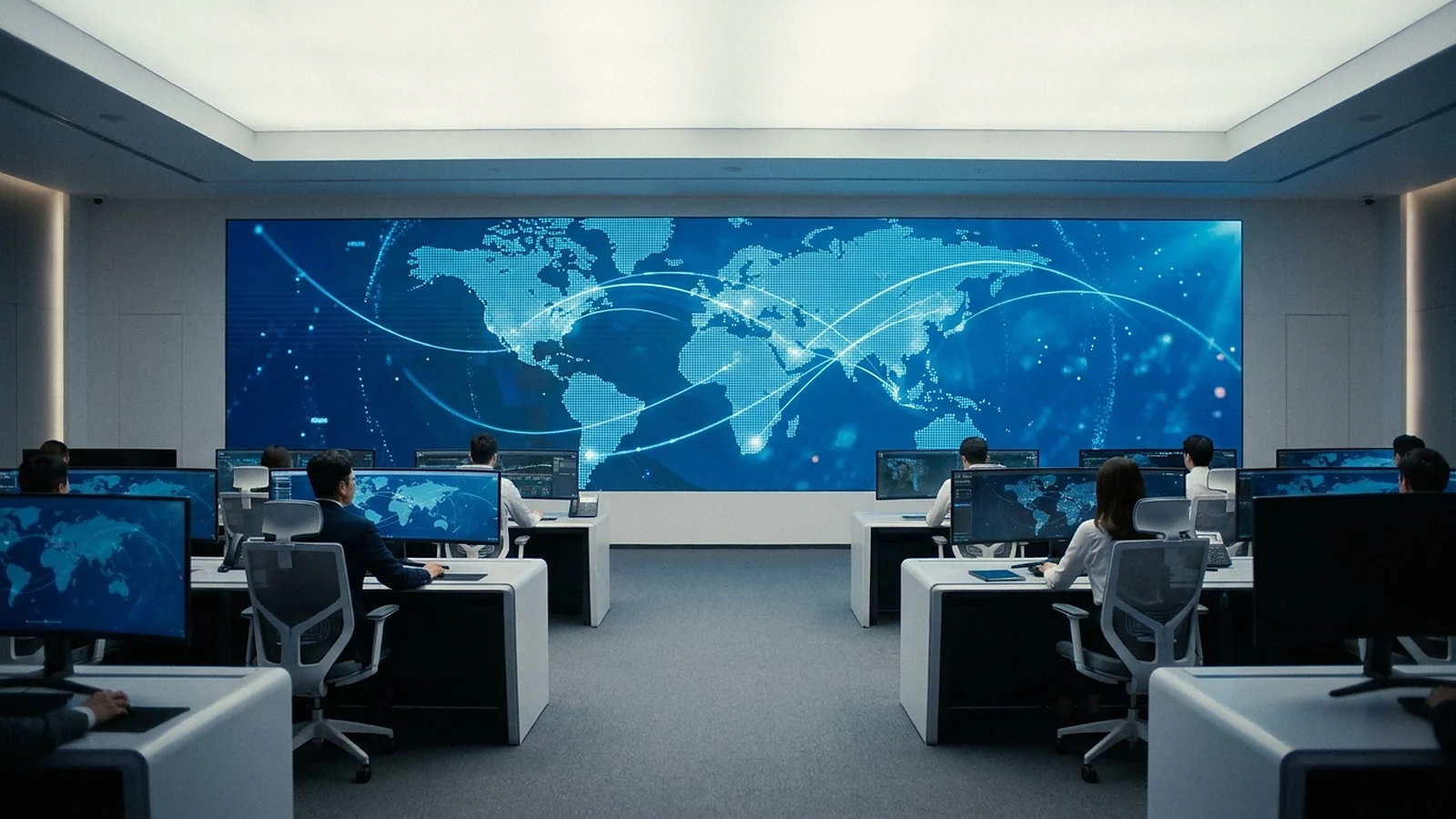
The difference in control rooms lies in the pressure of data readability. Operators don't just look at a large image; they must read small text, warning icons, timelines, route diagrams, camera feeds, and charts for many hours. If the screen has visible seams or a pitch that is too large, the eyes must constantly compensate. Therefore, the correct design should start with operational content and seating positions, then determine the wall size, cabinet count, and processor.
For this set of requirements, fine-pitch COB LED displays are a suitable choice, offering a seamless display surface, better protection than traditional SMD, and ease of front maintenance. The BOE BYH012V1 series is a prime example for this application: a COB 0306 full-flip chip, 1.25mm pixel pitch, 600×337.5mm cabinet with 480×270px, refresh rate from 3,840Hz, color gamut from 110% NTSC, and a 1,000,000:1 dark room contrast ratio according to the BOE datasheet.
How to Choose Pixel Pitch Based on Viewing Distance?
Choosing the pixel pitch for a command center must start from the closest operator viewing distance. A practical rule is that the minimum viewing distance in meters should approximate the pixel pitch value in millimeters. Since operators typically sit 1-3m from the screen, the P0.9-P1.25 range is the area to prioritize; larger pitches may look good from afar but make small text and thin lines difficult to read up close.
Within the BOE system, the BYH012V1 P1.25 is suitable for rooms needing a balance of smoothness, reliability, and commercial viability. The BYH015V1 P1.56 might be appropriate for longer viewing distances or content with less small text, while the BYH Ultra P0.9 is the flagship option for higher pixel density in very close viewing spaces. The correct approach is to test with actual interfaces on a mockup: maps, cameras, warning panels, trend charts, and small text.
Do not choose pitch based solely on technology name. P0.9 sounds more premium than P1.25, but if operators sit further away, the content has less small text, or the budget needs to be allocated for redundancy, processors, and maintenance, the smallest pitch is not necessarily the best decision. Conversely, for SOCs, power dispatch centers, traffic control, or data centers with many detailed dashboards, saving money with a larger pitch can reduce reading speed during shifts. The article How to Choose LED Pixel Pitch 2026 provides a foundation for verifying formulas for different spaces.

Why is COB Superior to LCD Video Walls for 24/7 Operation?
COB doesn't always replace LCD in every project, but for 24/7 control rooms, COB offers three distinct advantages: a seamless surface, suitability for continuous static images, and front maintenance. LCD video walls can still be used for rooms dividing cameras into grids, but when GIS maps, MEP diagrams, or full-screen dashboards are displayed, panel bezels can cut through critical data areas.
!24/7 Monitoring Operation on LED Wall

In a command center, "seamless" is more than just aesthetics. An LCD bezel crossing a road, equipment code, warning location, or camera label can slow down operator reading. COB LED, assembled from modules/cabinets, creates a continuous surface, allowing interface designers to avoid bezel interference. This is particularly important when the room has multiple presets: full-screen maps, incident modes, camera views, meeting modes, and reporting modes.
The BYH012V1 also features specifications well-suited for close-up operational environments: a 600×337.5mm cabinet allows flexible screen scaling, 480×270px per cabinet facilitates resolution calculations, a refresh rate from 3,840Hz ensures stable images, and a COB lifespan exceeding 100,000 hours according to COB series data. For a direct comparison of the two architectures, refer to the article LED COB vs LCD Video Wall for Control Rooms.

How Should Processors and N+1 Redundancy Be Designed?
The processor/splicer is the layer that determines whether a control room operates as a true system or just a large screen. Devices like NovaStar H series, NovaStar VX Pro, or PixelHue Q8/P20 are responsible for accepting multiple inputs, creating multi-window layouts, recalling preset configurations, and switching sources when needed. For critical rooms, N+1 requirements must be planned from the outset for power supplies, cards, or signal paths.
!NovaStar VX2000 Pro Controller
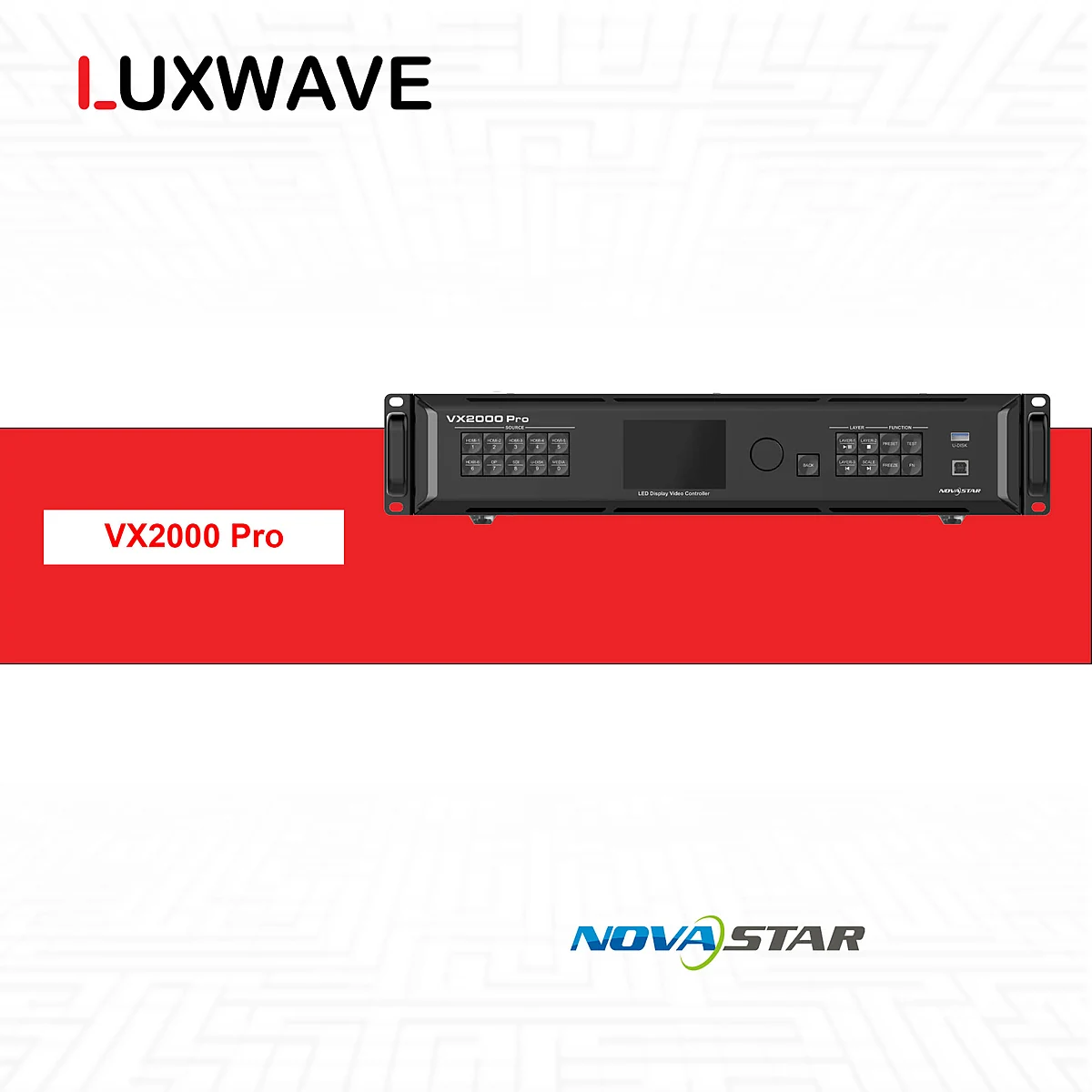
A basic diagram typically follows the chain: CCTV/BMS/IoT/workstation source -> splicer/controller -> input card -> LED display. However, the actual design needs to answer more detailed questions: which sources are always displayed, which are only recalled during incidents, which windows require PIP, which sources need redundancy, can operators change layouts, and what happens if a signal path fails – does the system switch automatically or require manual intervention?
In high-end control room architectures in China, the signal layer is often described using distributed input/output cards, fiber optic transmission (光纤传输) for distant screens or multiple clusters, centralized display management (集中显示管理), and multi-window splicing (多窗口拼接). Some systems also use AI-powered auto-calibration, edge-blending (边缘融合) for seamless seams, and adaptive thermal compensation (自适应热补偿) for more stable color during long operating hours. For COB LEDs, the full flip-chip structure (全倒装芯片) and black film packaging (黑膜封装) are mentioned as ways to increase contrast, water resistance, anti-static properties, and impact resistance; specific performance metrics still need to be verified against datasheets for each series.
A common mistake is counting input devices without considering the number of simultaneous windows. A room with many cameras doesn't necessarily need to display them all at once, but an SOC room with dashboards, SIEM, cameras, maps, and operational tickets might require more simultaneous windows. The article Choosing NovaStar VX400/VX600/VX1000/VX2000 Pro helps evaluate controllers based on pixel load, ports, and layers; for more complex splicer systems, a signal diagram should be created before finalizing the model.
What to Consider When Integrating BMS/CCTV/IoT into LED Displays?
Integrating a control room isn't about putting all sources on the screen simultaneously, but about organizing sources according to their operational roles. CCTV provides live footage, BMS shows building status, IoT monitors sensors, GIS displays maps, workstations run dashboards, and backup sources are for emergencies. LED displays only realize their value when these sources are placed in layouts that are easy to read, recall, and require minimal unnecessary operations.
The integration chain should be described with a signal diagram before ordering hardware. Each source needs its signal standard, resolution, usage frequency, control rights, and redundancy status identified. Then, select the splicer/controller, receiving cards, cabinets, and cabling plan. If done in reverse, the project might end up with a completed screen but an awkward operator workflow: critical sources are too small, quick camera views require too many steps, or dashboards are scaled incorrectly.
For multi-shift control rooms, layout presets are as important as display specifications. Regular shifts might need an overview map and KPIs; incident shifts require zooming into alert areas; meeting shifts need screen splits for reports and video calls. Processors from NovaStar or PixelHue can handle this layer depending on the scale. Luxwave, part of Ho Gia JSC, is an authorized distributor of BOE, NovaStar, and PixelHue in Vietnam, enabling integrated design of displays, processors, and signal flows rather than separate component selection.
How to Choose Configuration Based on Room Scale?
There is no single configuration for every command center. A small room monitoring cameras and BMS might need a moderately sized fine-pitch COB display, fewer layouts, and a compact controller. Enterprise-level IOC/NOC/SOC rooms require multiple sources, complex presets, N+1 redundancy, and clear operational procedures. Critical infrastructure control rooms need additional consideration for non-stop maintenance capabilities, redundant modules, and equipment origin documentation.
For close-viewing rooms, the starting point should be P0.9-P1.25 and actual content. If prioritizing a stable commercial configuration, the BOE BYH012V1 P1.25 is a strong contender due to its COB 0306 full-flip chip, 600×337.5mm cabinet, 480×270px resolution, front maintenance, and refresh rate from 3,840Hz. If the client requires a flagship option for very small text or extremely close seating positions, the BYH Ultra P0.9 can be included in technical comparisons.
For processors, do not default to the largest or smallest model. Calculate the total screen pixels, the number of required inputs, simultaneous windows, operational presets, backup needs, and how to distribute the load to cabinets. The NovaStar VX2000 Pro is suitable when the system requires a large canvas or a more layered workflow, but other configurations in the NovaStar or PixelHue systems might be more appropriate if the task is less complex. The Command Center Solutions page is a starting point for contextualizing configurations for IOCs/NOCs/SOCs, rather than just looking at individual devices.
Conclusion: When to Choose LED COB for a Command Center?
LED COB should be chosen for command centers when the display is the primary operational tool: operators sit close, data runs 24/7/365, content includes full-screen maps/diagrams/dashboards, and the system requires N+1 redundancy. In such scenarios, COB's benefits lie not in a single specification, but in the overall package: seamless surface, smooth close viewing, long lifespan, front maintenance, and integration capabilities with specialized splicers/controllers.
If a room primarily divides cameras into grids, has low operational demands, and doesn't require a seamless canvas, an LCD video wall might still be a viable option. However, for IOCs, NOCs, SOCs, traffic control centers, factories, buildings, or infrastructure data management, fine-pitch LED COB often forms a more robust foundation for data reading experiences. The configuration selection process should follow this order: actual content, viewing distance, pixel pitch, size/resolution, processor, N+1 redundancy, and maintenance plan.
Luxwave has an advantage in the ecosystem aspect, working simultaneously with authorized BOE MLED, NovaStar, and PixelHue distributors in Vietnam. This prevents projects from being fragmented into three separate decisions: display, controller, and integration. For control rooms, the best decision is a configuration that the operational team can explain, use daily, and troubleshoot according to a prepared scenario.
Pitfalls
Common mistakes
- Choosing a screen based on wall size without measuring the closest operator viewing distance; a room for 1-3m viewing using too large a pitch will make small text, maps, and dashboards difficult to read.
- Designing a video wall that only displays images, lacking N+1 redundancy for power, receiving cards, or cable paths; if a component fails, the shift has no clear transition plan.
- Using LCD video walls for MEP diagrams, GIS, or full-screen dashboards without considering bezels cutting through text, routes, warning icons, and operational charts.
- Counting cameras without categorizing CCTV, BMS, IoT, workstation PCs, backup sources, and layout presets; resulting in a processor lacking windows or an inconvenient operational workflow.
FAQ
Frequently asked questions
What pixel pitch should be chosen for a control room with close viewing distances of 1-3m?
Control rooms with operators seated nearby should prioritize fine-pitch options. A quick rule of thumb is that the minimum viewing distance in meters approximates the pixel pitch value in millimeters. For distances of 1-3m, P0.9-P1.25 is typically the range to consider, followed by verification with actual dashboard content.
Why do command centers require 24/7/365 operation and N+1 redundancy?
IOCs, NOCs, SOCs, and command centers are often locations for continuous operational monitoring, making the central display an essential piece of working infrastructure, not just for presentation. N+1 redundancy for power, cards, or cables provides backup paths when a component fails, reducing the risk of display loss during a shift.
What are the advantages of LED COB over LCD video walls in control rooms?
LED COB offers the advantage of a seamless surface, without panel bezels interrupting GIS maps, diagrams, or dashboards. COB is also suitable for 24/7 static images, with a reference lifespan exceeding 100,000 hours according to BOE COB series data, and convenient front maintenance for fixed video walls.
What is the function of a processor/splicer in a control room?
A processor or splicer receives multiple sources such as CCTV, BMS, IoT, workstations, and backup power, then combines them into multiple windows on the LED display. A suitable device must support multi-window/PIP, layout presets, and N+1 redundancy according to the specific room's signal diagram.
Can LED displays in control rooms integrate CCTV, BMS, and IoT?
Yes, but it requires a clear signal chain design: CCTV/BMS/IoT sources feed into the processor or splicer, then output to the controller/receiving card, and finally to the LED display. The challenge lies not in connecting the signals, but in managing the number of simultaneous sources, window layouts, and the operator's process for recalling presets.
Is front maintenance important for command center video walls?
Yes, it is important because many control rooms have displays installed close to walls with no rear access space. The BOE BYH012V1 COB series supports front maintenance using magnetic suction, allowing technicians to access modules from the front without removing the entire structure or creating a rear walkway.
References
- 1.DatasheetBOE MLED — BYH012V1 datasheet
- 2.ManufacturerBOE MLED COB Display Solutions
- 3.ManufacturerGenuine NovaStar
- 4.ManufacturerGenuine PixelHue
- 5.ResearchCompilation of Chinese Control Room Solutions