

Comparing the PixelHue Q8 and NovaStar H series requires starting with a crucial point: these are not two products that always operate at the same functional level. The Q8 is PixelHue's flagship 4K/8K multi-screen management system, focusing on image processing, MVR, HDR, preset layers, keyframes, and high-level backup. The NovaStar H series is a modular splicer within a very popular LED control ecosystem, excelling in large pixel canvases, redundancy, and integration with familiar sending/receiving cards.
For the Vietnamese market, the correct question is not "Which is stronger, Q8 or NovaStar H?" but rather "Does the project require complex image processing, large-capacity LED control, or both?" Luxwave distributes both PixelHue and NovaStar, so this article positions both systems in their correct technical roles. If you are unclear on how a splicer differs from a switcher, it's recommended to read Switcher vs. Splicer in LED Systems before finalizing your configuration.
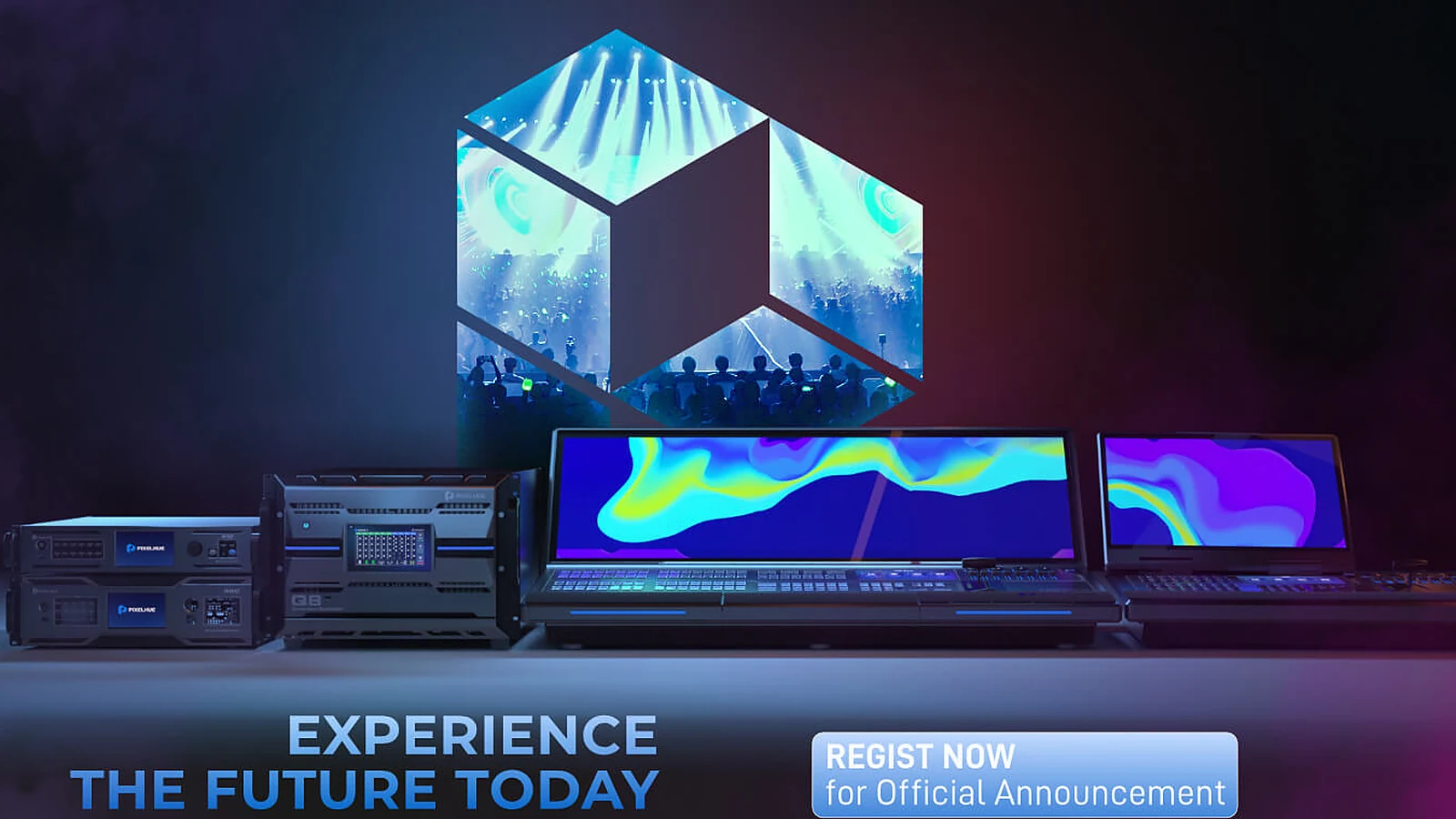
!Image processing system for large LED screens
Where Does PixelHue Q8 Excel?
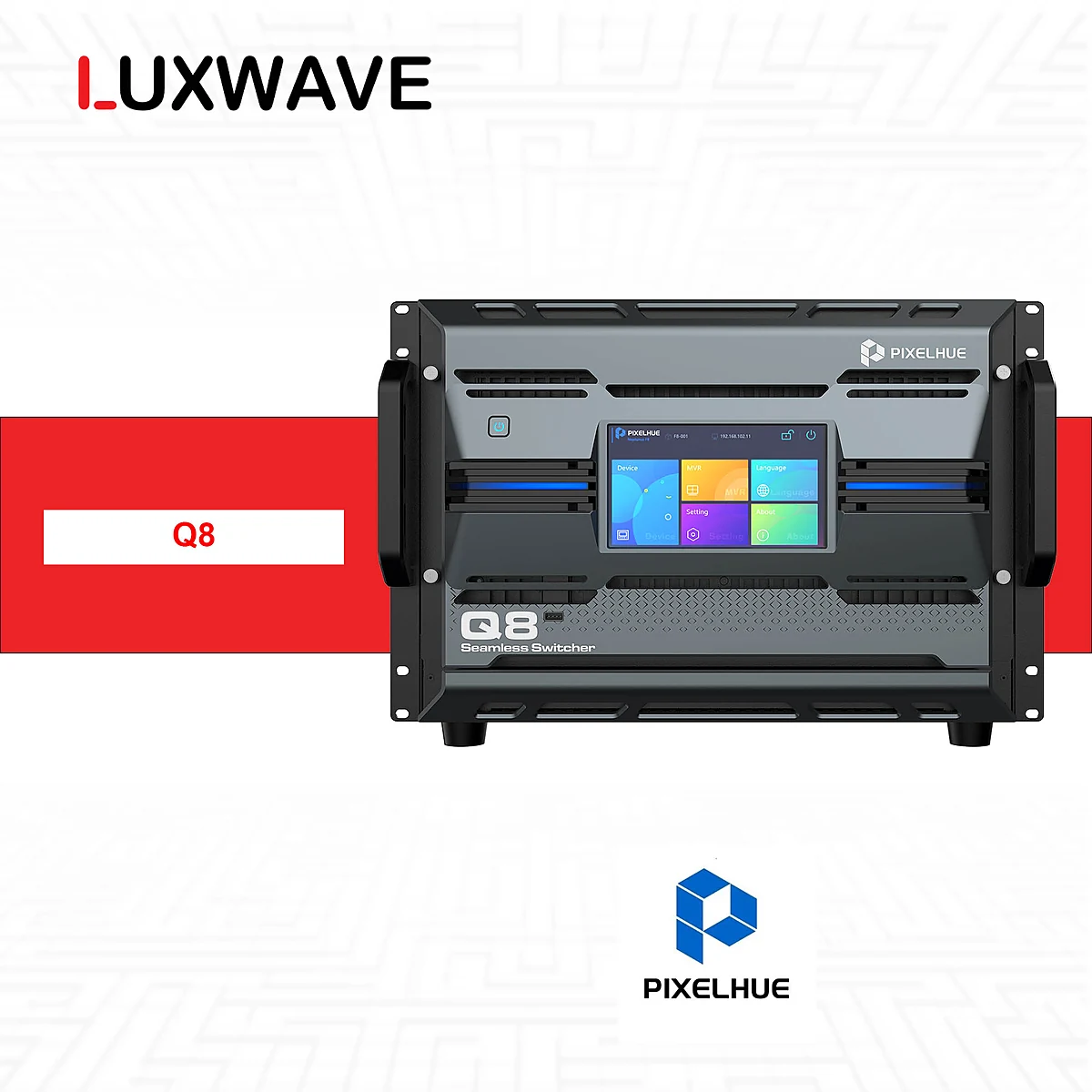
The PixelHue Q8 excels in large-scale multi-screen image processing. According to technical specifications, the Q8 is a flagship 4K/8K multi-screen management system, featuring up to 72×4K interfaces, supporting a maximum of 48×4K inputs and 16×4K outputs simultaneously. All outputs can be used as AUX, along with 2× 4K MVRs for operators to monitor multiple sources and display states. This set of capabilities is crucial for projects that not only need to "put images on screen" but also require coordinating multiple video sources within a live operating environment.
Key highlights of the Q8 include its integration of multiple high-end requirements into a single processing system: HDMI2.0, 12G-SDI, 10G SFP+, ST2110 support, HDR SDR/HLG/HDR10, LCD bezel compensation, preset layers, and keyframes. For PixelHue Q8, these specifications are significant when the LED system is deployed in studios, large stages, control centers, or projection spaces requiring multiple image zones. Each input, output, preset, and monitoring screen directly impacts operational safety.
The Q8 also stands out in backup capabilities. Technical specifications mention 2+1 redundant power supplies and Full-Link Backup for inputs, outputs, or the entire device. In live events, backup is not a decorative feature; it's a risk mitigation strategy when a source, signal path, or device fails. If a program involves cameras, media servers, presentation computers, and multiple auxiliary screens, having a readily available backup strategy at the processor level gives the technical team more controlled troubleshooting.
Another advantage is single-mode optical transmission up to 10KM and the ability to connect optically directly to many NovaStar controllers. This means the Q8 doesn't necessarily have to replace the entire NovaStar system. In many setups, the Q8 acts as the front-end processing/MVR/multi-screen layer, then transmits signals to NovaStar for further LED screen control. This is a more practical approach than forcing a one-to-one comparison between the Q8 and the H series.
Where Does NovaStar H Series Excel?
The NovaStar H series excels as a modular splicer integrated with a broad LED control ecosystem. According to technical documentation, the H series ranges from H2 to H20, with the H2 supporting approximately 26M pixels and the H20 supporting approximately 416M pixels. This tiered model design allows projects to select configurations based on pixel capacity and canvas scale. When the challenge involves very large LED screens, numerous cabinets, a need for modular structure, and a desire to integrate deeply with the NovaStar system, the H series offers a clear foundation.
NovaStar's second strength lies in its ecosystem. In Vietnam, many technicians are familiar with NovaLCT, sending cards, receiving cards, and the NovaStar configuration process. This familiarity has practical value in installation, commissioning, maintenance, and on-site troubleshooting. A powerful device that the operating team is unfamiliar with can introduce additional risks; conversely, a widely adopted system that is easy to find personnel for and has clear procedures often leads to more stable project operation.
The H series also features N+1 hot-swap redundancy within its modular structure. For large LED systems, especially fixed screens in control centers, large auditoriums, or critical display spaces, redundancy and hot-swapping are integral to operational design. If a project prioritizes a large pixel canvas, LED control pathways, technical team familiarity, and chassis/module-based expandability, the H series has a natural advantage.
However, one should not assume the H series solves all image processing challenges simply because NovaStar is popular. If a project requires multiple 4K MVRs, multiple simultaneous 4K sources, preset layers, keyframes, HDR, or end-to-end backup from input to the entire device, a comparison with the Q8's processing layer is necessary. The article What is PixelHue? further explains why high-end processors can precede LED control systems rather than replacing them.

Do the Two Systems Replace or Complement Each Other?
While the PixelHue Q8 and NovaStar H series can partially replace each other in certain splicing scenarios, they often complement each other better in many large projects. This is because the two systems have different strengths: the Q8 focuses on image processing, multi-source, multi-screen, MVR, HDR, and high-level backup; the NovaStar H series focuses on modular LED splicers/controllers, large pixel capacity, and the sending/receiving ecosystem. Simply asking "which machine is stronger" can lead project teams to overlook the specific tasks each device handles.
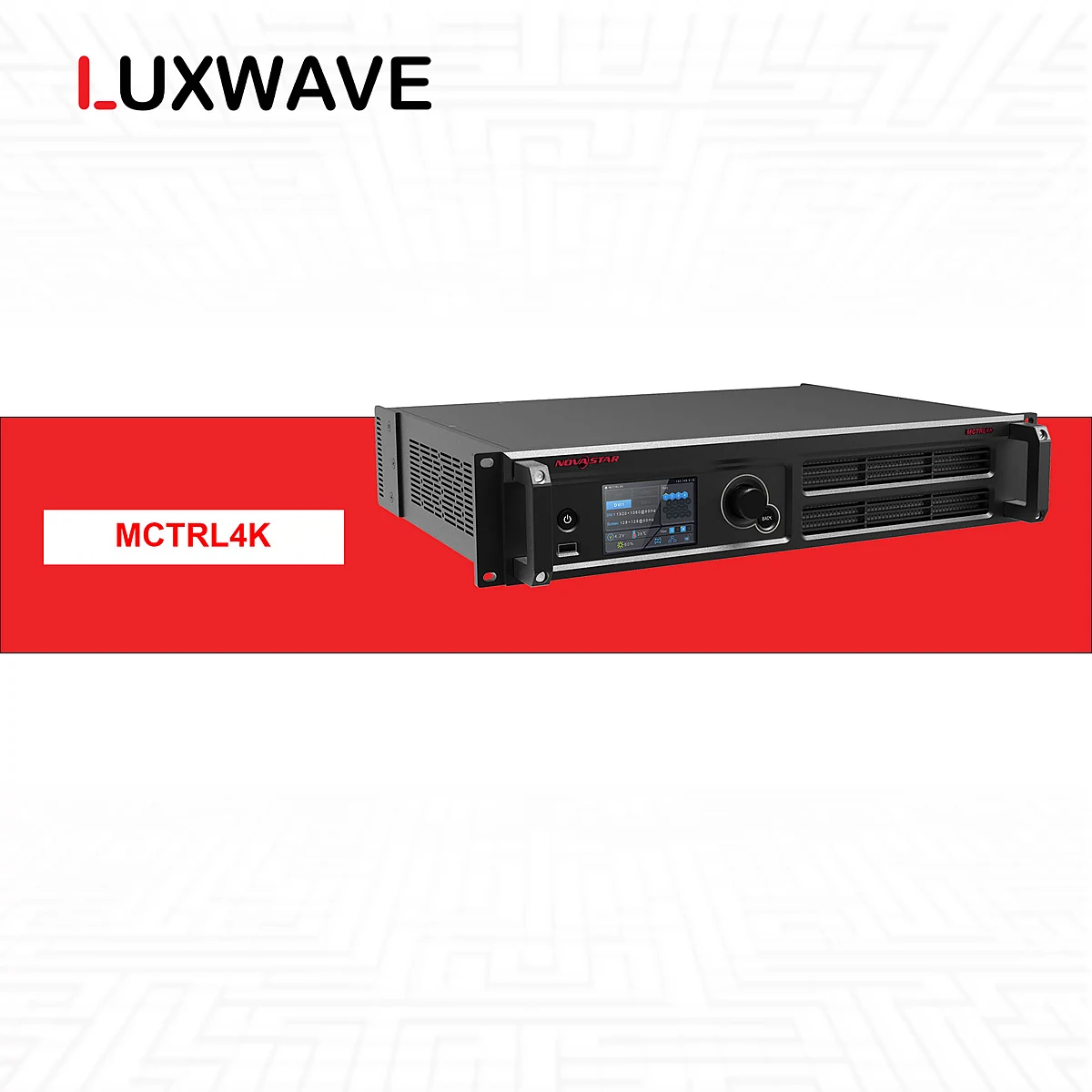
Crucially, the Q8 can connect optically directly to NovaStar VX1000, NovaPro UHD Jr, H series, MCTRL 4K, and MX40 Pro controllers. This means that in many systems, the Q8 does not directly compete with NovaStar. The Q8 can receive and process multiple video sources, manage MVR, recall presets or backups, and then send signals to a NovaStar controller for LED screen management. This configuration is particularly suitable when the client desires high-end live imagery while leveraging the familiar NovaStar infrastructure.
Conversely, some projects do not require the Q8. A large LED screen with simple sources, minimal scene changes, no MVR, low HDR requirements, and a technical team standardized on NovaStar might use the H series as the core splicer/controller. In such cases, adding a Q8 solely for its specifications could increase the budget without a commensurate reduction in operational risk. The correct approach is to design based on the signal flow diagram, not just brand names.
For projects like broadcast studios, command centers, or event stages, the answer often lies between these two extremes. A studio might need the Q8 for its 4K sources, MVR, and complex backup requirements. A command center might need the H series for its large pixel canvas and LED control system. A large stage might require both, with the Q8 handling image processing upfront and NovaStar managing the control layer behind it.

When to Choose PixelHue Q8?
Choose the PixelHue Q8 when the project's focus is on multi-screen image processing, multiple 4K sources, and complex live operation. If the system involves numerous computers, cameras, media servers, SDI or IP sources, and requires operators to monitor via MVR and quickly recall presets, the Q8 is a strong candidate. Its capability of 48×4K inputs and 16×4K simultaneous outputs makes the Q8 suitable for systems needing many signal paths running concurrently, not just simple switching between a few sources.
The Q8 is also worth considering when high-level backup is required. Full-Link Backup for inputs, outputs, or the entire device is ideal for programs where display interruption is unacceptable. The 2+1 redundant power supply enhances the safety of core equipment. In a major event, a display failure on the main screen can directly impact the program; therefore, the cost of backup should be viewed as part of risk management, not just an add-on configuration.
Features such as SDR/HLG/HDR10, LCD bezel compensation, preset layers, and keyframes also make the Q8 suitable for display systems demanding intricate layouts. For example, a control center with multiple layouts for different shifts, a studio needing various monitor zones, or a stage with a main screen, auxiliary screens, and decorative LED strips all benefit from quick, synchronized preset recall with minimal manual intervention. When workflows change per scene, presets and keyframes offer practical value.
If the project already uses NovaStar downstream, the Q8 can still be the right choice. Its ability to connect optically directly to the H series, MCTRL 4K, MX40 Pro, and other controllers allows the Q8 to be positioned at the processing layer before the controller. Therefore, the question should be "Does the Q8 make the image processing layer safer and more flexible?" rather than "Does the Q8 replace the entire NovaStar system?" For many high-end projects, the practical answer is integration.
When to Choose NovaStar H Series?
Choose the NovaStar H series when the focus is on a modular LED splicer/controller for a large pixel canvas, requiring a synchronized NovaStar system and a familiar technical team. The H2 to H20 range allows selection based on scale, from approximately 26M pixels to approximately 416M pixels depending on the model. If the LED screen has a large pixel count, multiple output zones, and requires a chassis/module-based expansion structure, the H series is a suitable group of devices for initial analysis.
The H series is also suitable when projects prioritize the ecosystem's prevalence. NovaStar has a significant presence in the LED market, and Vietnamese technicians are familiar with NovaLCT, receiving cards, sending cards, and the NovaStar cabinet mapping process. For fixed installations requiring many years of operation, this factor influences maintenance, personnel replacement, troubleshooting, and operator training. The more critical a system, the more weight the availability of technical expertise should carry in the decision.
N+1 hot-swap redundancy is a key consideration if the project demands continuous operation. When designing LED screens for control centers, large auditoriums, or critical projection spaces, redundancy is not limited to power supplies or content playback but also extends to processing and control equipment. The H series has an advantage when clients desire a modular platform with redundancy capabilities and deep integration with the NovaStar controller system.
However, choosing the H series does not mean overlooking the front-end image processing layer. If the program involves multiple 4K sources, requires 4K MVR, HDR, preset layers, or end-to-end backup from input to output, it's necessary to assess whether the H series alone is sufficient for the workflow or if the Q8 is needed. For large LED projects, the article How to Choose LED Pixel Pitch should also be read concurrently, as pixel pitch and total pixel canvas directly impact splicer requirements.
Conclusion: Which Problem to Solve?
The fair conclusion is that the PixelHue Q8 and NovaStar H series address two sets of problems that overlap but are not entirely identical. The Q8 should be prioritized when a project requires 4K/8K multi-screen image processing, multiple sources, MVR, HDR, presets/keyframes, and Full-Link Backup. The NovaStar H series should be prioritized when a project needs a modular LED splicer/controller, a large pixel canvas, N+1 hot-swap redundancy, and the NovaStar ecosystem familiar to the Vietnamese technical team.
If the project is a stage, studio, or high-end control center, do not finalize equipment based solely on a spec sheet. Instead, create a signal flow diagram: count the number of 4K sources, outputs, MVR requirements, pixel canvas size, display zones, backup level needed, and the technical team's familiarity with systems. Once these questions are clear, choosing the Q8, H series, or a combined configuration will be much more logical.
Luxwave distributes both PixelHue and NovaStar, so the correct recommendation is not to push clients towards a single brand. For projects requiring complex live image processing, the Q8 is a highly valuable option. For projects needing a large-capacity, popular, and easy-to-operate LED controller system, the H series holds a strong position. For high-end systems, the best answer is often the Q8 paired with NovaStar, with each device performing its specific role.
| Criterion | PixelHue Q8 | NovaStar H series |
|---|---|---|
| Primary Positioning | 4K/8K Multi-screen Management, Image Processing, MVR, HDR, Backup | Modular Splicer & Large Pixel Capacity LED Controller |
| Key Capabilities | 72×4K interfaces, 48×4K inputs & 16×4K outputs simultaneously | H2 to H20 range, approx. 26M to 416M pixels per model |
| Backup | 2+1 Power Supply, Full-Link Backup (Input/Output/Device) | N+1 Hot-Swap Redundancy in Modular System |
| Ecosystem | Focus on High-End Image Processing & Integration with Various Controllers | NovaLCT, Popular Sending/Receiving, Familiar to Vietnamese Technicians |
| Practical Application | Can precede NovaStar controllers for processing/MVR/multi-screen | Can serve as core splicer/controller for large LED canvases |
Lưu ý
Sai lầm thường gặp
- Comparing Q8 and H series as strictly equivalent devices; in reality, Q8 leans towards multi-screen image processing, while H series focuses on modular LED splicing/control.
- Choosing based on maximum capacity without first mapping the signal flow, number of 4K sources, display zones, MVR, and backup scenarios.
- Overlooking operator capabilities; NovaStar is prevalent in Vietnam, while Q8 performs best when operators understand presets, keyframes, MVR, and backup.
- Failing to leverage integration capabilities; many projects can utilize Q8 with NovaStar controllers instead of forcing one system to replace the other.
FAQ
Câu hỏi thường gặp
Does the PixelHue Q8 replace the NovaStar H series?
The Q8 should not be viewed as a replacement for the NovaStar H series in all projects. The Q8 excels in image processing, multi-screen management, MVR, HDR, and backup. The H series is strong in modular LED splicing/control and the NovaStar ecosystem. The two systems can be integrated if the signal flow requires both layers.
When should I prioritize the PixelHue Q8?
Prioritize the PixelHue Q8 when a project involves multiple 4K sources, numerous outputs, requires MVR, HDR SDR/HLG/HDR10, preset layers, keyframes, or Full-Link Backup. The Q8 is particularly suitable for large stages, studios, control centers, and multi-screen LED systems needing complex image coordination.
When is the NovaStar H series more suitable?
The NovaStar H series is more suitable when the focus is on a modular splicer for a large pixel capacity LED canvas, requiring N+1 hot-swap redundancy, and leveraging the familiar NovaStar ecosystem. For projects with technical teams already proficient with NovaLCT, sending cards, and NovaStar receiving cards, the H series is generally easier to operate and maintain.
Can the Q8 be used with NovaStar controllers?
Yes. According to technical data, the Q8 can connect optically directly to NovaStar VX1000, NovaPro UHD Jr, H series, MCTRL 4K, and MX40 Pro controllers. Therefore, in many projects, the Q8 handles image processing/MVR/multi-screen upfront, while NovaStar manages the LED control layer downstream.
Is this comparison biased towards PixelHue?
No. Luxwave distributes both PixelHue and NovaStar, so the goal is to select the right equipment for the specific application. If complex multi-screen image processing and backup are needed, the Q8 is worth considering. If a large-capacity, popular, and easily manageable LED controller system is required, the NovaStar H series has a clear advantage.
What should I prepare before deciding between Q8 or H series?
Before finalizing your choice, create a signal flow diagram. Count the number of 4K sources, outputs, pixel canvas size, display zones, MVR requirements, backup needs, and assess your operational team's expertise. With this data, selecting the Q8, H series, or a combined configuration will be more accurate than choosing based on model names alone.
Nguồn tham khảo
- 1.Nhà sản xuấtOfficial PixelHue
- 2.Tin tứcOfficial PixelHue Facebook
- 3.Tiêu chuẩnPixelHue Master Academy — Official Training Materials